Press kit

Everything you need to write about Didji, in one folder

Descriptions, the facts, the app icon, the wordmark, Didji himself, screenshots in every language and the films. Use whatever helps.

Download the press kitOne zip · 22.9 MB · updated with every release

On the App Store: link to follow

Press and reviews

press@didji.app

Reviewing Didji? Ask for a review code, and we’ll send one right away.

The story, in three lengths

16 words72 words279 words

Didji is a private vault for the important details of your life, not just your passwords.

Didji is a private vault for the important details of your life, not just your passwords: passports, bank cards, insurance and the family’s records. Everything you keep in Didji is locked on your device before it’s stored, so iCloud only ever holds the locked data. Didji has no servers and no account to sign in to. It’s paid for once, with no subscription needed, and Family Sharing covers up to six people.

Didji is a private vault for the important details of your life, not just your passwords. Most password managers stop at logins. Didji keeps those too, and everything else a household needs to find at the worst possible moment: passports and driver’s licenses, bank and payment cards, insurance policies, the car’s registration, and the Wi-Fi password.

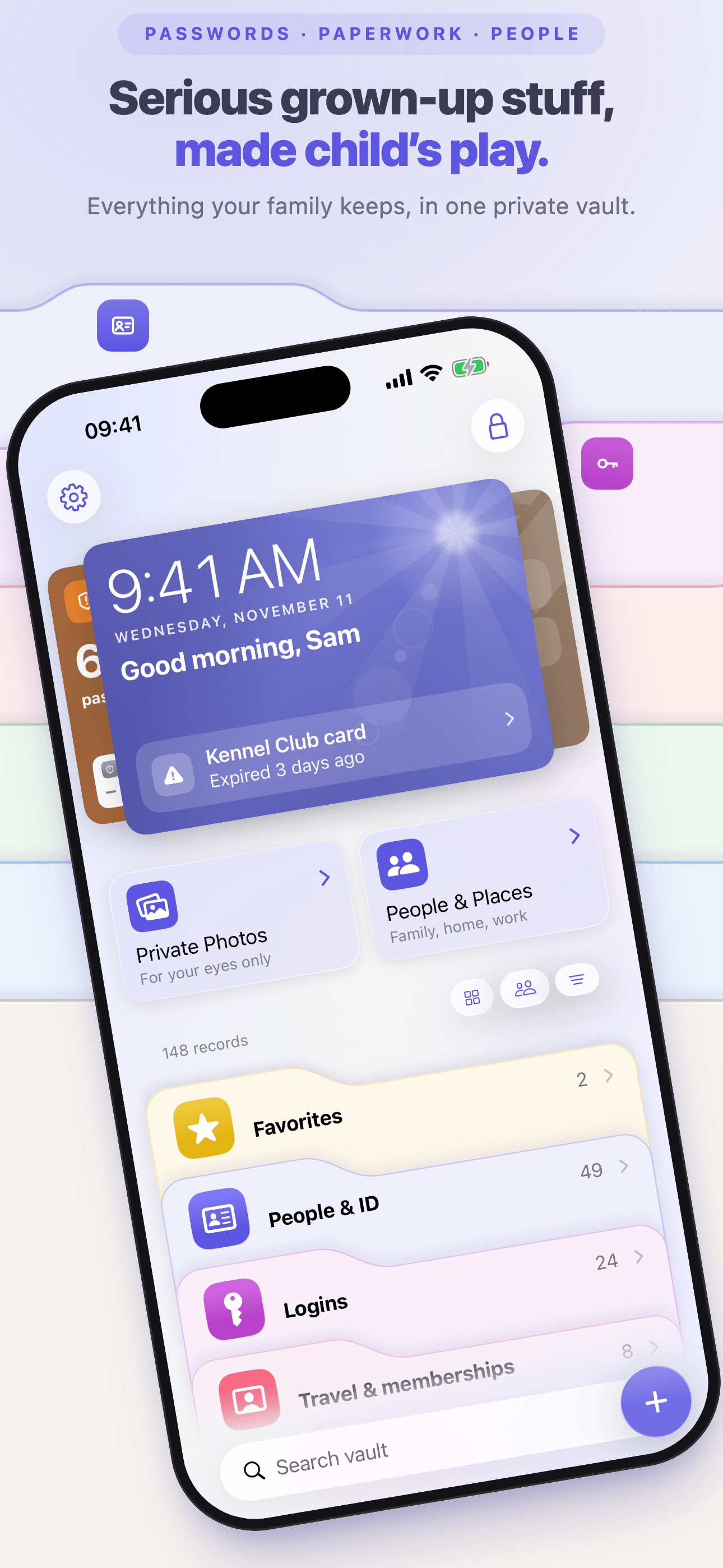
Everyone and everything gets a page of its own: each person, each pet, the home and the things in it. Dates become reminders before something runs out, and Life events gathers everything a change touches, from a move to a new baby or a lost wallet, into one list to work through.

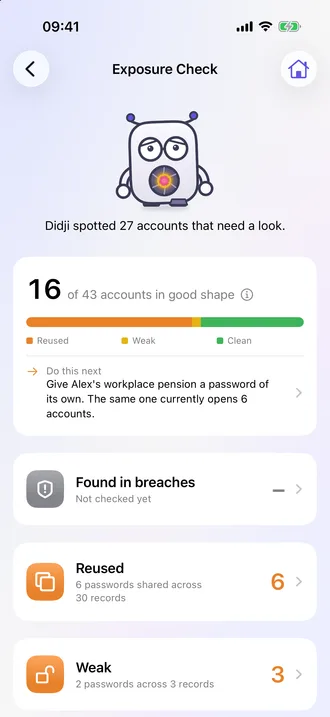
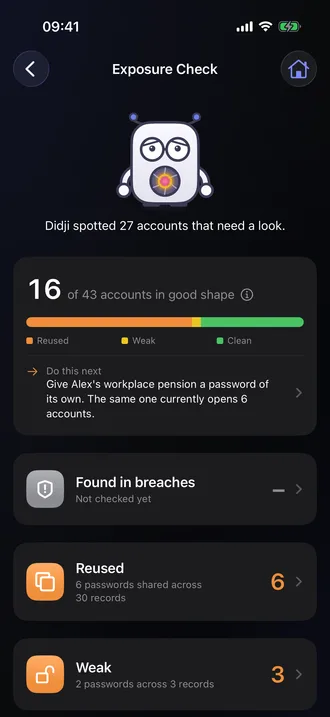
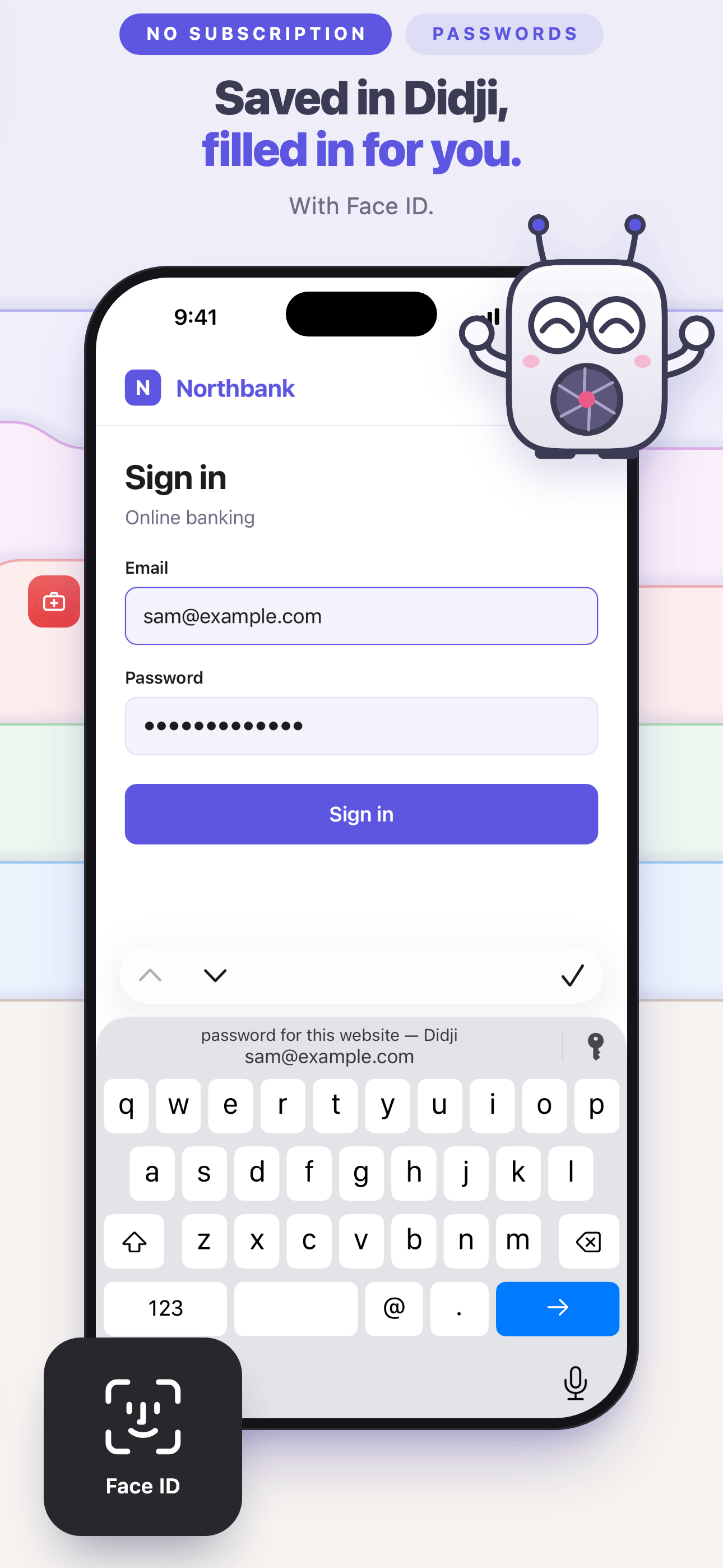
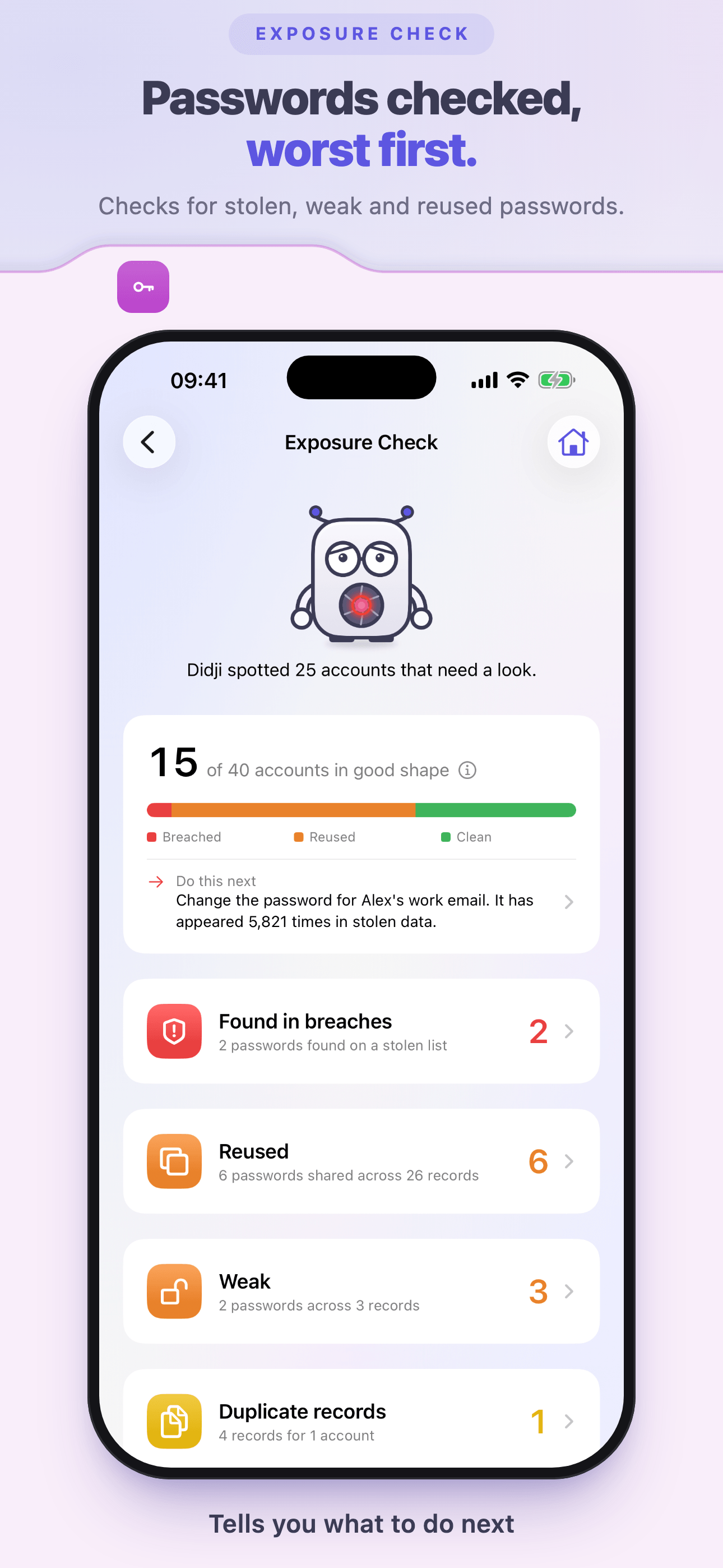
It’s a full password manager as well, with AutoFill in apps and Safari, passkeys, built-in sign-in codes, a password generator, and Exposure Check, which finds passwords that are weak, reused or found in known breaches.

Everything you keep in Didji is locked on your device before it’s stored, so iCloud only ever holds the locked data. Didji has no servers and no account to sign in to, and there’s no master password to remember: the key is kept for you in your iCloud Keychain. It opens with Face ID or Touch ID. Add a Didji passcode, and even someone who knows your phone’s passcode can’t get in.

Didji is paid for once, with no subscription needed, after a 30-day free trial with every feature, and Family Sharing extends it to up to six people. Anyone can look around the Taylors’ house first, a demo household of made-up records. Didji is made by Didji Studios Ltd in the United Kingdom, runs on iPhone, iPad, Mac and Apple Watch, and speaks 17 languages.


The facts

The fact sheet, as Didji would keep it

Every fact as a field you can copy, laid out the way a record looks in the app.

Didji

App · by Didji Studios Ltd

Press fact sheet
  • Developer

    Didji Studios Ltd

  • Release date

    To confirm

  • Price

    Your local price on the App Store

    Free to download; one in-app purchase unlocks Didji.

  • How you pay

    Once. No subscription needed.

  • Free trial

    30 days, every feature

    Started when you choose; the demo uses none of it.

  • Family

    Up to six people, through Family Sharing

  • Devices

    iPhone, iPad, Mac and Apple Watch

    iOS 26.5 or later on iPhone, iPadOS 26.5 or later on iPad, watchOS 26 or later on Apple Watch; on a Mac with Apple silicon, as the iPad app.

  • Languages

    17

    English (UK and US), Deutsch, Français, Español, Nederlands, Italiano, Polski, Română, 日本語, Português (Portugal), Svenska, Dansk, Norsk bokmål, Suomi, Čeština, Ελληνικά, Magyar

  • Website

    didji.app

  • Press contact

    press@didji.app

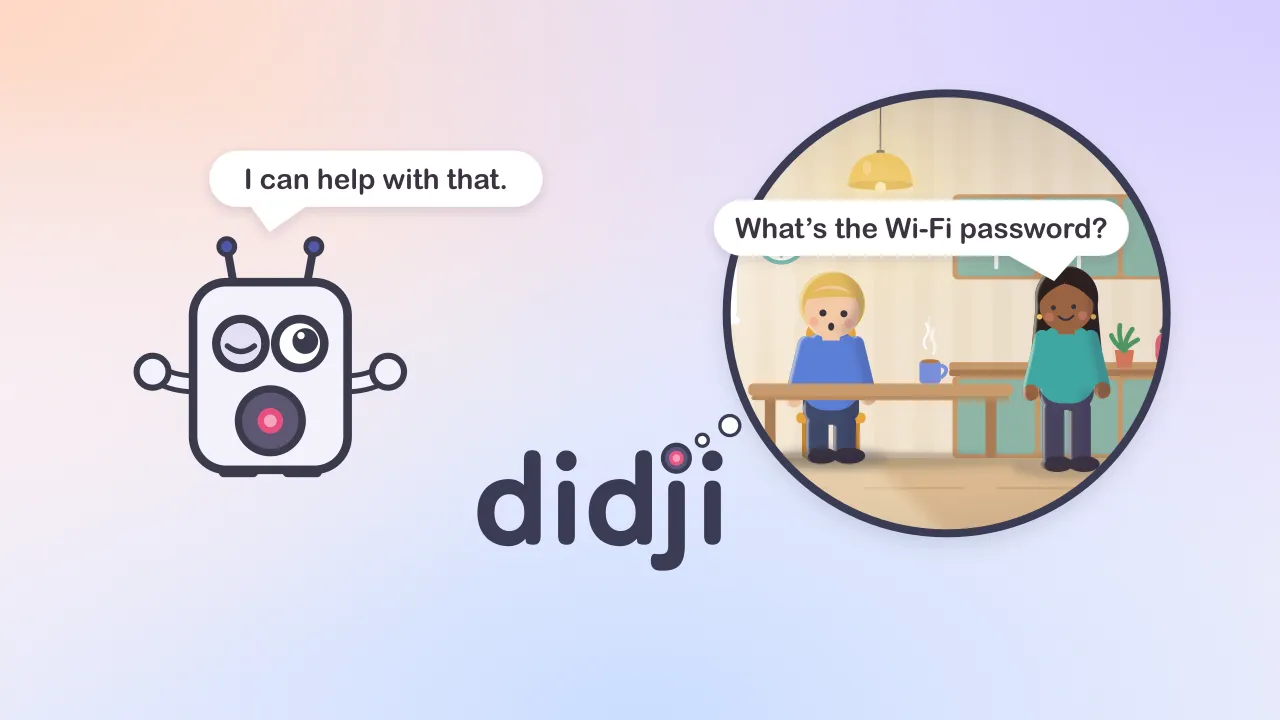
Hello! I look after your passwords and your paperwork, and only you can open me.

Pictures and films

Take what you need

Each file on its own, or everything in the press kit.

Download everything
Didji’s app icon: Didji on the indigo washDidji’s dark app icon

App icon

Didji on the indigo wash, as on the Home Screen, and its dark version.

PNG · 1024 pxDark

Wordmark

The name with its pink padlock seal: for light backgrounds, dark backgrounds, and in one color.

SVGPNGDarkMono

Didji waving

Didji himself

Six poses, on a clear background.

PNG · all 6 (zip)Waving PNG

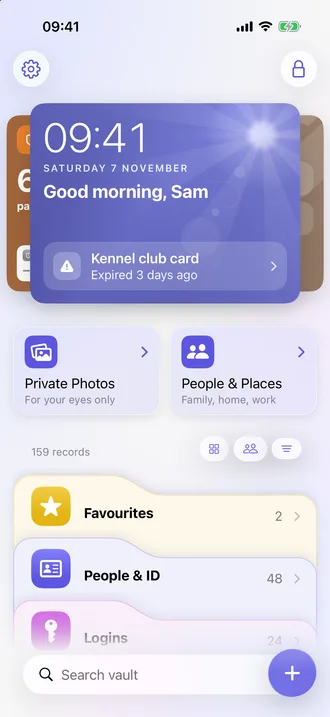
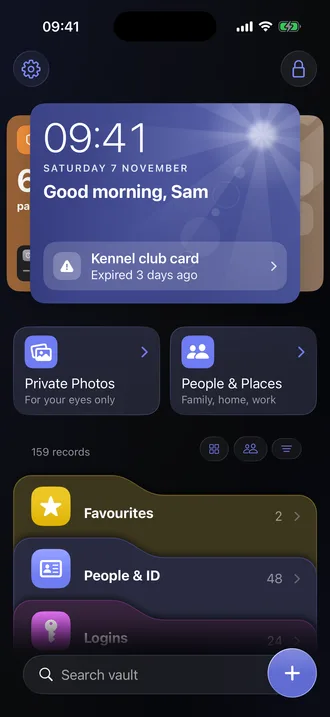
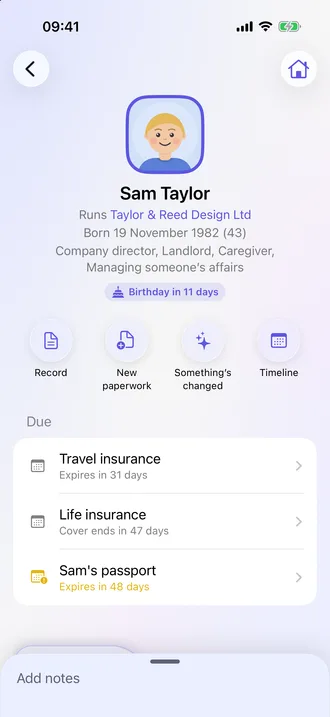
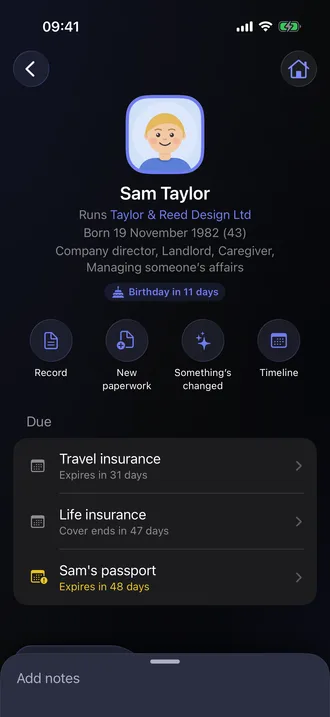
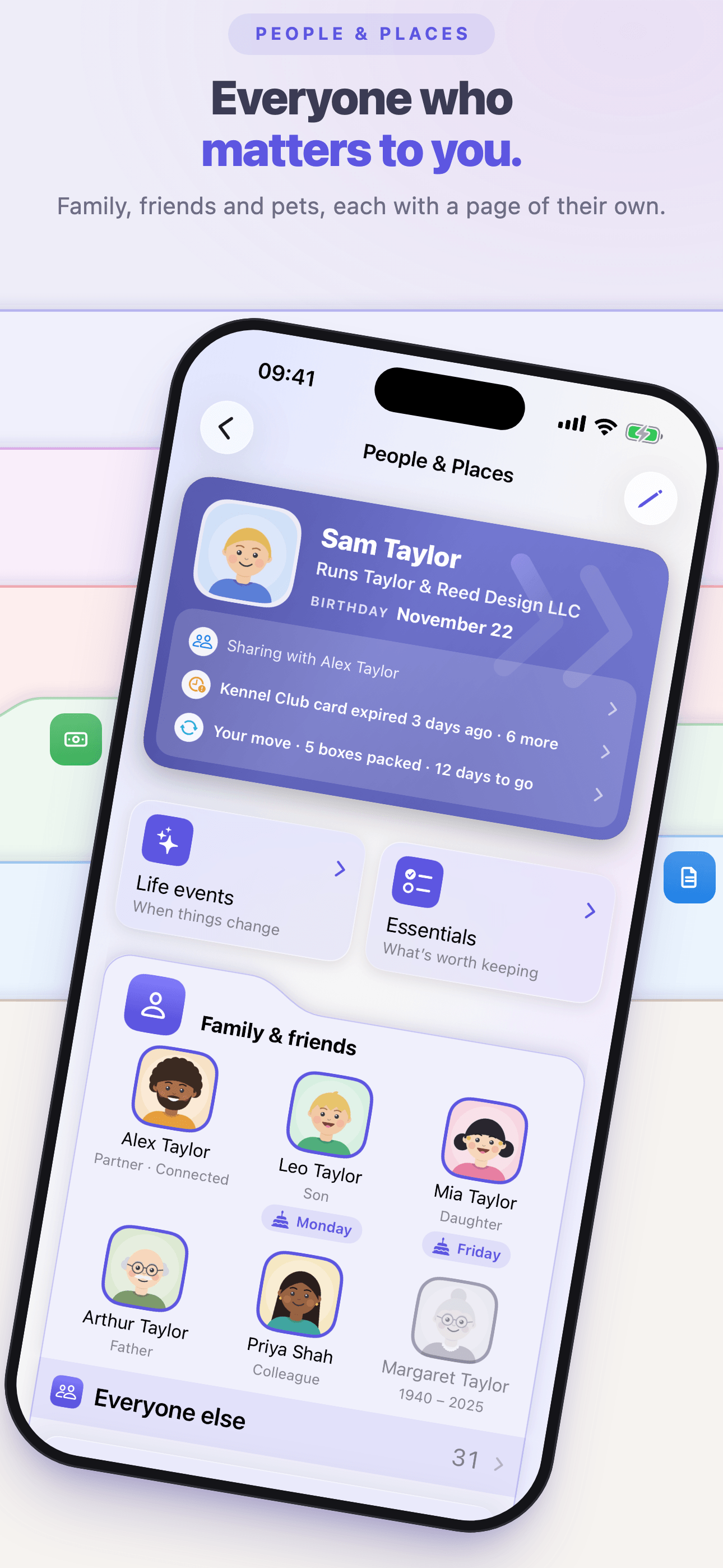
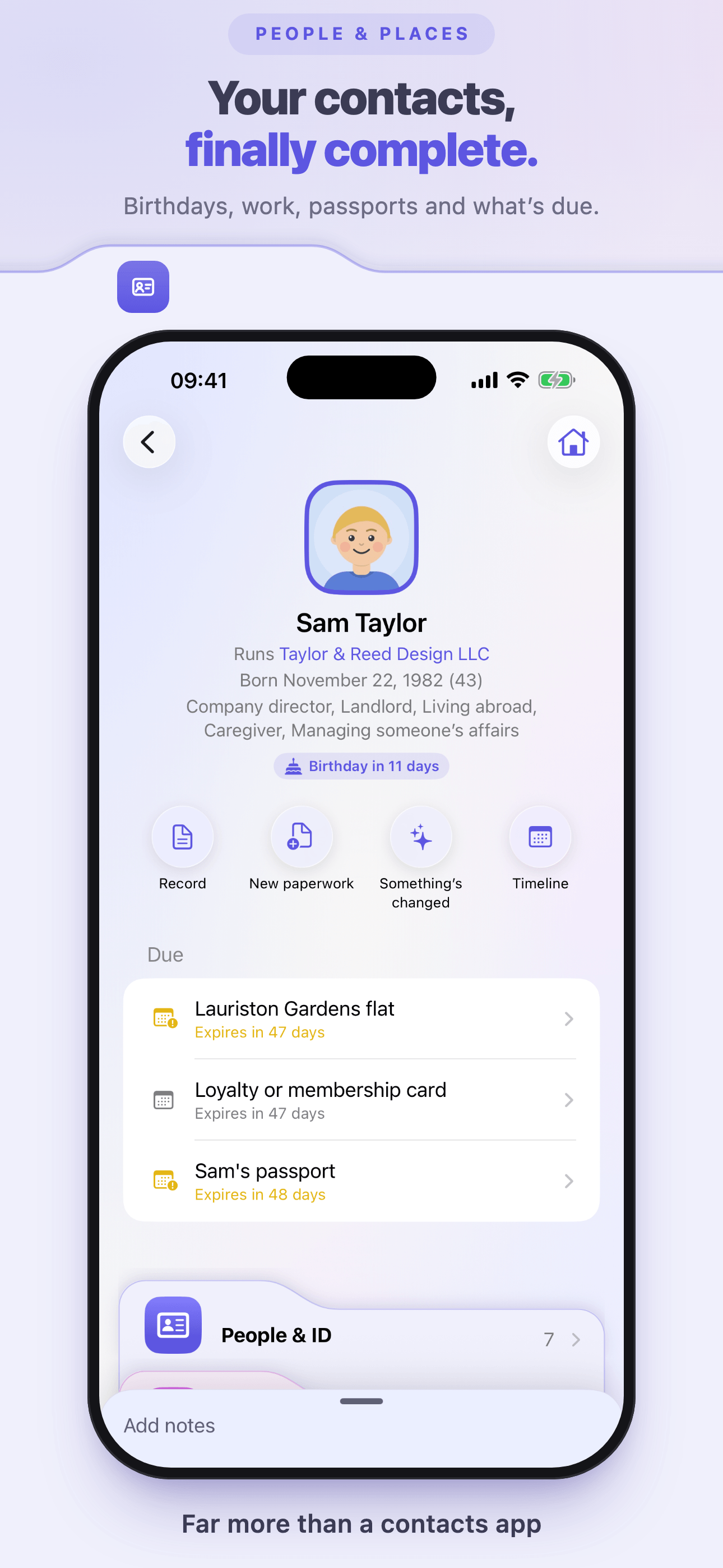
Home, with the Today card and the foldersHome, with the Today card and the foldersSam Taylor’s page, with what is dueSam Taylor’s page, with what is dueExposure CheckExposure Check

Screenshots

The Taylors’ demo household, on iPhone, in light and dark.

Download English (UK) (zip)
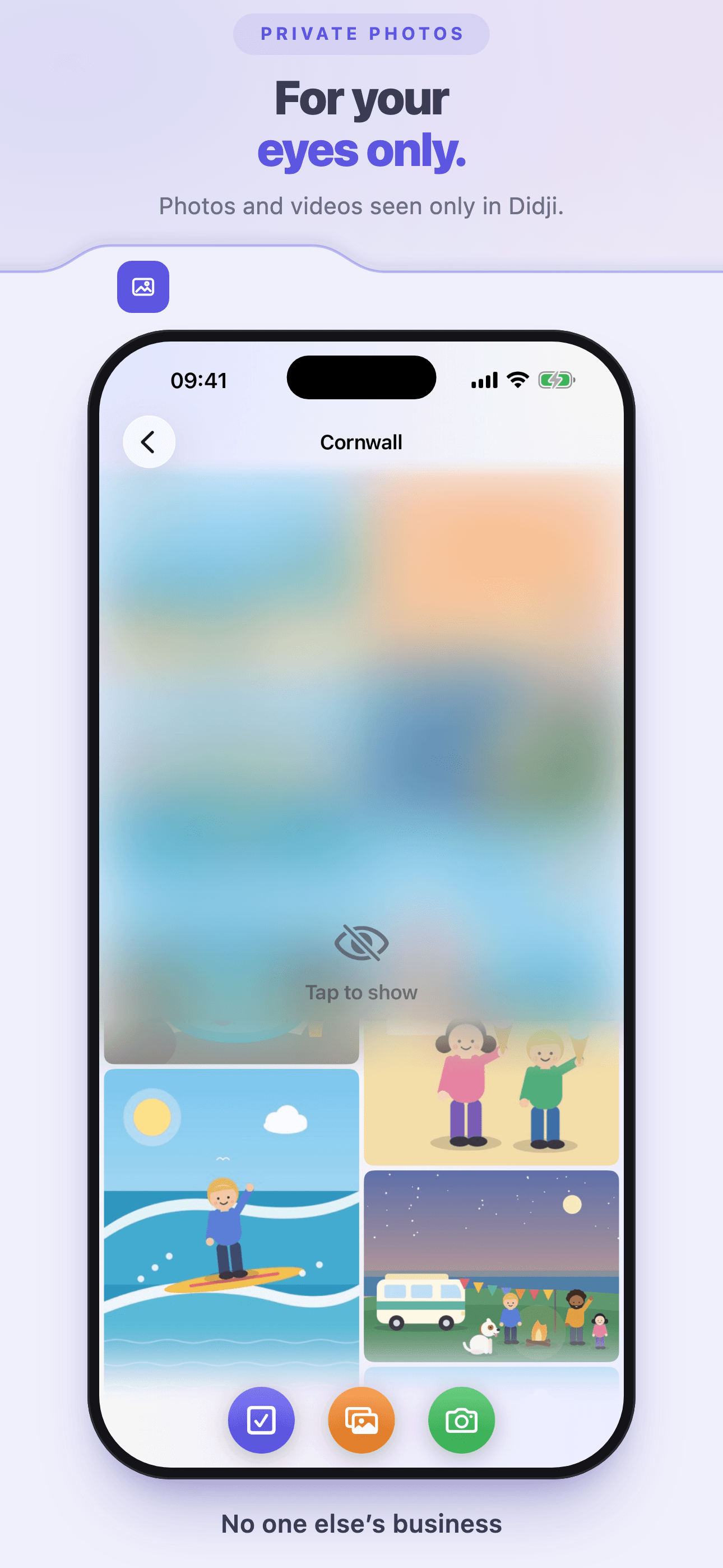
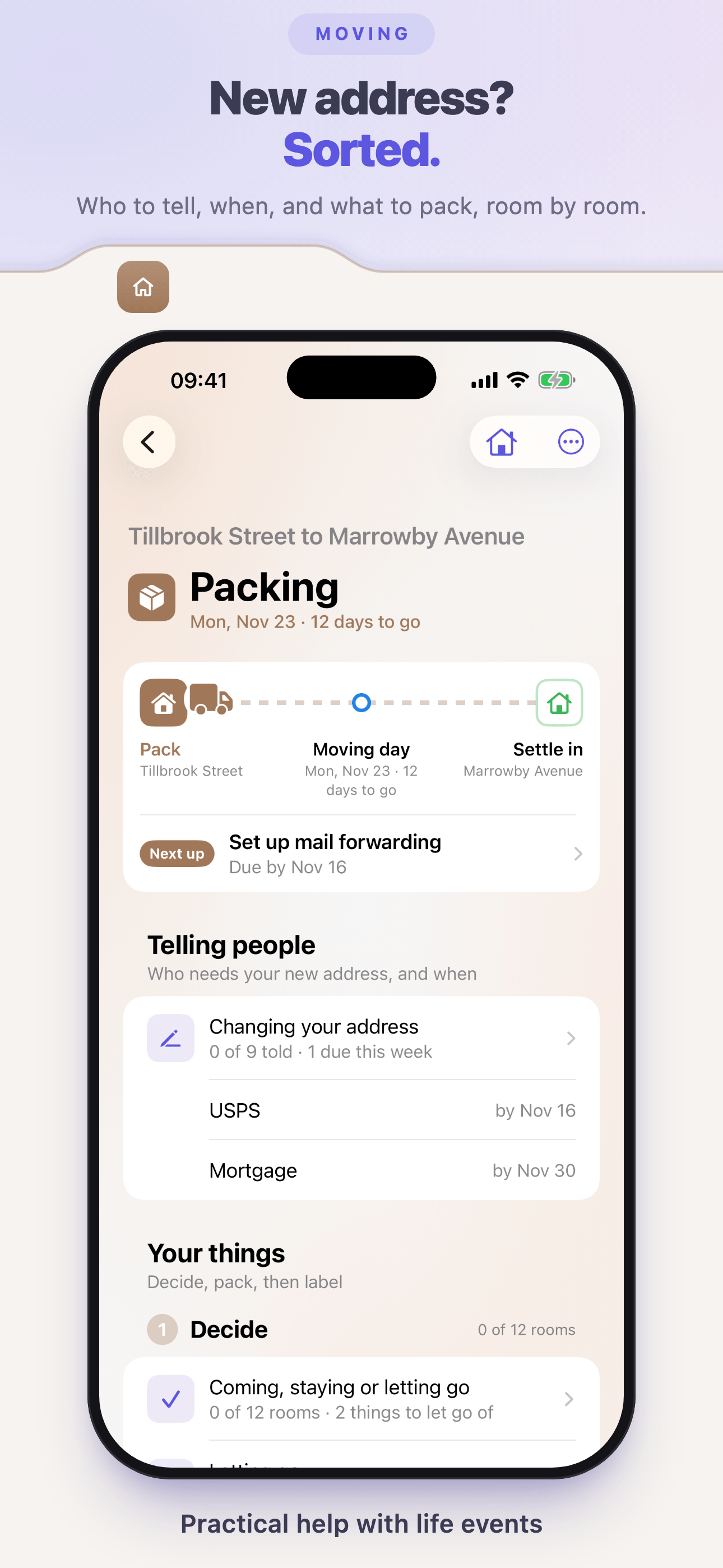
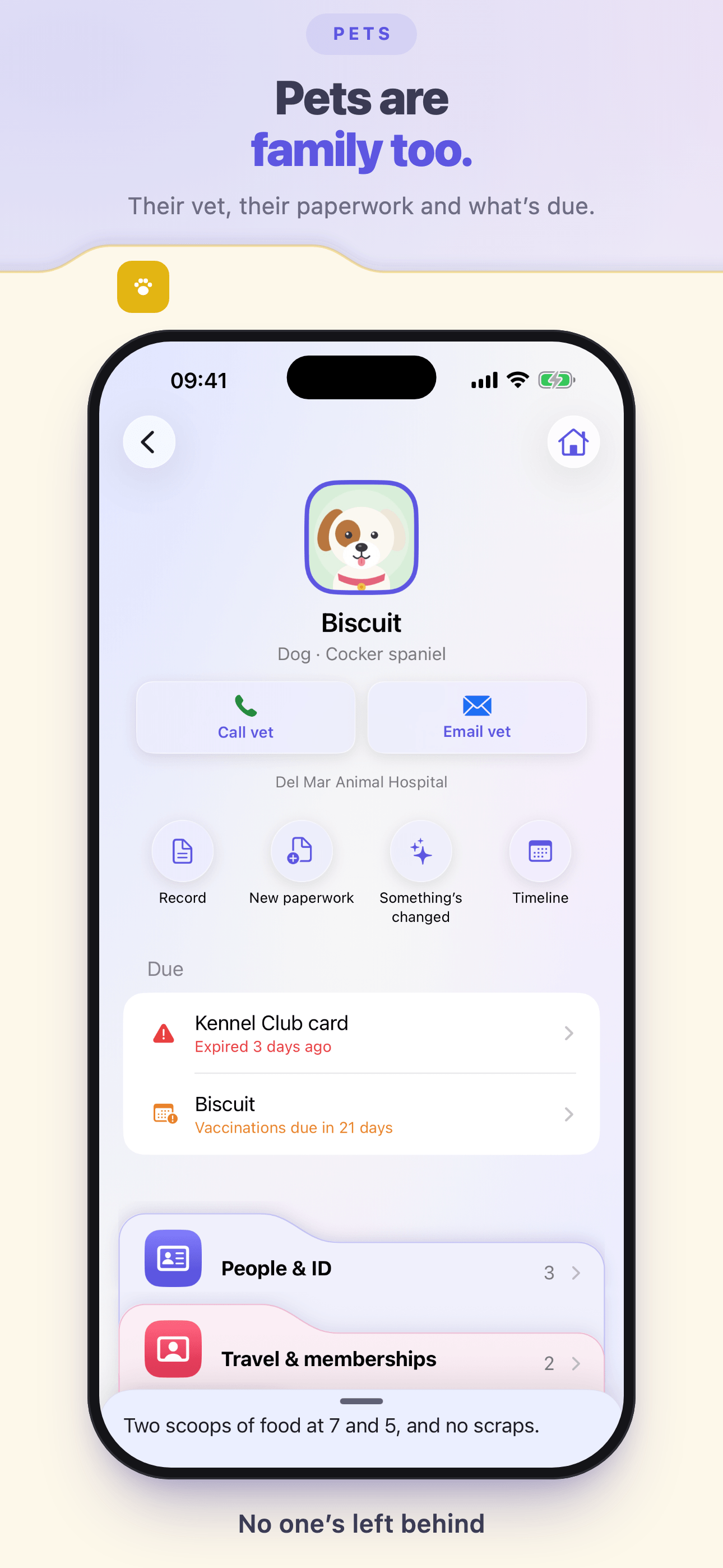
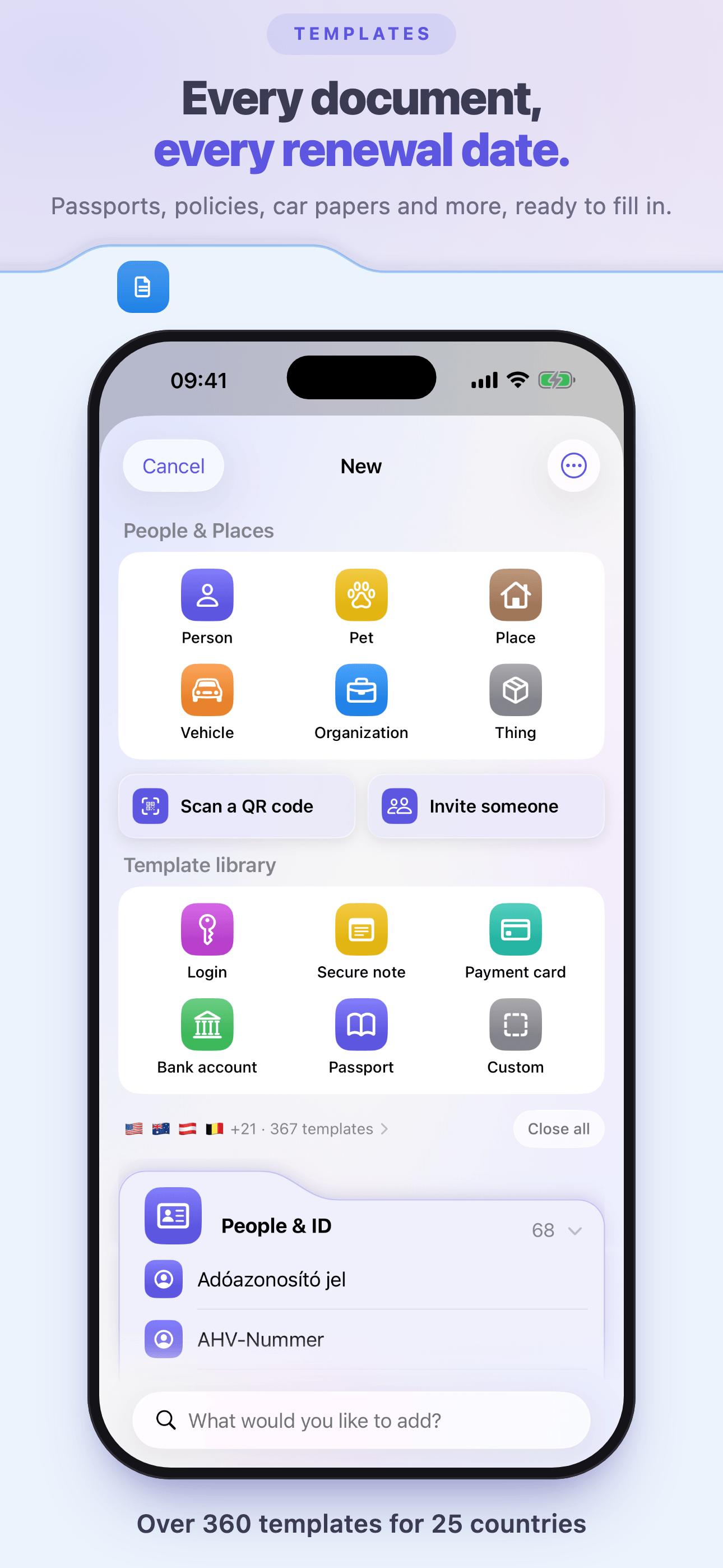
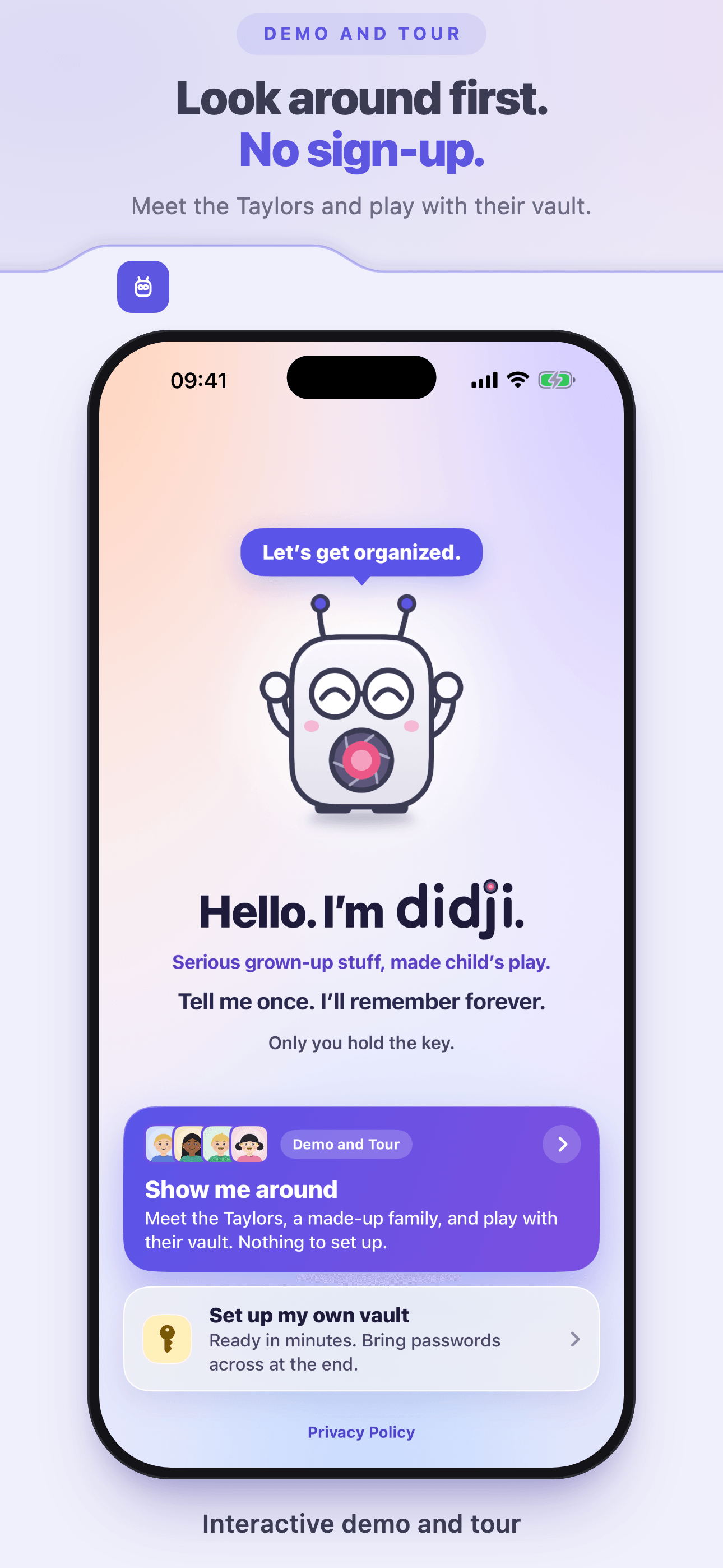
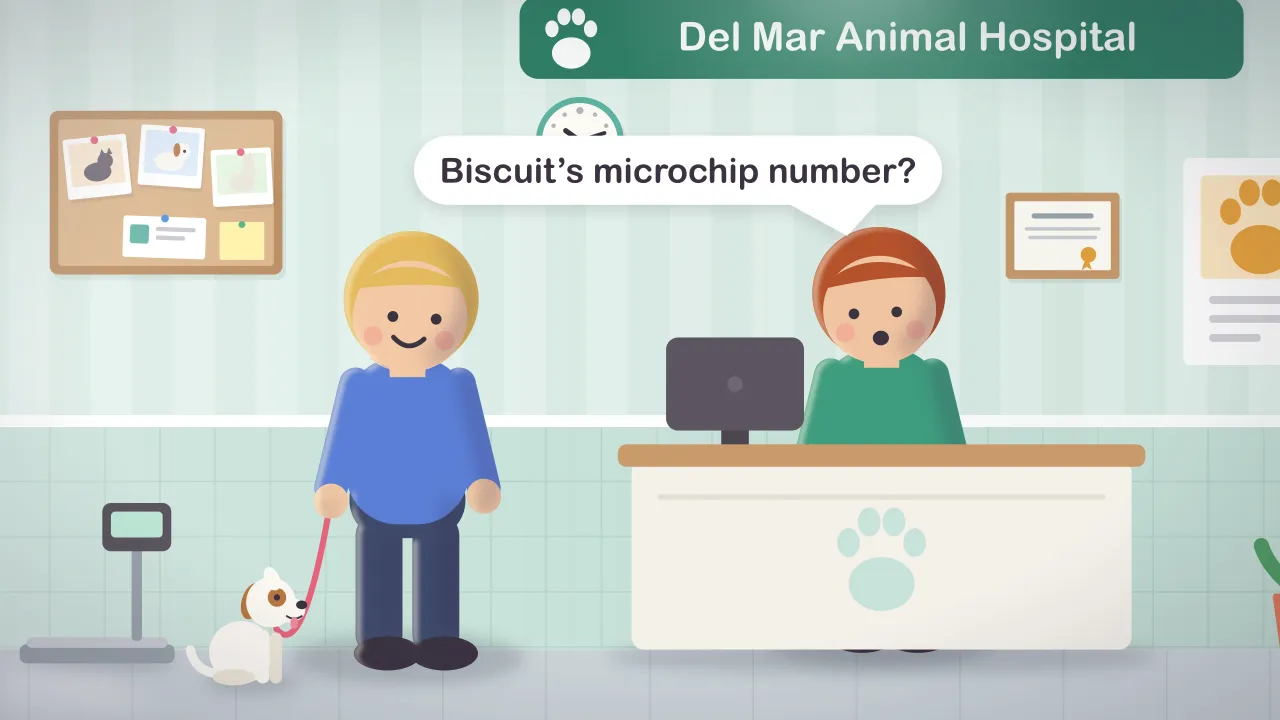
App Store screenshot 1: Didji’s Home screen, with the Today card and the colored folders, beside DidjiApp Store screenshot 2: Didji filling in a saved login on a bank’s sign-in page, with Face IDApp Store screenshot 3: People & Places, with the family’s facesApp Store screenshot 4: Exposure Check, with the password to change firstApp Store screenshot 5: Sam’s page in People & Places, with what’s dueApp Store screenshot 6: Private Photos, an album covered and then shownApp Store screenshot 7: a house move, with who to tell and what to packApp Store screenshot 8: Biscuit the dog’s page, with his vet and what’s dueApp Store screenshot 9: the New sheet, with the template libraryApp Store screenshot 10: Didji’s welcome screen, with the demo and tour

App Store screenshots

The ten screenshots on Didji’s App Store page, in order. The first three sit side by side, as App Store search shows them. Each is 1290 by 2796 pixels.

All ten (zip)Screenshot 1 (PNG)Screenshot 2 (PNG)Screenshot 3 (PNG)Screenshot 4 (PNG)Screenshot 5 (PNG)Screenshot 6 (PNG)Screenshot 7 (PNG)Screenshot 8 (PNG)Screenshot 9 (PNG)Screenshot 10 (PNG)

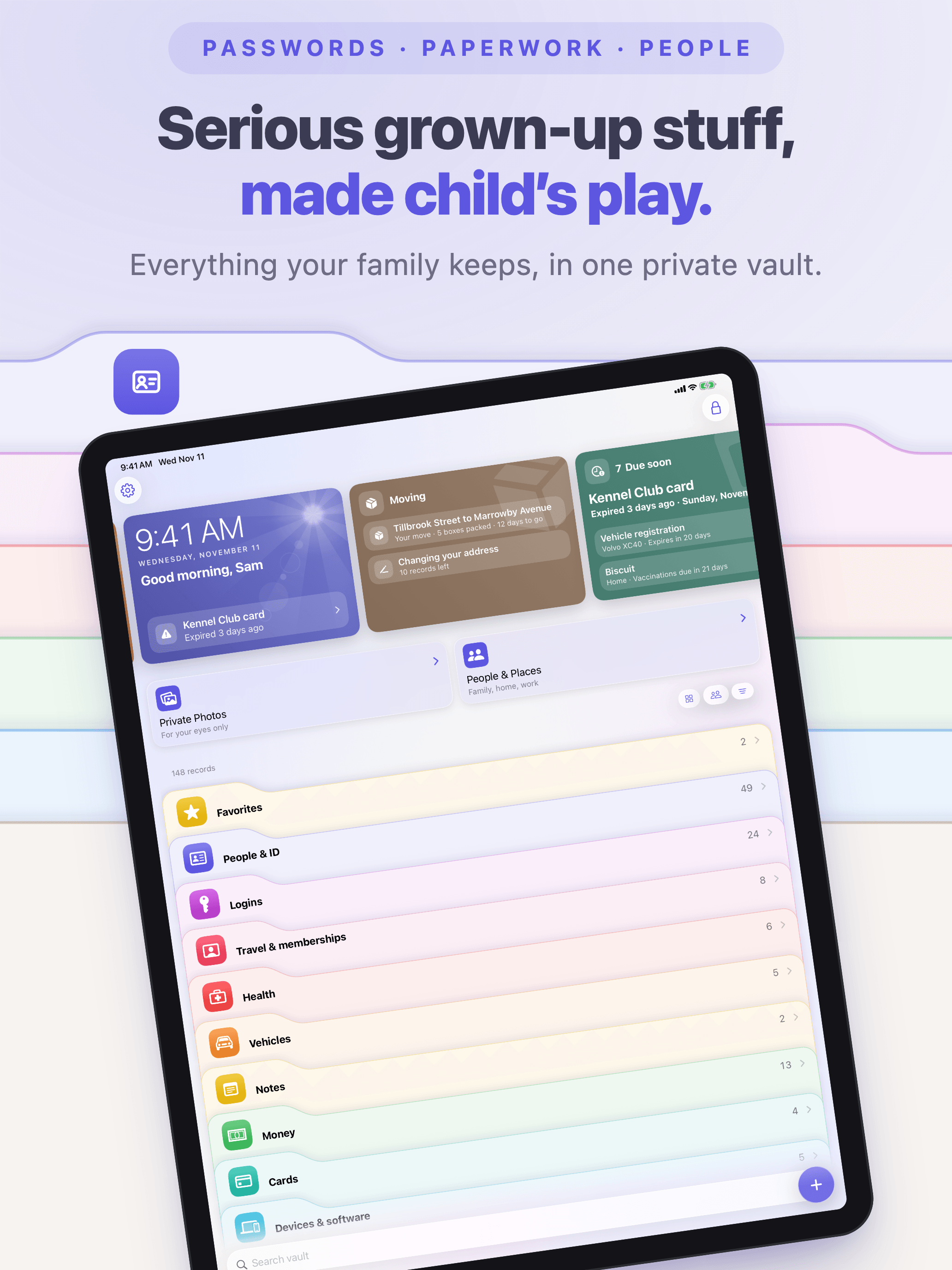
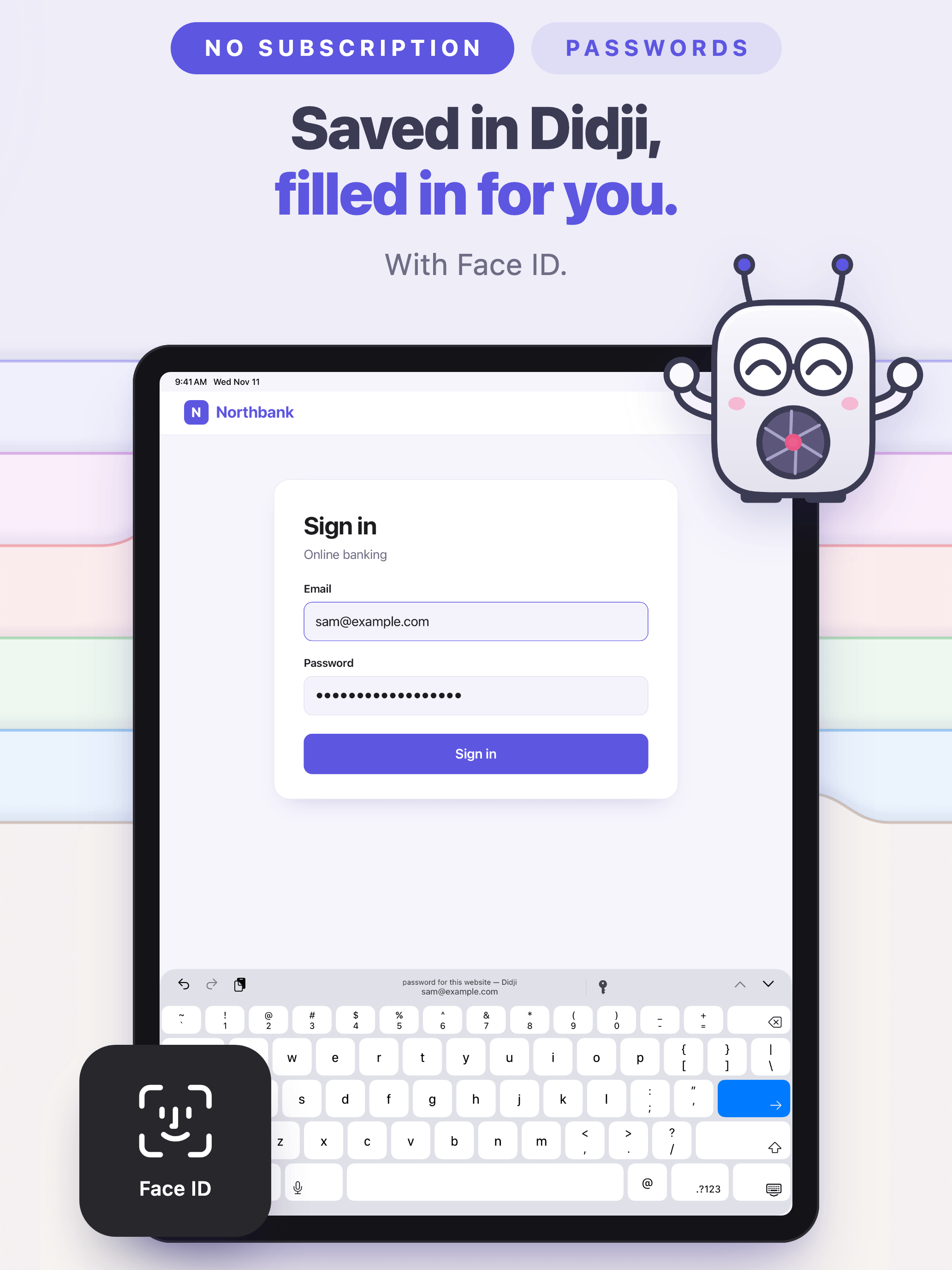
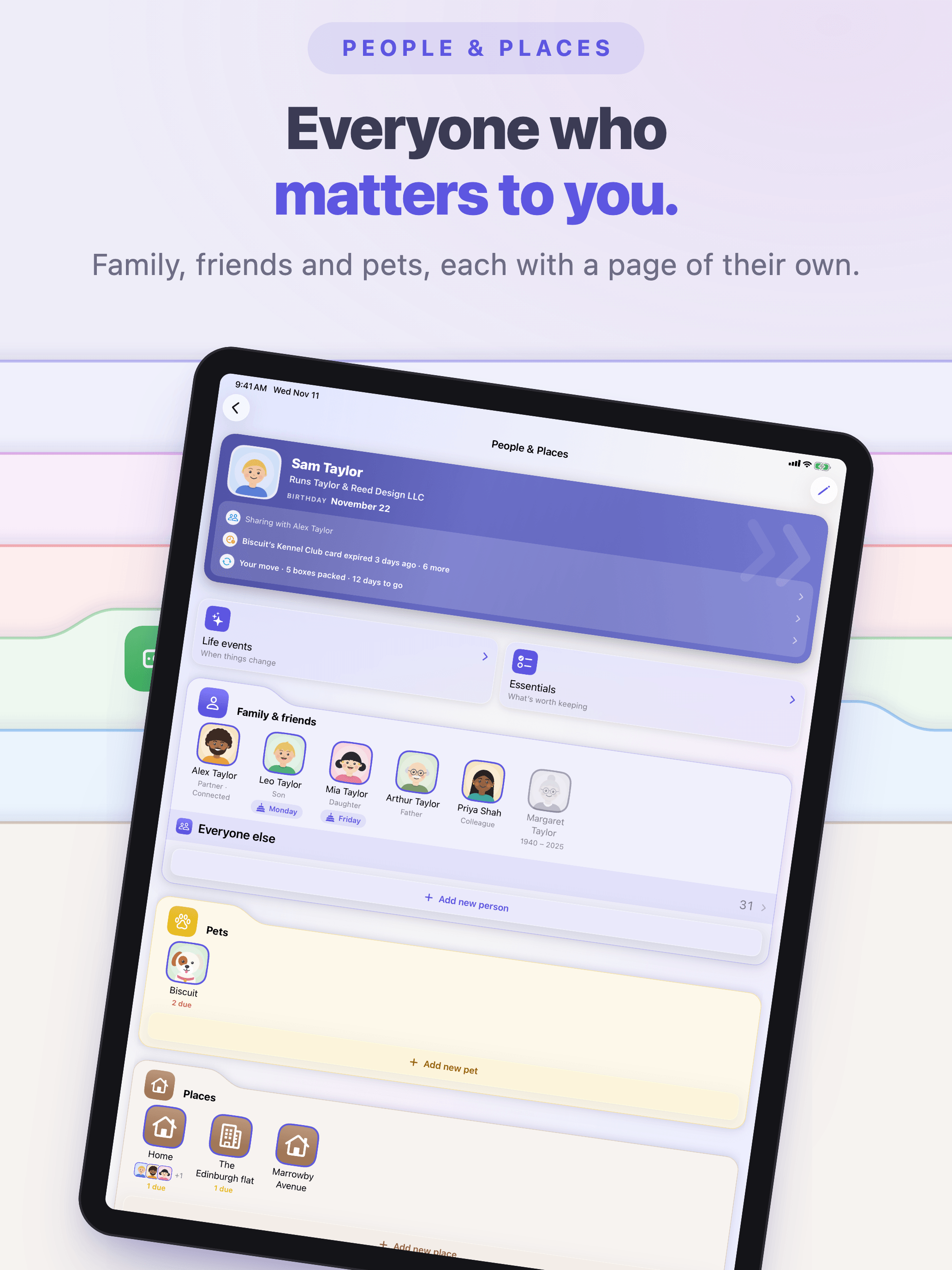
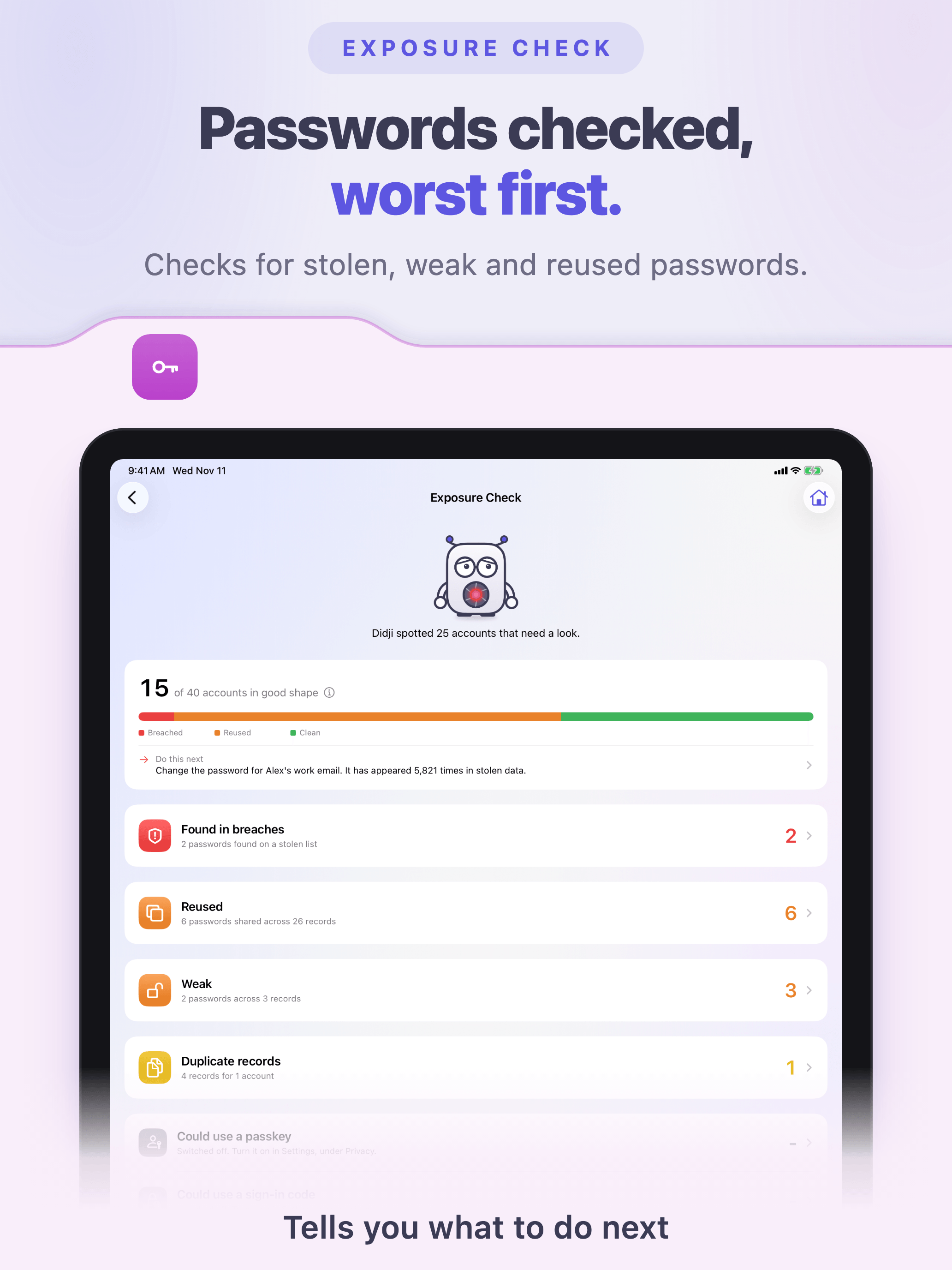
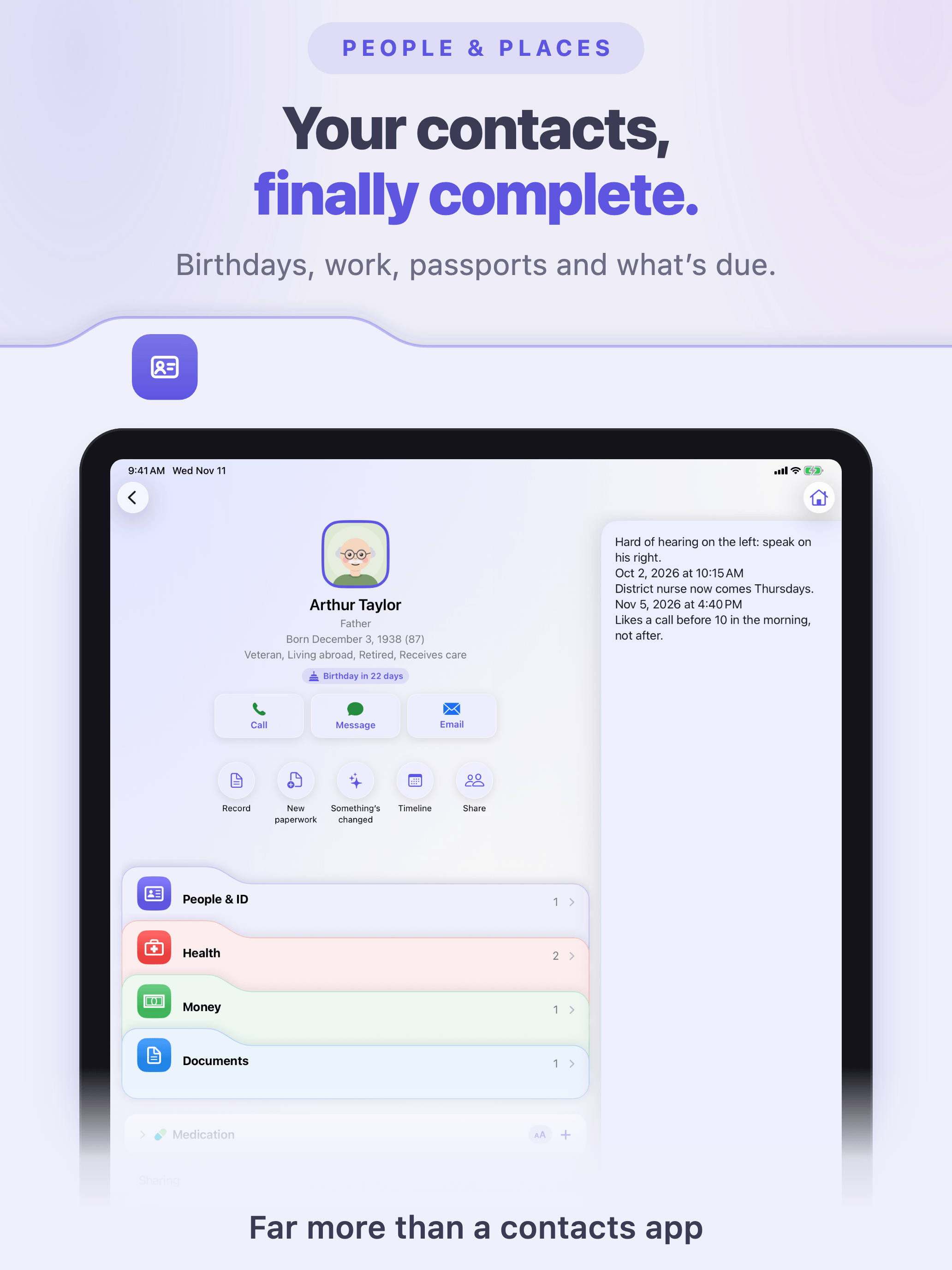
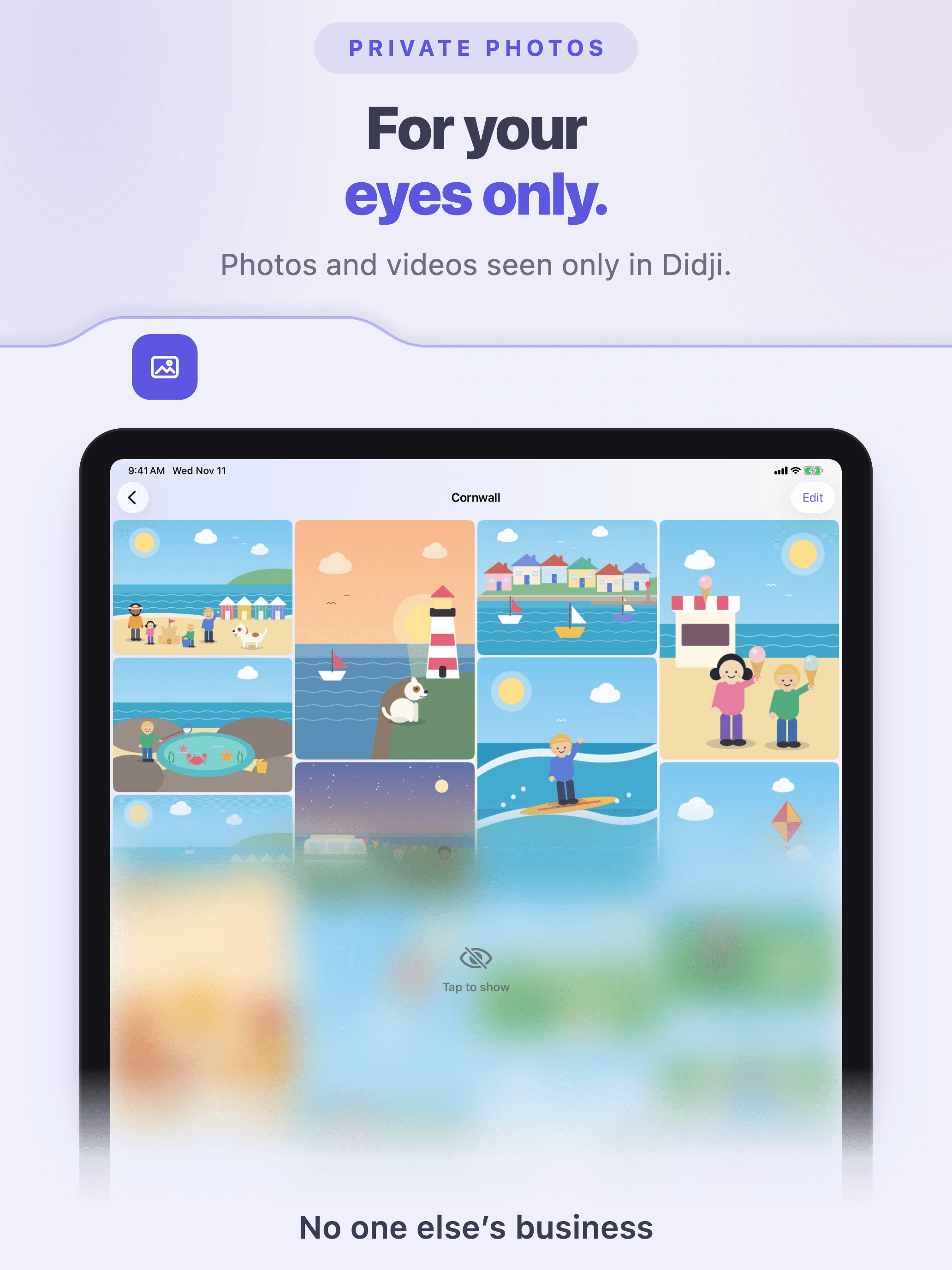
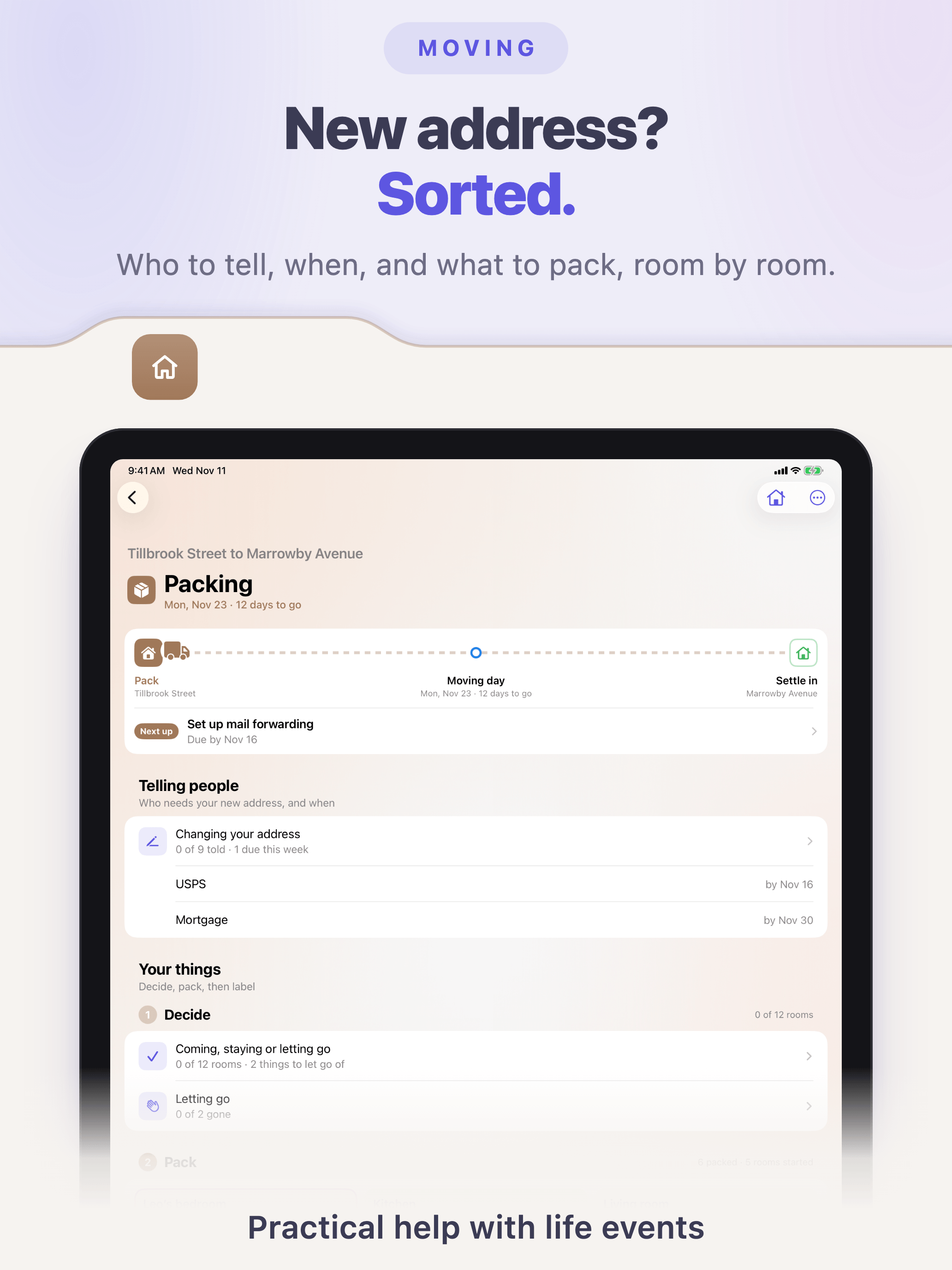
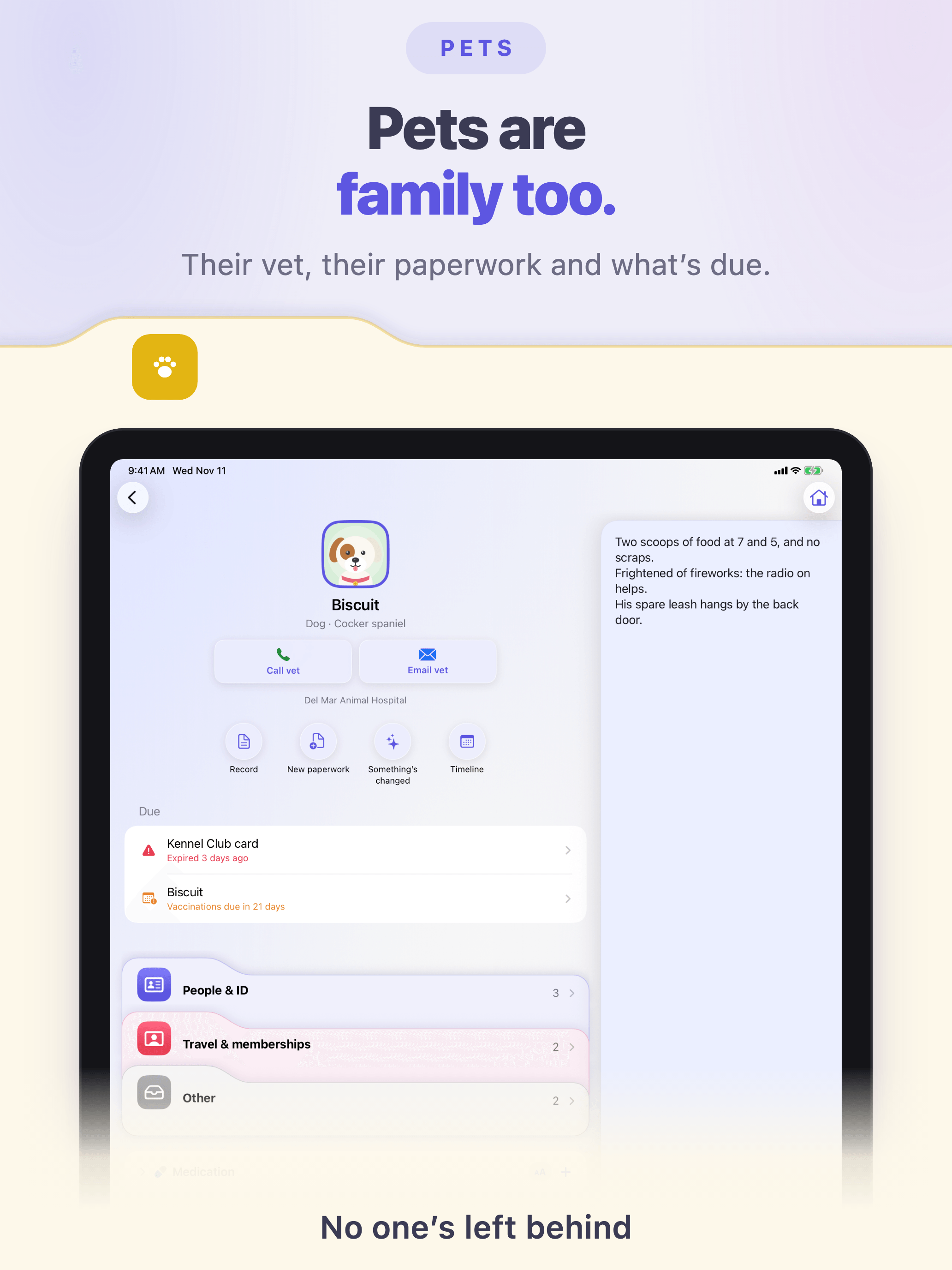
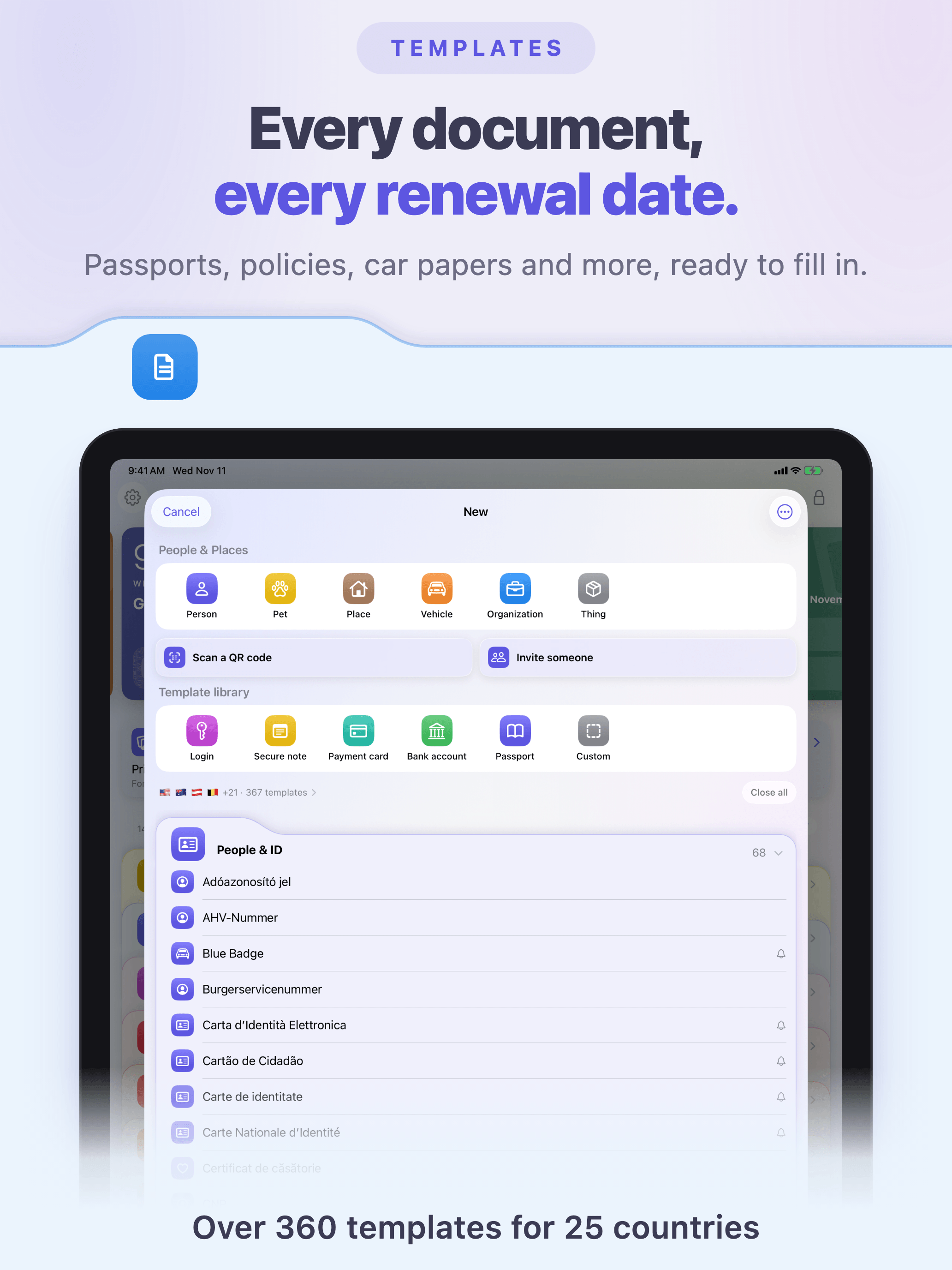
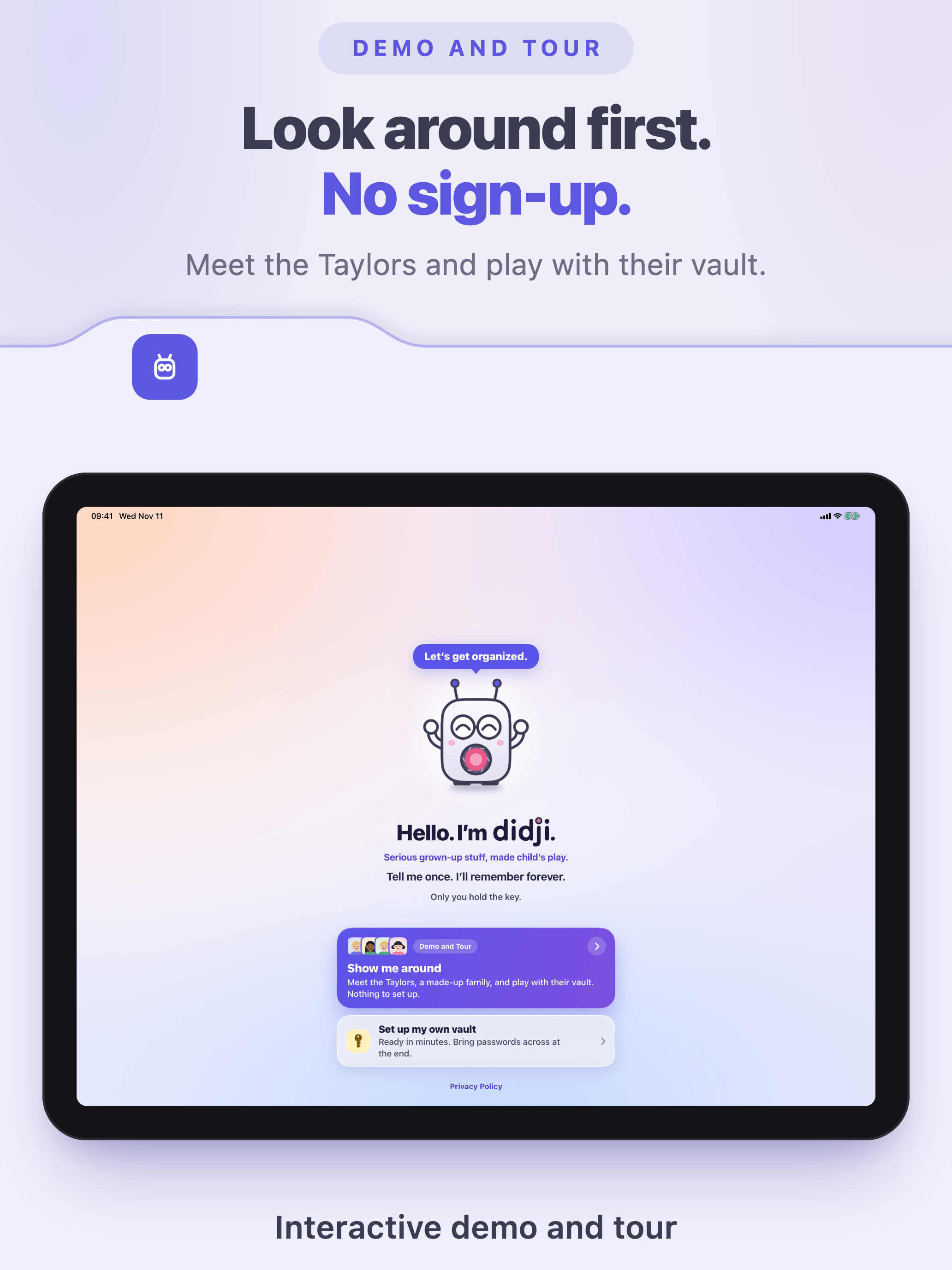
iPad App Store screenshot 1: Didji’s Home screen, with the Today card and the colored folders, beside DidjiiPad App Store screenshot 2: Didji filling in a saved login on a bank’s sign-in page, with Face IDiPad App Store screenshot 3: People & Places, with the family’s facesiPad App Store screenshot 4: Exposure Check, with the password to change firstiPad App Store screenshot 5: Arthur’s page in People & Places, with his notes beside itiPad App Store screenshot 6: Private Photos, an album covered and then showniPad App Store screenshot 7: a house move, with who to tell and what to packiPad App Store screenshot 8: Biscuit the dog’s page, with his vet and what’s dueiPad App Store screenshot 9: the New sheet, with the template libraryiPad App Store screenshot 10: Didji’s welcome screen, with the demo and tour

App Store screenshots: iPad

The ten iPad screenshots on Didji’s App Store page, in order. Each is 2064 by 2752 pixels.

All ten iPad screenshots (zip)iPad 1 (PNG)iPad 2 (PNG)iPad 3 (PNG)iPad 4 (PNG)iPad 5 (PNG)iPad 6 (PNG)iPad 7 (PNG)iPad 8 (PNG)iPad 9 (PNG)iPad 10 (PNG)

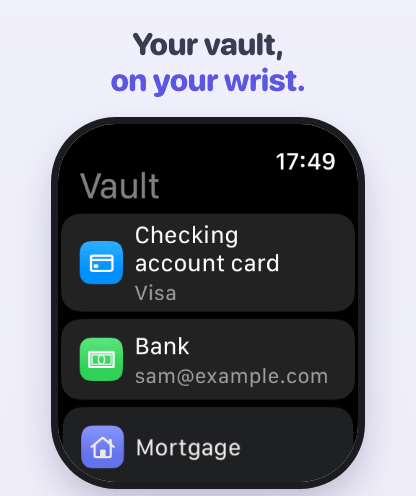
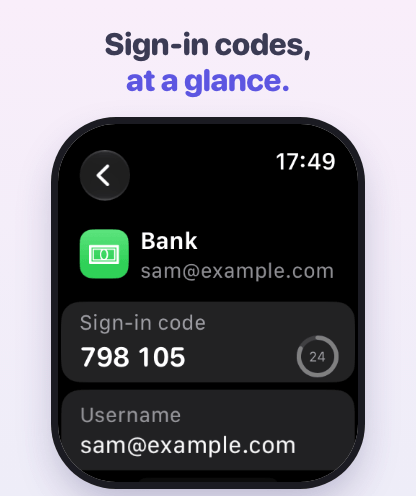
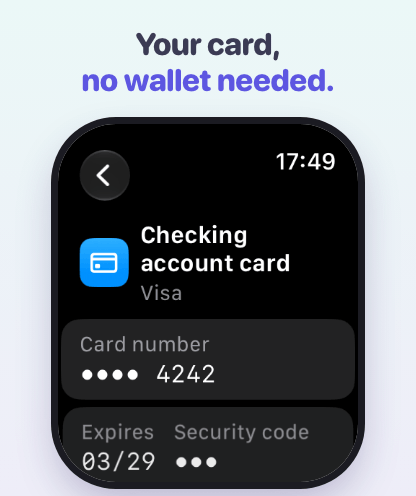
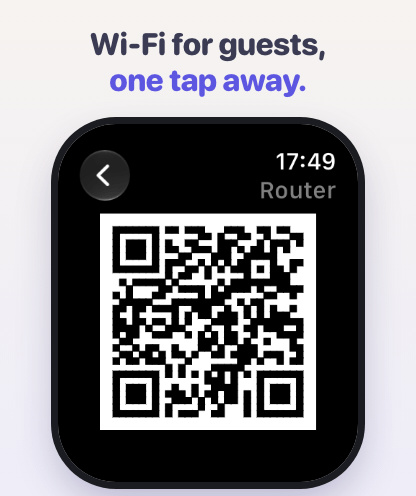
Apple Watch App Store screenshot 1: the list on the watch, with a card, a bank and a mortgageApple Watch App Store screenshot 2: a bank’s live sign-in code, with its countdownApple Watch App Store screenshot 3: a payment card, its number and security code hiddenApple Watch App Store screenshot 4: a Wi-Fi QR code for guests

App Store screenshots: Apple Watch

The four Apple Watch screenshots on Didji’s App Store page, in order. Each is 416 by 496 pixels.

All four Watch screenshots (zip)Watch 1 (PNG)Watch 2 (PNG)Watch 3 (PNG)Watch 4 (PNG)

Story films

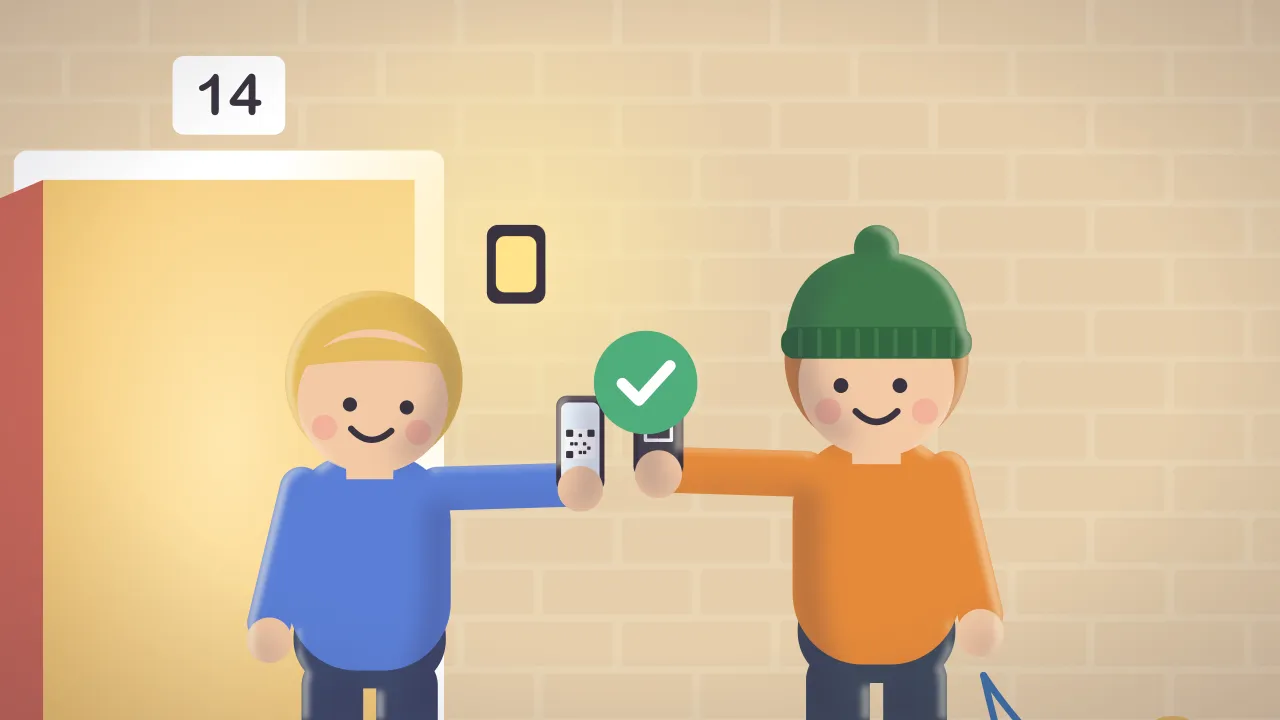
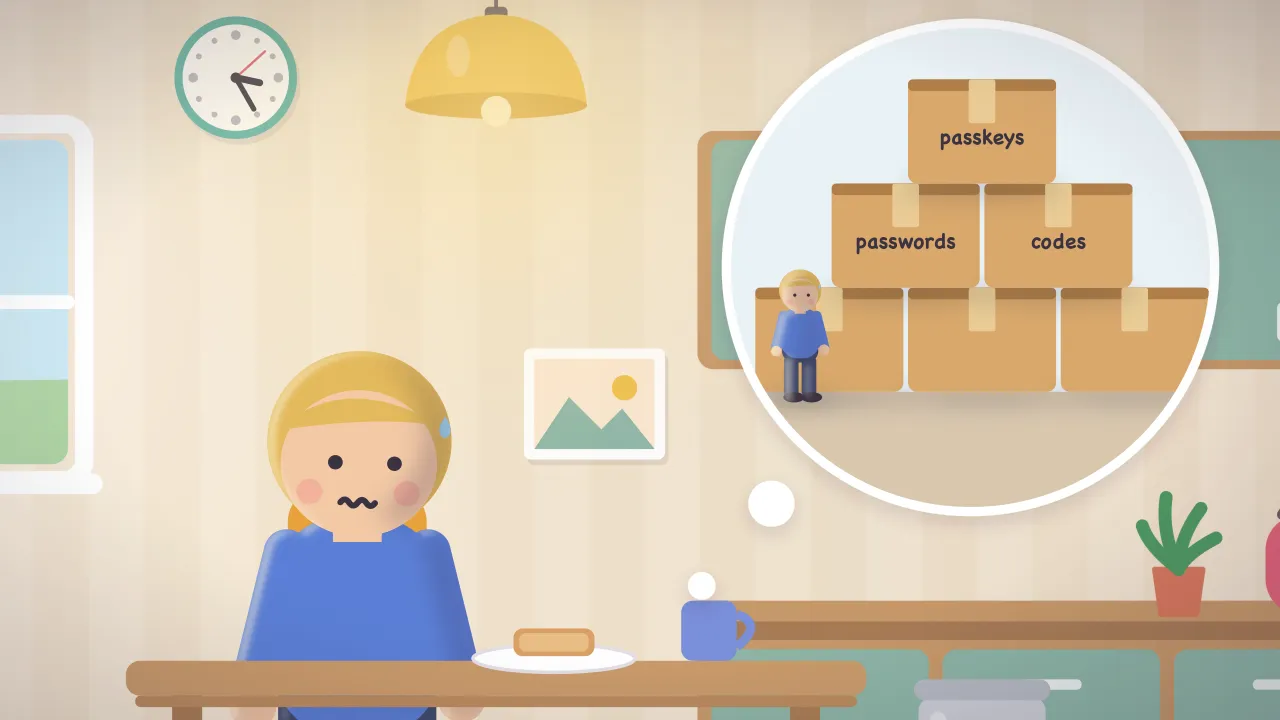
Ten short cartoon films of the Taylors and Didji, 1280 by 720 pixels, each with its poster and captions.

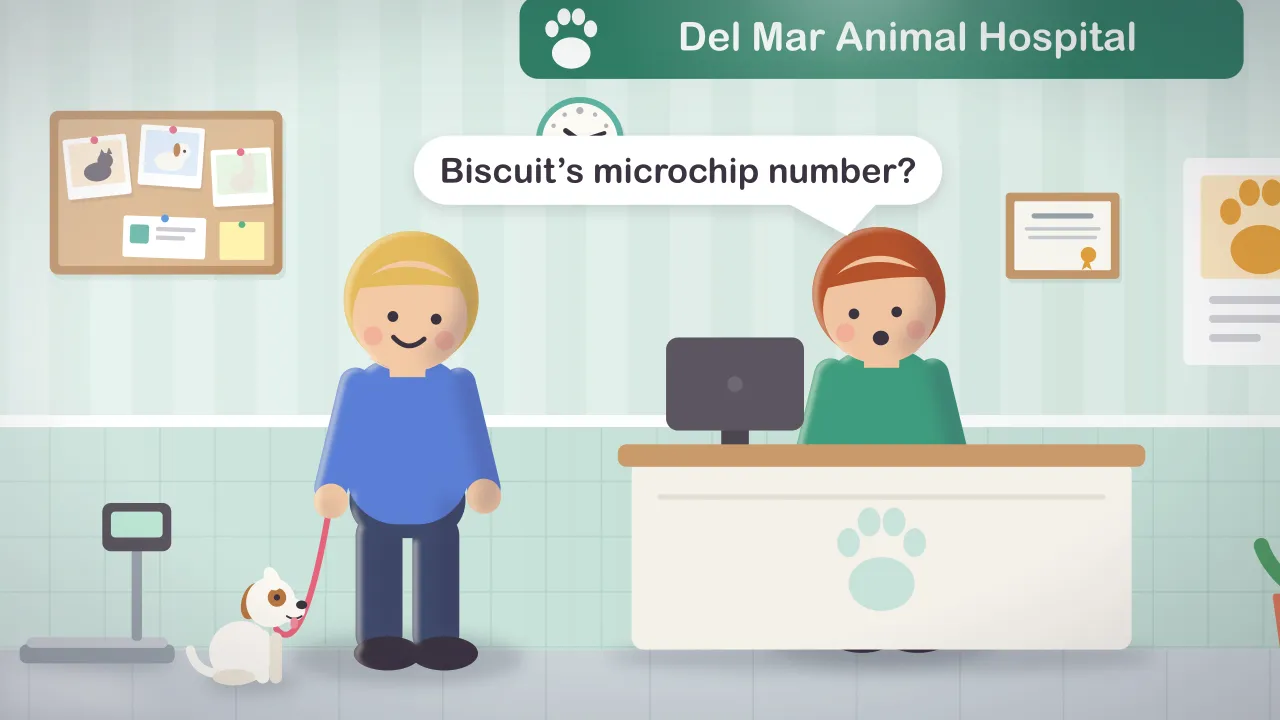
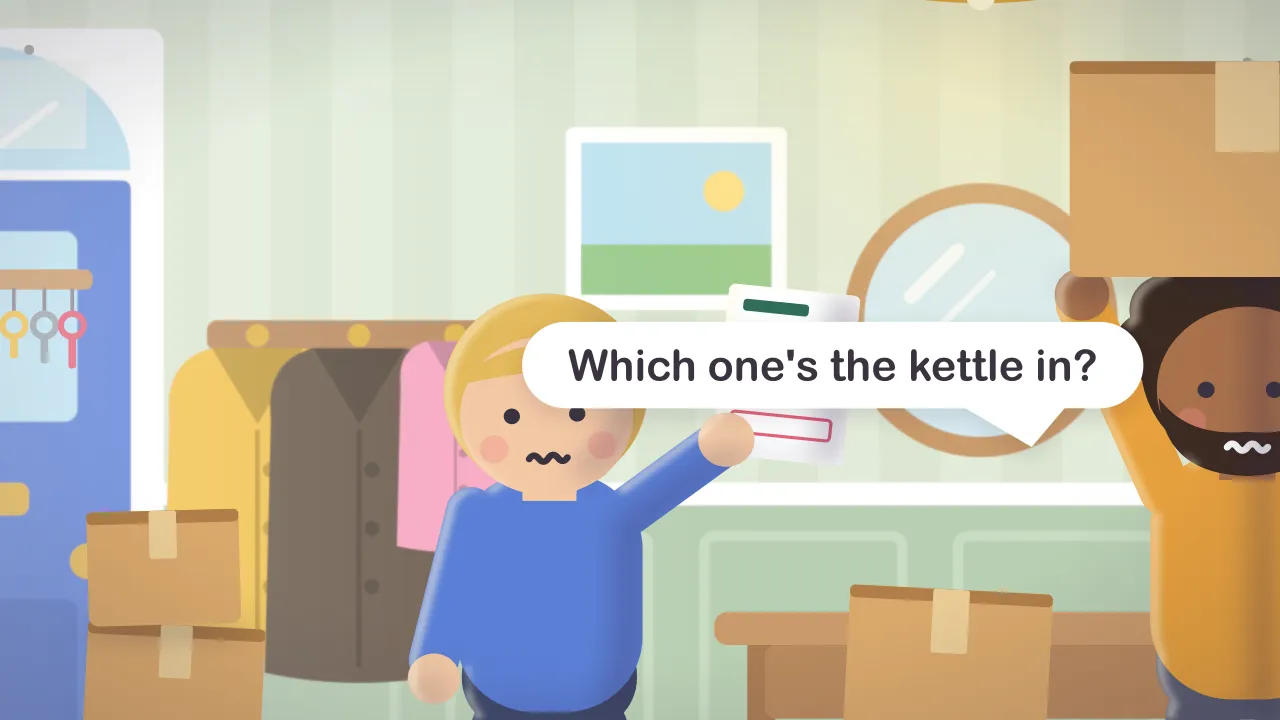
How Didji helps (zip)The nine short films (zip)

What it does

Didji files everything in folders, and gives every person, pet, home and thing a page of its own as well.

  1. People & IDEveryone in your life, with their passports, licenses and certificates.
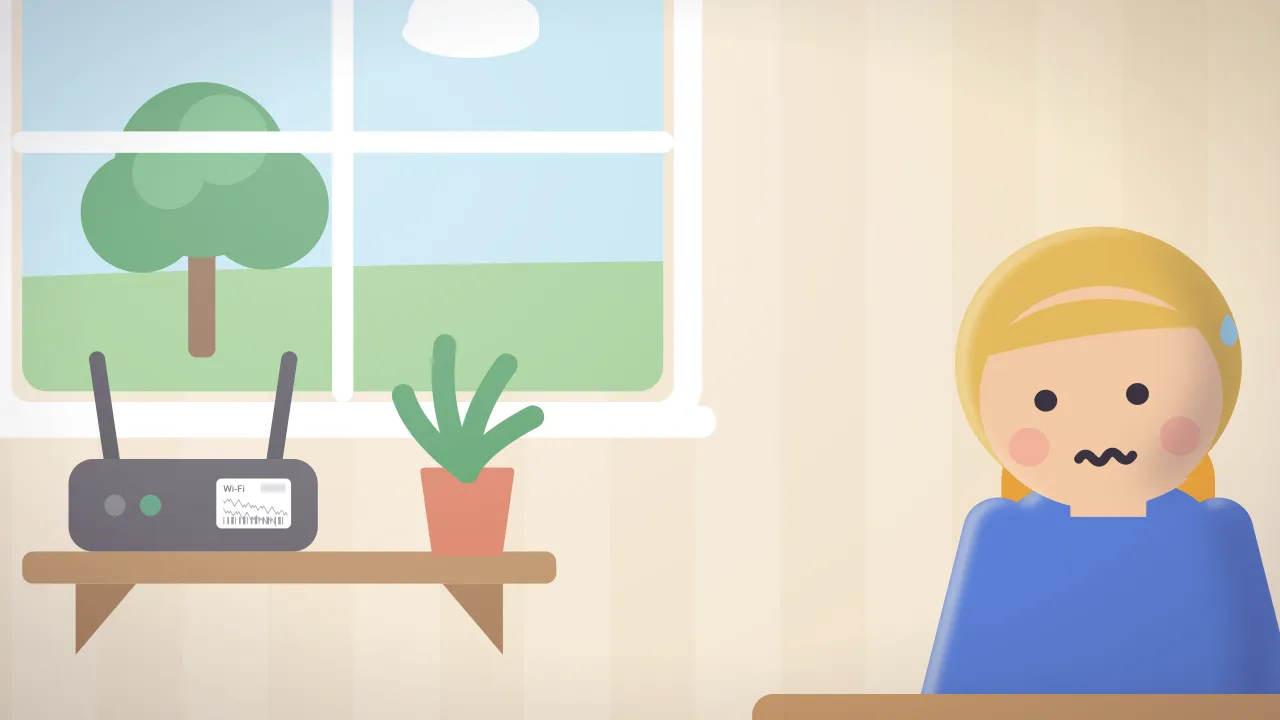
  2. LoginsPasswords, passkeys and sign-in codes, filled in for you.
  3. HealthDoctors, dentists, medicines and health cards.
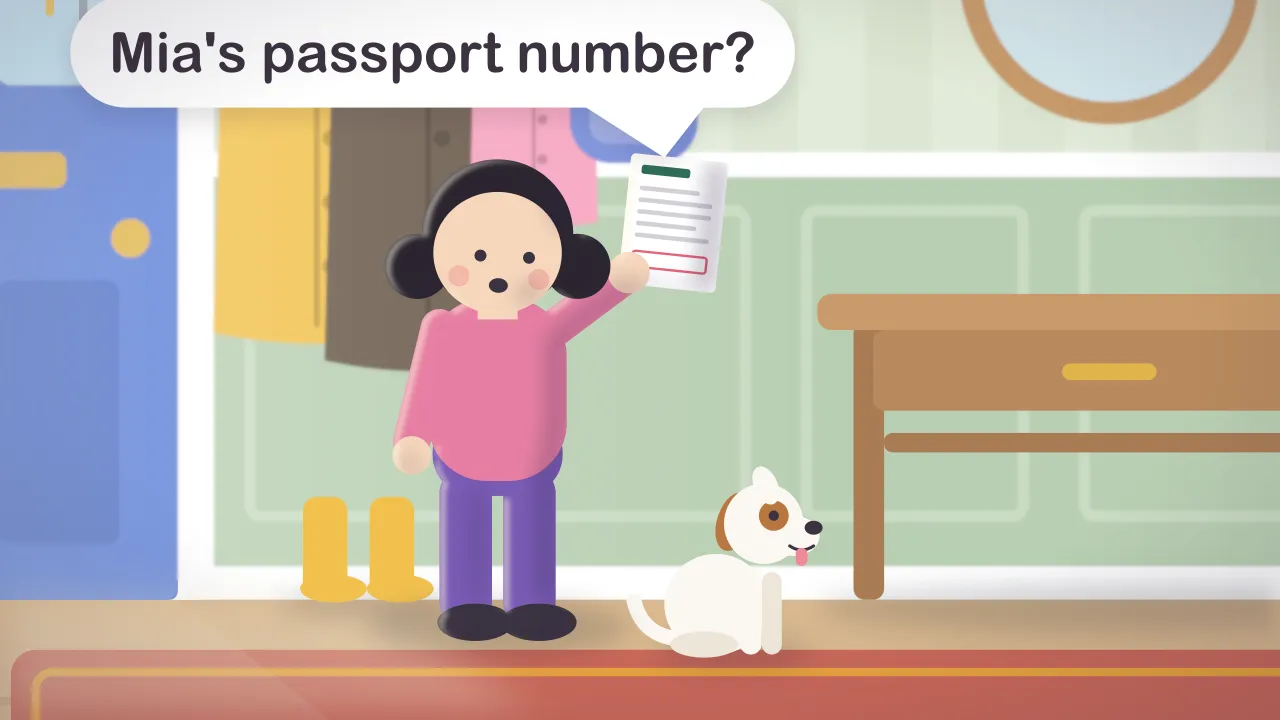
  4. HomeProperty tax, bills, insurance, belongings and the pets.
  5. VehiclesThe car’s registration, insurance and roadside assistance.
  6. NotesSecure notes and recovery codes.
  7. MoneyBank accounts, savings, retirement plans and loans.
  8. CardsPayment cards, store cards and gift cards.
  9. Devices & softwareWi-Fi, internet, phones and software licenses.

Every feature, folder by folder

Security, in four lines

  • Locked before it leaves your hand

    Everything you keep in Didji is locked on your device before it’s stored, so iCloud only ever holds the locked data.

  • No servers, no account

    Didji has no servers and no account to sign in to.

  • A passcode of its own

    It opens with Face ID or Touch ID. Add a Didji passcode, and even someone who knows your phone’s passcode can’t get in.

  • Four switches for anything that leaves

    Apart from iCloud keeping your devices in step, and the App Store, which Didji asks whether you have bought it each time it opens, Didji talks to nothing on the internet but through four switches, and each says beneath it exactly what it sends.

How Didji keeps your secrets

Everyone and everything you look after, each with a page of their own. I like to know who’s who.

Quotes you can use

Most password managers stop at passwords. Life doesn’t.

Didji Studios

Only you can open it. Not even we can.

Didji Studios

When you buy something, you should own it forever.

Didji Studios

I’ll make one up that nobody could guess, not even you. That’s rather the point.

Didji

Tell me what’s happening, and I’ll gather up everything it touches.

Didji

Didji speaks in short lines in the app: in Help, on the tour and beside every ⓘ.

Reviewing Didji?

Ask for a review code

Write to press@didji.app and say where your review will appear. We’ll send a code that unlocks Didji in full, right away. Codes come from the App Store, so they can be sent once Didji is there.

Try the Taylors’ demo first

The first screen offers the demo beside setting up your own vault: the Taylors’ house, a household of made-up people, pets and paperwork, with a short tour from Didji. No real data is needed. Nothing you do there is kept, it never touches a vault of your own, and it uses none of the free trial.

What syncs, and who else is involved

Your vault syncs between your devices through your own iCloud, locked before it leaves the device. Apart from that, and the App Store, which Didji asks whether you have bought it each time it opens, Didji talks to nothing on the internet but through four switches, each saying exactly what it sends:

  • Checking passwords against known breaches (Have I Been Pwned), which sends a short scrambled fragment, never the password.
  • Three public lists about websites, from 2fa.directory, raw.githubusercontent.com and publicsuffix.org, which send nothing about you.
  • Map previews, which send an address to Apple.
  • Site logos, which ask each website for its own icon.

All four are shown at setup, on unless turned off there, and can be turned off at any time. Turn all four off and Didji sends nothing to anybody else. The privacy policy

What Didji doesn’t do

  • It’s for Apple devices only: there’s no version for Android or Windows, and no extension for Chrome or Firefox on a computer.
  • On a Mac, Didji is the iPad app. It can’t scan with a camera or join Wi-Fi from a record there.
  • Nobody can reset a lost way in, us included. The ways back are your own: your devices, your iCloud Keychain, your recovery kit and your backups.
  • Sharing works between people who both have Didji, though the people you share with don’t need to buy it.
  • Its translations may not be perfect everywhere. If a word reads oddly in your language, tell us, and we’ll put it right.
  • Do

    “Didji” with a capital in sentences. The wordmark is always lowercase.

  • Don’t

    Recolor or move the lens dot on the j.

  • Do

    Leave clear space around the logo, at least the height of the seal.

  • Don’t

    Stretch, outline or redraw Didji.

  • Do

    On dark backgrounds, use the wordmark made for them.

About Didji Studios. Didji Studios Ltd makes Didji, a private vault for iPhone, iPad, Mac and Apple Watch. It is based in the United Kingdom.