Help
If Didji disappeared tomorrow


Your vault doesn't depend on us. It lives with you.
Didji has no server and no account, so there's nothing of ours your vault needs. Installed on your devices, Didji keeps opening your vault whatever happens to Didji Studios.
Your vault is in your own iCloud, and your backups are files you keep; see Backing up your vault.
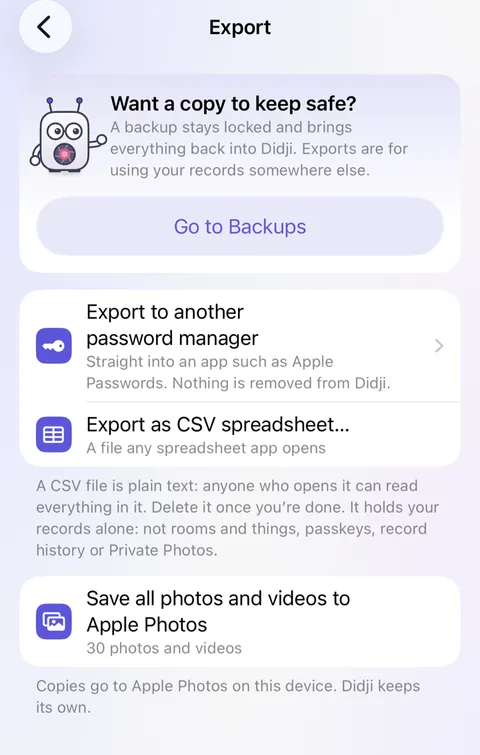
If you ever want to move on, Export in Settings, under Devices & data, sends your records to another password manager, straight across with no file in between.
Good to know
- Export to another password manager goes straight to the app you choose. That app decides what it keeps.
- Export as CSV spreadsheet makes a plain file any app can read. It isn't locked, so delete it once you're done. It holds your records alone: not rooms and things, passkeys, record history or Private Photos.
See also
Still stuck?
Write to us at hello@didji.app, and tell us which device you’re using if you can.
Never send a password or your recovery code to anybody, us included. What we can’t do for you.