Help
A timeline for someone


Every date I hold about someone, in one line from the past to the future.
A timeline puts all of someone's dates in order: when things started, what's been renewed, and what's coming up. It's a quick way to see a person's, pet's or car's life on one screen.
- Open their page in People & Places.
- Tap Timeline, the round button under their name.
- What's coming up sits above Today, soonest nearest; what's passed sits below, by year. Tap any line to open the record it comes from.
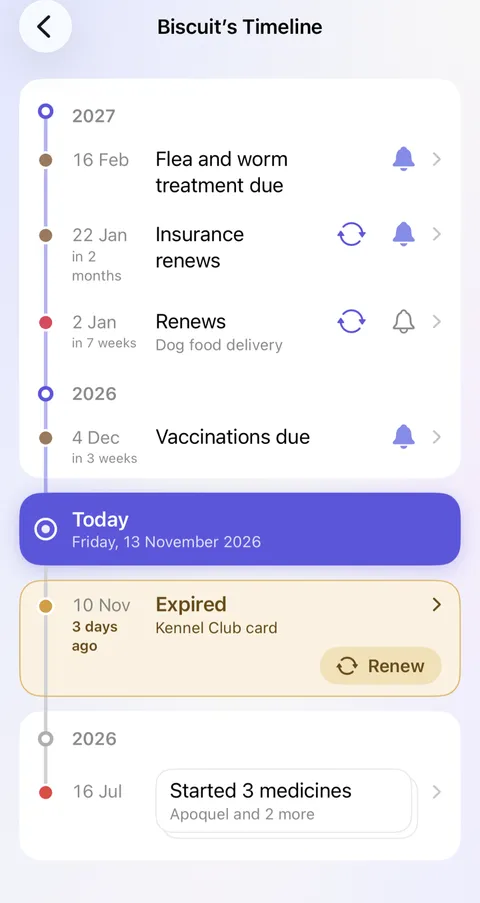
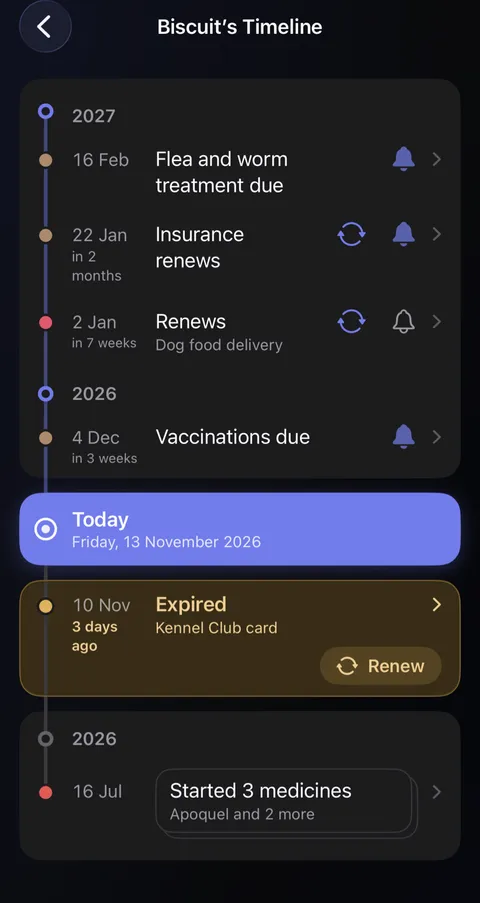
- A filled bell means a date will remind you, and an outline means it won't. Tap the bell to choose when, or to turn the reminder off.
- Renew appears on anything that renews, such as a passport, a card or an insurance policy. Tap it to put in the new date.
- Hold any row for more: open the record or its document, edit it, or set its reminder.
Good to know
- It reads every date on their record and on everything that belongs to them, hidden ones included.
- Dates in the next three months say how soon they are.
- Something that has expired and hasn't been renewed sits in amber just under Today. It stays there until you renew it, archive it, or hold the row and choose No longer needed.
- Several things started on the same day are stacked on one card. Tap the card to see each one.
- Timeline appears only once there's a date to show.
See also
Still stuck?
Write to us at hello@didji.app, and tell us which device you’re using if you can.
Never send a password or your recovery code to anybody, us included. What we can’t do for you.