Help
The Watch isn't showing my records


Usually it's waiting for a passcode, or for your iPhone.
A record you sent to Apple Watch isn't there, or the watch shows nothing at all. The answer is nearly always one of these.
- The watch needs a passcode. If it says Set a passcode first, set one in Settings on the watch, or in the Watch app on your iPhone under Passcode.
- Only records you've sent are shown. Open the record in Didji on your iPhone and check the watch button is green.
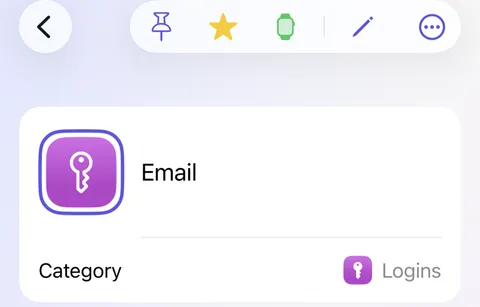
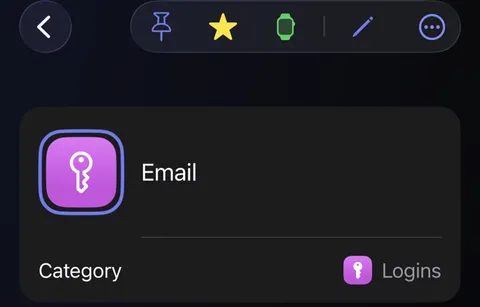
- Open Didji on your iPhone, with the watch nearby. That sends your records again. If Didji asks about a different Apple Watch, tap Send them.
- Is the watch on your wrist and unlocked? Off your wrist, Didji on the watch shows nothing.
- No watch button on a record? In Settings, under Devices & data, check Apple Watch is on.
Good to know
- The watch forgets everything after 30 days without Didji being opened on your iPhone.
- Records someone shares with you with their passwords hidden can't go on a watch.
- After your free trial, records come off the watch until Didji is bought. The watch button on a record is struck through while they wait.
See also
Still stuck?
Write to us at hello@didji.app, and tell us which device you’re using if you can.
Never send a password or your recovery code to anybody, us included. What we can’t do for you.