

Help
When someone dies
When someone you look after dies, Didji can help with what comes next, quietly and at your own pace. It keeps everything that was theirs together, and lets you note what has been dealt with. It never changes or removes anything on its own.
- Open their page in People & Places, tap Something’s changed, then Mark as having died. Or open Life events in People & Places, tap Someone has died, and choose them.
- Didji explains what this changes. Tap Mark as having died. You can add the date, or leave it.
- Their reminders stop, and they leave Due soon. Your sharing with them stops; anything they shared with you stays. Nothing is deleted, and their page stays as it was.
- Their page now leads to their accounts and papers. Tap it to see everything in Didji that belongs to them, in folded sections.
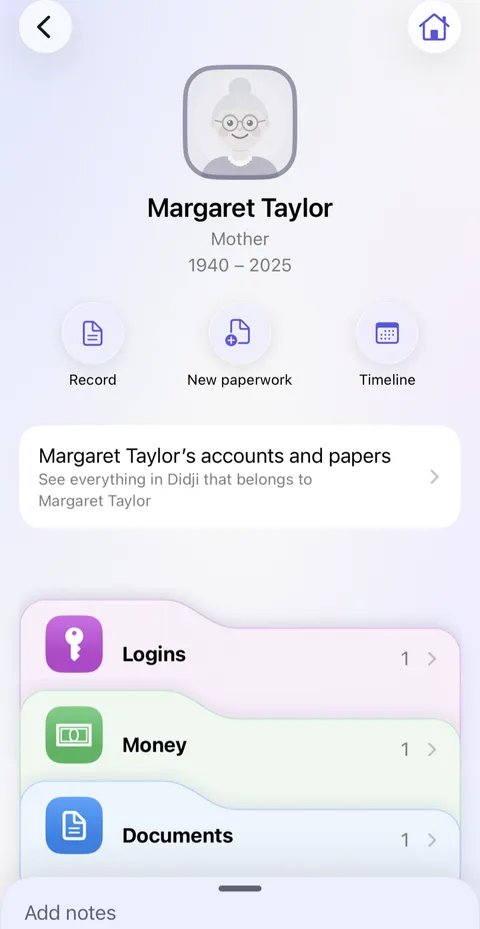
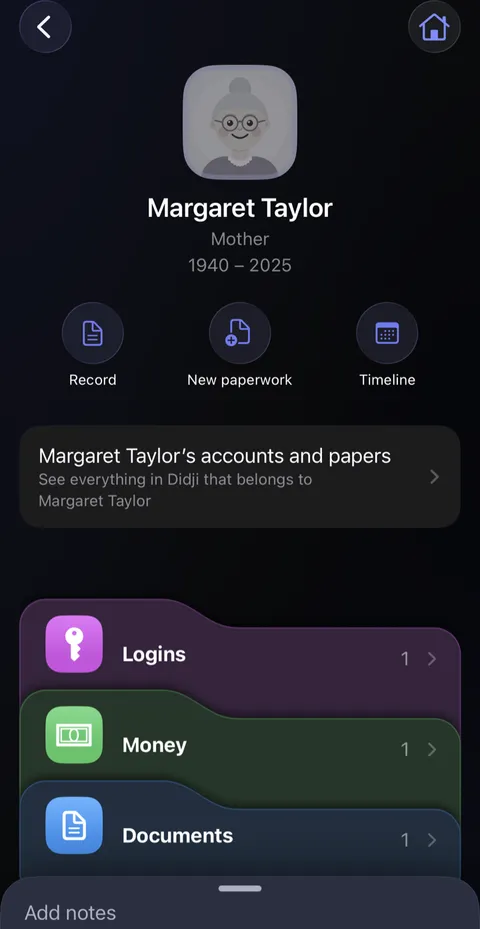
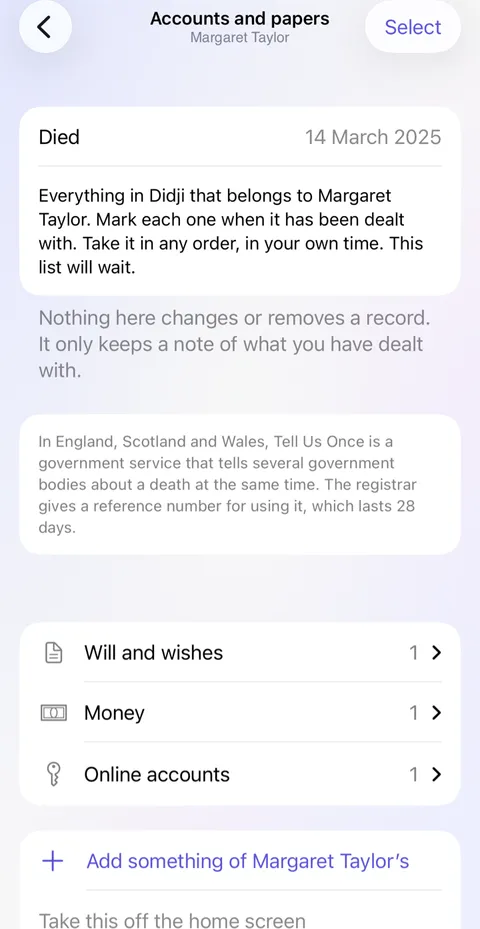
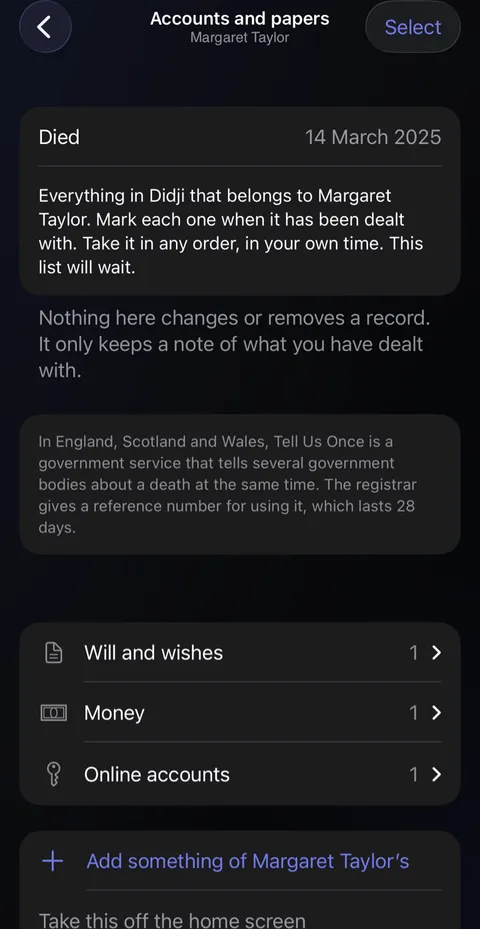
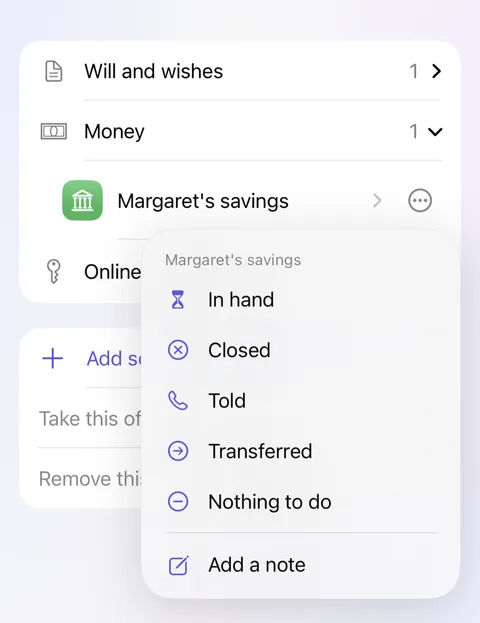
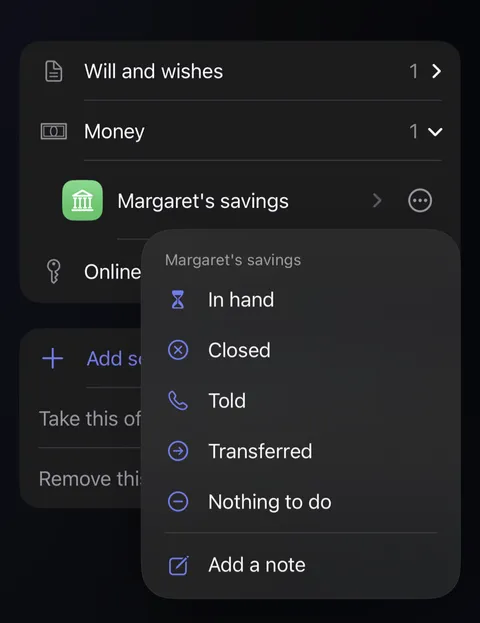
- Open a section, and tap beside a record to mark it: In hand, Closed, Told, Transferred or Nothing to do, with a note if you like. Take it in any order. The list waits.
Good to know
- Nothing on the list changes or removes a record. It only keeps a note of what you've done.
- What they shared with you can be kept for good with Keep a copy in my vault.
- Marked by mistake? Open their record, tap Status, and choose Current.
- To have the date come up each year, add it, then open their record, tap Status, and turn on Show in This week. It appears in People & Places in the week of the date, and nowhere else.
See also
Still stuck?
Write to us at hello@didji.app, and tell us which device you’re using if you can.
Never send a password or your recovery code to anybody, us included. What we can’t do for you.