Help
Life events


Tell me what's happening, and I'll gather up everything it touches.
In Didji: The home screen: People & Places, then Life events
Moving, a new job, selling the car, a new baby, a relationship ending: big moments touch a lot of paperwork. Life events finds everything in Didji that the change affects and makes one list to work through, in your own time.
- Open People & Places, and tap Life events near the top. Or, on someone's page, tap Something's changed.
- Choose what's happening. The events are grouped: Something is changing, Replaced or lost, Something new, and Something has ended.
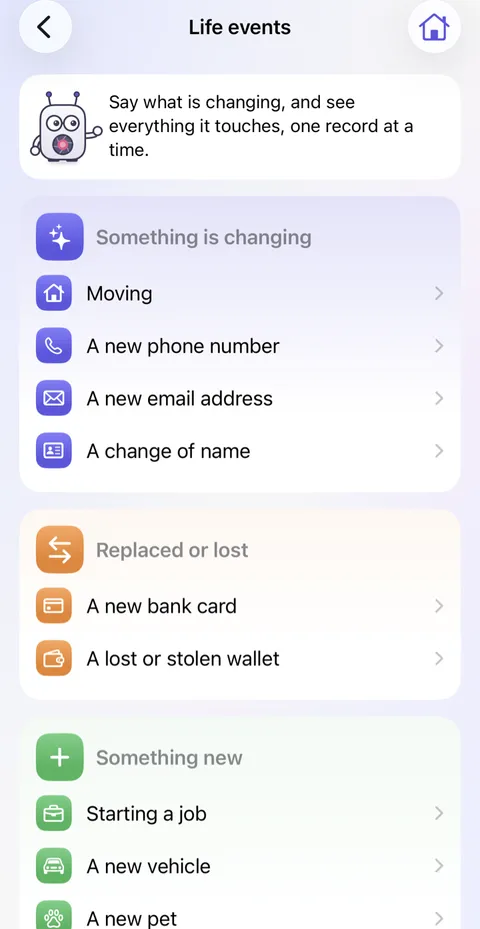
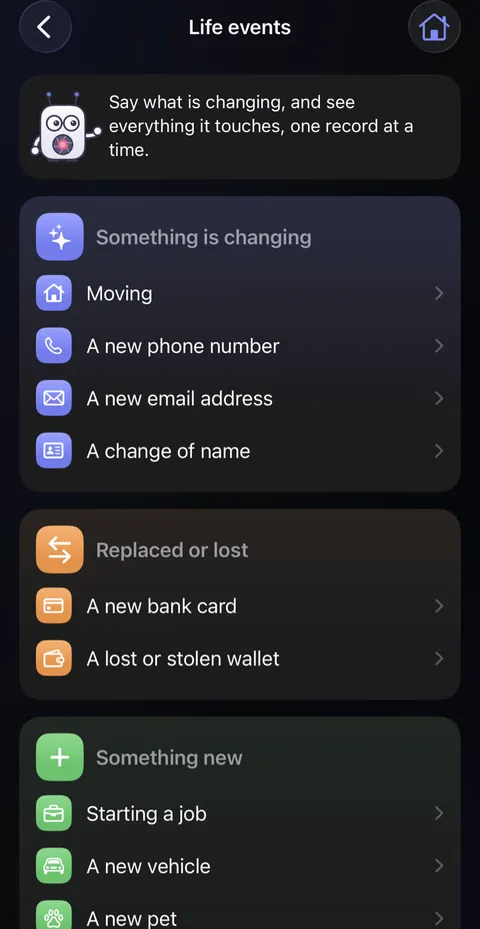
- Work through the list Didji makes, one record at a time, whenever you're ready. It waits on the home screen until you're done.
Good to know
- When something ends, each record gets a choice: Keep, Move to… or Archive. When a relationship ends, records shared with that person also offer Stop sharing. Nothing changes until you choose, and nothing is ever deleted.
- This isn't happening after all puts back whatever the list changed.
- Something new, such as a pet, a car or a family member, starts its record and offers the paperwork it usually needs.
- Moving makes your new address a place of its own, and keeps the old one as somewhere you've moved out of.
See also
Still stuck?
Write to us at hello@didji.app, and tell us which device you’re using if you can.
Never send a password or your recovery code to anybody, us included. What we can’t do for you.