

Help
Paying once
In Didji: Settings, the card at the top
Didji is bought with one payment, and then it is yours. There is no subscription and nothing to renew. The price is shown in your own currency before you pay, by the App Store.
- Open Settings and tap Buy Didji for… in the card at the top. Before your free trial has started, the card offers Start my free … days instead, with Or buy now beneath it on the page it opens.
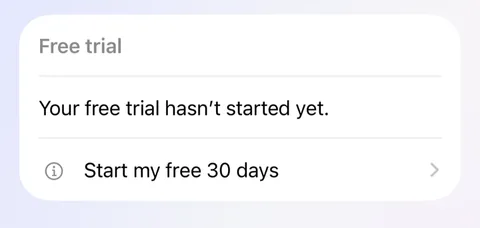
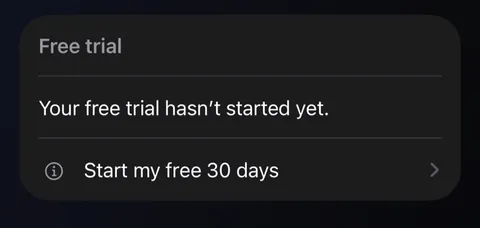
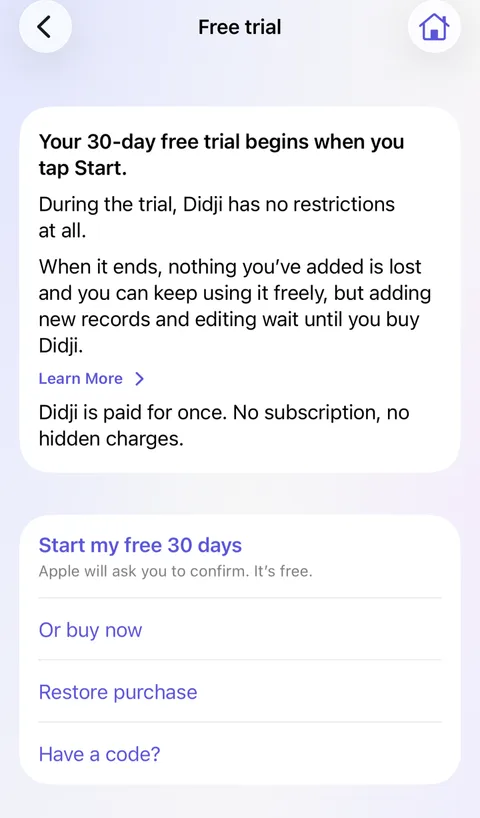
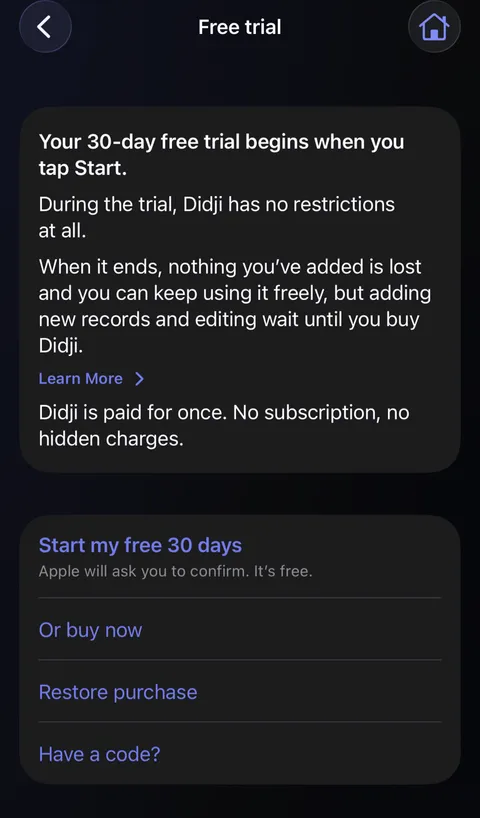
- Tap Buy Didji (or Or buy now), and confirm with the App Store as you would for any purchase.
- The card disappears from the top of Settings, and Didji is all yours, forever appears under About.
Good to know
- You can also buy as you set up: Or buy now, on the step after Set up my own vault.
- With Family Sharing, the people in your family group have Didji too, without buying it again.
- There are no Didji servers to pay for: your vault lives on your own devices and in your own iCloud, which is why there is no subscription.
See also
Still stuck?
Write to us at hello@didji.app, and tell us which device you’re using if you can.
Never send a password or your recovery code to anybody, us included. What we can’t do for you.