Help
Telling us about a problem


Tell us what happened. We read every email, and we'd much rather hear about it.
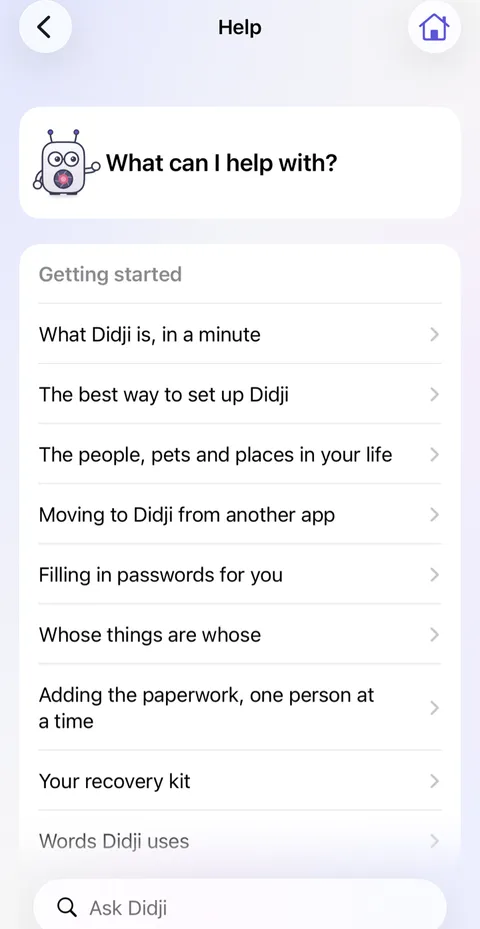
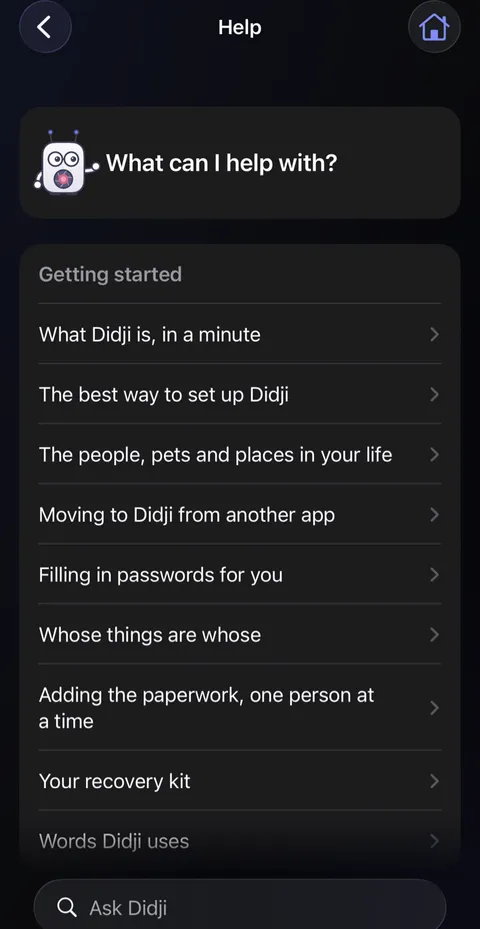
In Didji: Help, then Need help? Contact us at the foot, or Settings, under About
Something not working, or not making sense? Write to us at Didji Studios. Didji helps you send the right details, and nothing from your vault ever goes with them. If Didji has been useful instead, Enjoying Didji? Leave a review, just below it, opens the App Store.
- Open Help: tap Help at the top right of Settings. Scroll to the foot and tap Need help? Contact us. It is also in Settings, under About.
- Look at the details listed: the version of Didji and of iOS, the kind of phone, its language and the countries you've chosen. Leave Include these details on if you're happy to send them.
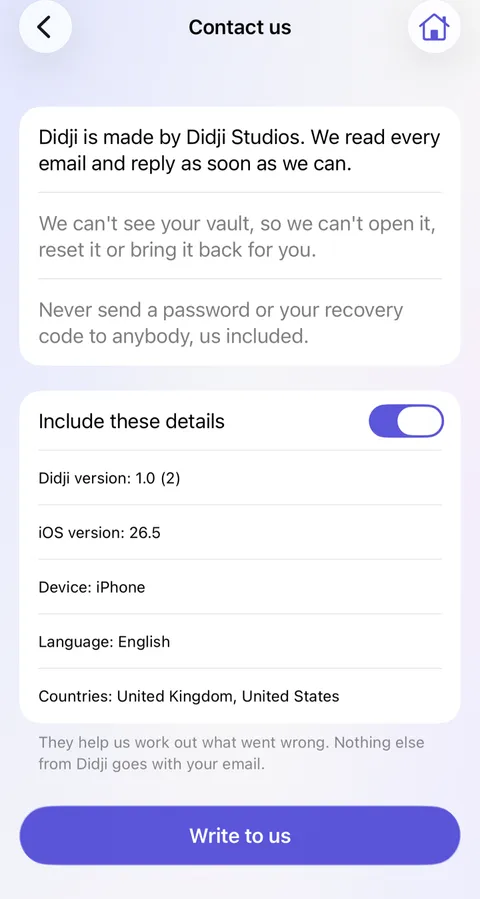
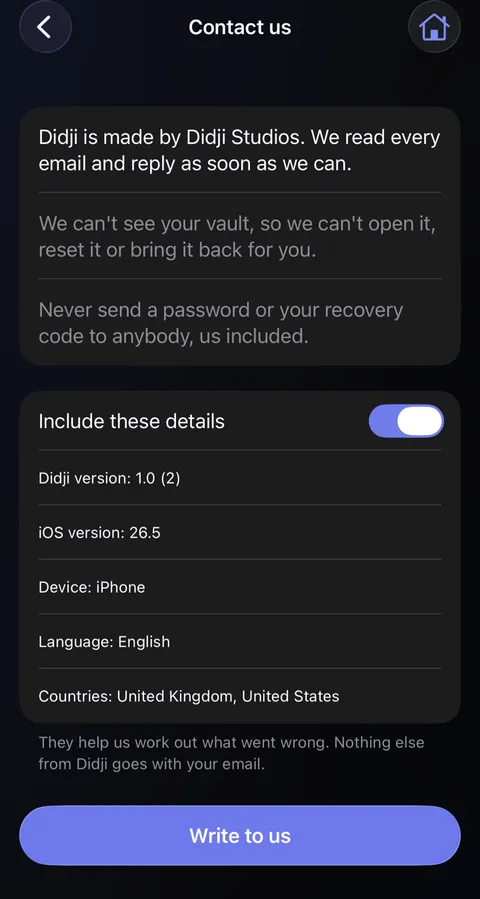
- Tap Write to us. Your own Mail opens with the email addressed; say what happened, and send it.
Good to know
- The details are about the app and your phone, never about your vault.
- Never send a password or your recovery code to anybody, us included.
- No Mail on this device? The screen gives the address to write to from anywhere: hello@didji.app.
See also
Still stuck?
Write to us at hello@didji.app, and tell us which device you’re using if you can.
Never send a password or your recovery code to anybody, us included. What we can’t do for you.