Help
Essentials


A list to look at when you like. I'll never chase you with it, promise.
In Didji: The home screen: People & Places, then Essentials
Essentials lists the everyday things most lives contain, such as a passport, a driving licence, home insurance or a pension, and shows which aren't in Didji. It's a gentle checklist, never a nag.
- Open People & Places, and tap Essentials near the top.
- A few questions sit at the top, each a row with your answer beside it: Your home, Driving and, once your own record is marked This is me, Situation. Tap one to answer or change it, and the list keeps to what fits your life; your situation can also bring up paperwork only some people have.
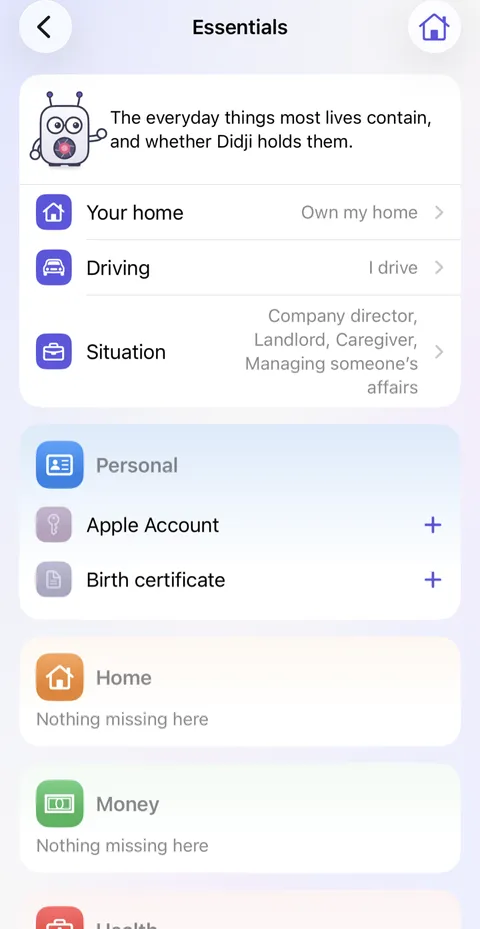
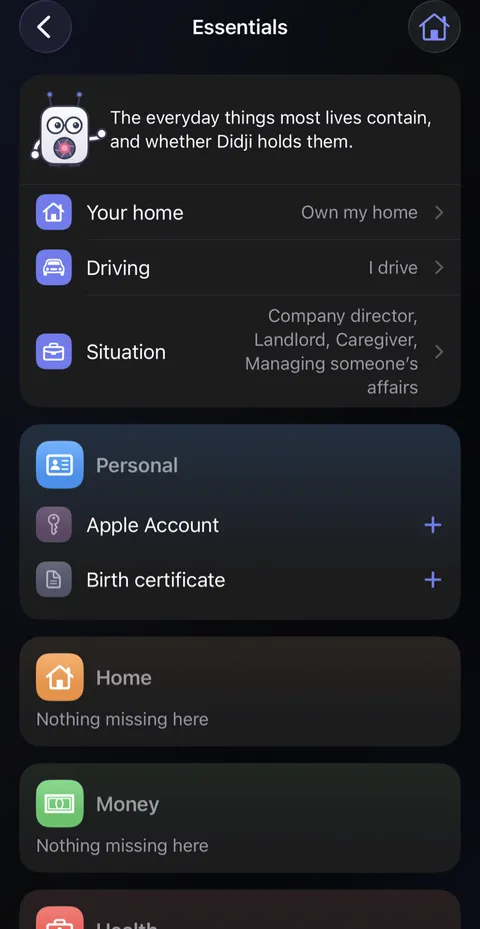
- Each card shows only what isn't in Didji: tap its , and its blank form opens, ready to fill in. Once it's saved, the line leaves the card, and a card with nothing left says Nothing missing here.
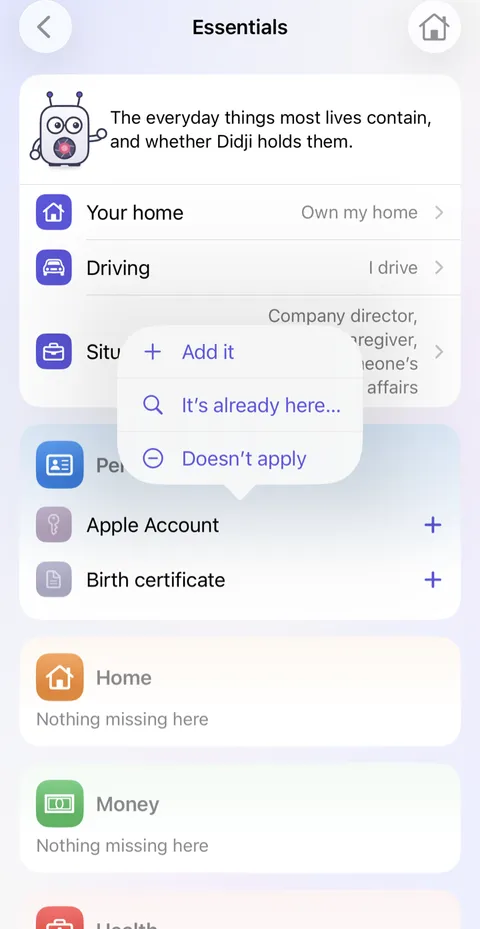
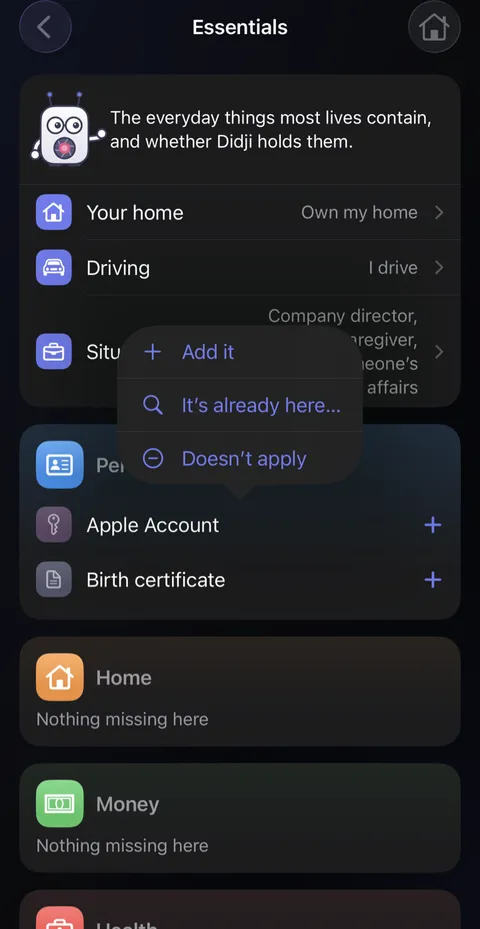
- Touch and hold a line for the other answers: It's already here… or Doesn't apply.
Good to know
- Lines you mark Doesn't apply wait at the foot, each with Bring back.
- Keep something somewhere else, such as a will with a solicitor? Add it anyway, with the solicitor in Belongs to: a search then finds it, and its line is answered.
- Each person's, place's and vehicle's page shows their own suggestions under Add for.
- Two lines work differently: a Birth certificate is the scan on the person's own record, so its opens that record, and A page for whoever looks after my affairs is answered by printing your recovery kit with that page, so a tap takes you there.
- Nothing here is ever counted against you, and no reminder ever comes from it.
See also
Still stuck?
Write to us at hello@didji.app, and tell us which device you’re using if you can.
Never send a password or your recovery code to anybody, us included. What we can’t do for you.