Help
Putting any value into any box


I can type almost anything you keep here into a box in another app. iOS files me under Passwords, whatever it is.
In Didji: Turning on AutoFill for Didji
A passport number into a booking form, a policy number into an insurer's app, an address into a delivery box: Didji can type any value it holds straight into a box in another app, without copying anything.
- In the other app, tap the box you want to fill so the cursor is in it, then tap it again. A small menu appears: Paste and AutoFill.
- Tap AutoFill, then Passwords. (iOS calls it Passwords even when you want something else; Didji is behind it.)
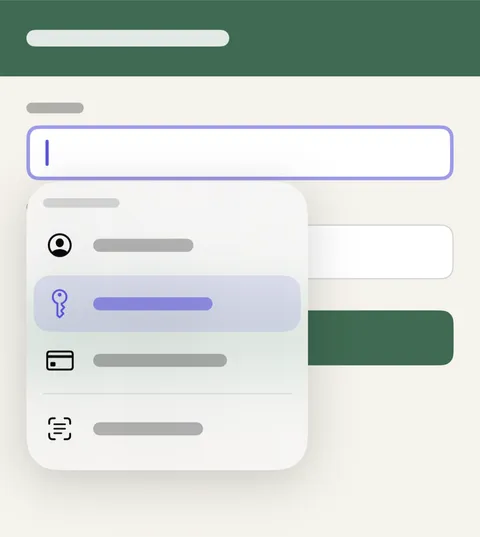
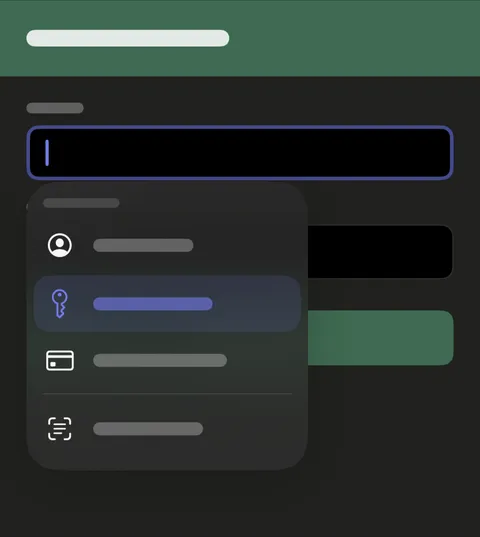
- If iOS asks which app to use, choose Didji, then unlock with Face ID.
- Choose the record, then the value. Didji types it into the box.
Good to know
- Didji is only in that menu once AutoFill is switched on for it. Take me there asks iOS to switch it on; say yes.
- Dates and addresses can go in whole or a part at a time, and card numbers and sort codes go in as digits only.
- Sometimes the box still looks empty afterwards. That's a fault in iOS, not in Didji: close the app and open it again, and the text is there.
- Nothing is copied. The value goes straight into the box and never onto the clipboard.
See also
Still stuck?
Write to us at hello@didji.app, and tell us which device you’re using if you can.
Never send a password or your recovery code to anybody, us included. What we can’t do for you.