Help
Medication


A record of what's taken, and why. I'll never remind, track or advise.
Keeping a note of someone's medication is useful at a doctor's, a pharmacy or a vet's, or when someone else is looking after them. Didji keeps the list on their page, and that's all it does.
- Open the person's or pet's page in People & Places. Scroll to the Medication card and tap its .
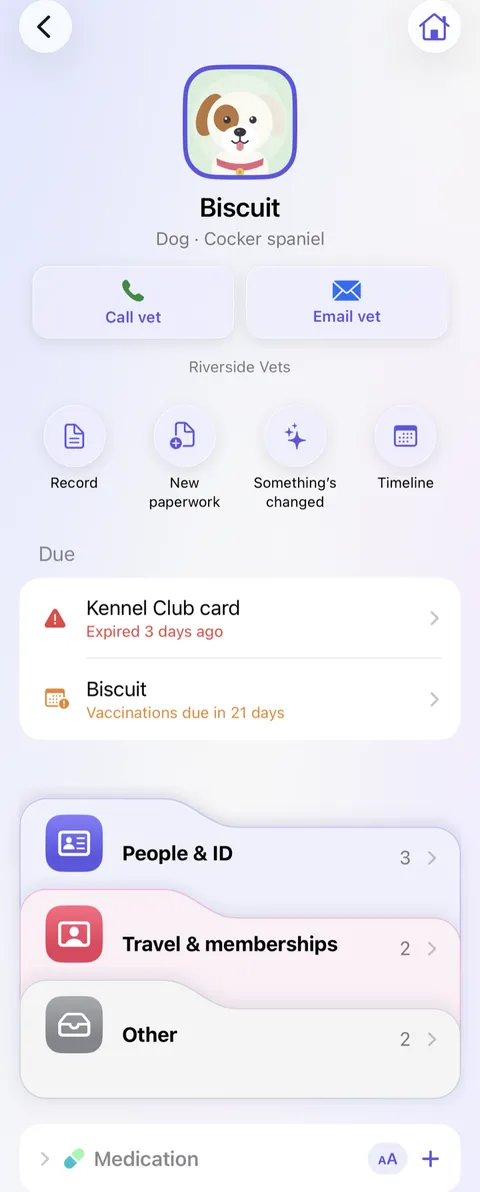
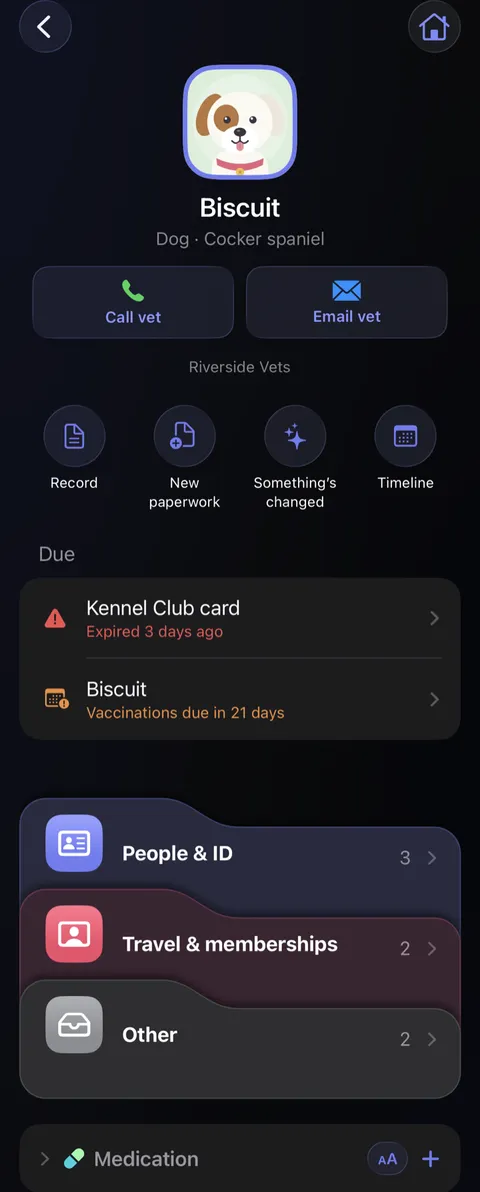
- Type the medicine's name, the Dose, when it Started, and What it's for. Tap Save.
- When it stops, open it, tap the pencil , and fill in Stopped. It moves under No longer taking, faded.
Good to know
- The button on the Medication card shows the whole list in large type, to hold up at a pharmacy counter.
- Didji never reminds anyone to take anything, and never says anything about a medicine.
- The medication card only appears on a page once there's some to show; until then, tap Medication under Add for… at the foot of the page.
- For a hospital appointment, print one: open a medication record, tap , then Print….
See also
Still stuck?
Write to us at hello@didji.app, and tell us which device you’re using if you can.
Never send a password or your recovery code to anybody, us included. What we can’t do for you.