Help
The people, pets and places in your life


Most of what you keep belongs to someone, so let's meet them first.
In Didji: The home screen: the People & Places card
A passport belongs to a person, vaccinations to a dog, an MOT to a car. Add them first, and every record you make after that has somewhere to go. A name is enough for now: the details can wait.
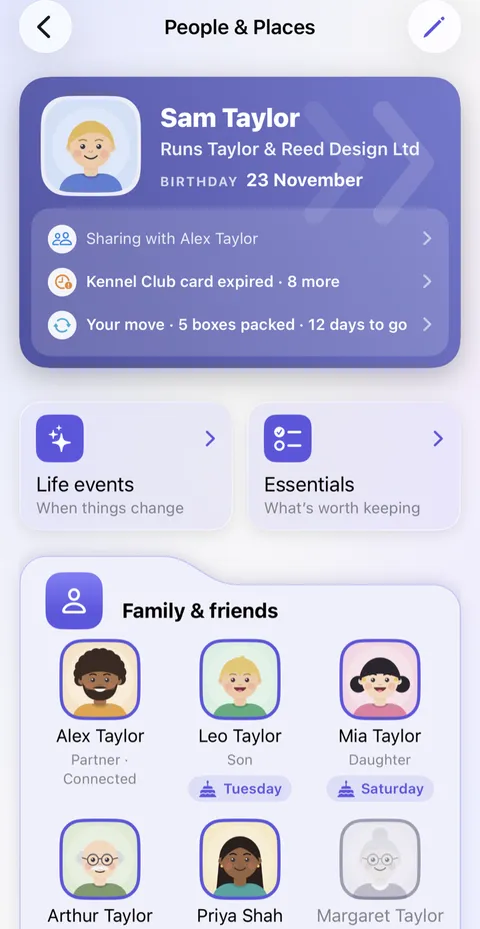
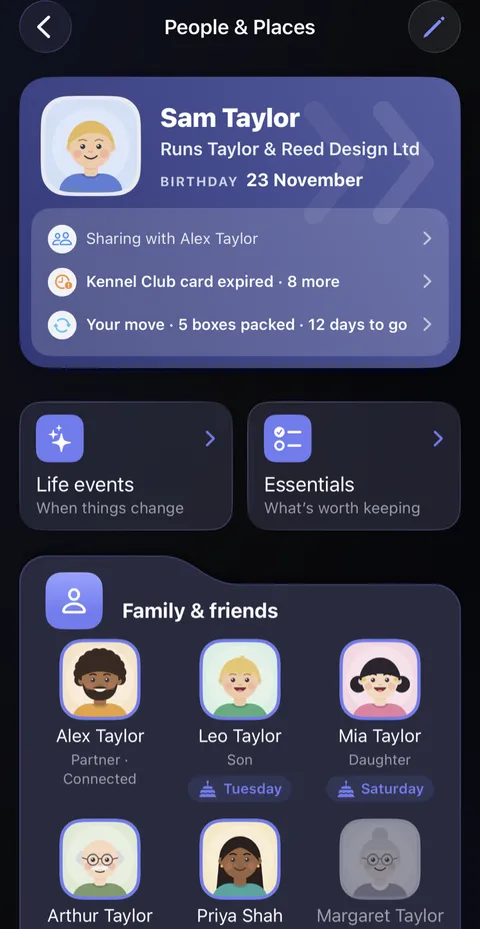
- On the home screen, tap the People & Places card, beside Private Photos. If you made your own record during setup, your card is at the top, with Life events and Essentials under it. Anybody you added during setup is already below them.
- Add the people you keep things for: tap Add new person at the foot of the Family & friends card. Type a name and tap Save. Fill from Contacts, under the name, copies a contact's details across, one person at a time.
- Add your pets the same way, in the Pets card.
- Add your home last of these. A place is made from an address Didji already holds, so somebody's record needs the address first: yours will do. Tap Add new place on the Places card, choose the address and give it a name. If you switched on This address is home during setup, Home is already there.
- Add anything else that has paperwork of its own: a car in Vehicles, or your employer in Key organisations.
Good to know
- Somebody who isn't family or close, such as a plumber, can go in Everyone else, under Shown in on their form.
- To mark your own record, open it, tap the pencil , and choose This is me under Who they are. It puts your card at the top.
- You can add anybody later, wherever you are: tap the big on the home screen, and choose under People & Places at the top of the sheet.
Next: Moving to Didji from another app
See also
Checked against Didji on 30 October 2026.
Still stuck?
Write to us at hello@didji.app, and tell us which device you’re using if you can.
Never send a password or your recovery code to anybody, us included. What we can’t do for you.