Help
My password isn't being offered


Let's see why I kept quiet. It's usually one of three things.
You tap the password box and Didji doesn't offer your login. Nearly always it's because AutoFill isn't switched on for Didji, the record is missing a detail, or it's been archived. Try these in order.
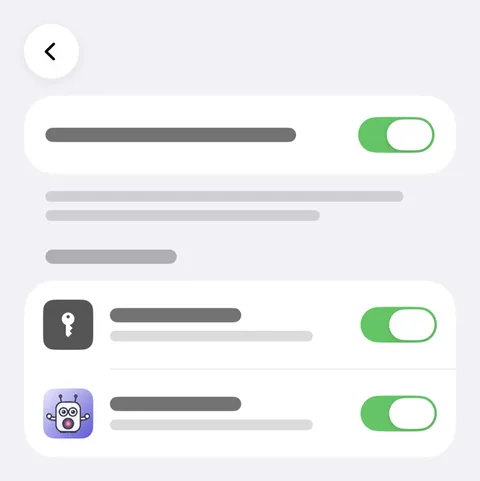
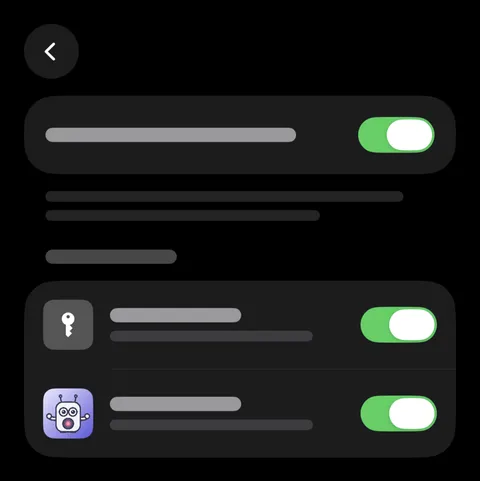
- Check AutoFill is on for Didji: in the Settings app, open General, then AutoFill & Passwords, and make sure Didji is switched on under AutoFill from. While it's off, Didji's home screen says so on a card, Filling is switched off, whose Turn on AutoFill asks for you.
- Open the record in Didji. Above the keyboard, Didji only suggests a login that has a password, a username and a website, and the website must be the one you're signing in to. Fill in whichever is missing.
- Archived records, and records in Recently Deleted, are never suggested. Restore it, or fill from it anyway: tap the key above the keyboard, choose Didji, and look behind Also in your vault.
- Changed the record on another device? Open Didji here once, and the suggestions are brought up to date.
Good to know
- You can always tap the key above the keyboard, choose Didji, and pick from the whole list.
- One login can hold several websites. Add another web address field for the other site.
See also
Still stuck?
Write to us at hello@didji.app, and tell us which device you’re using if you can.
Never send a password or your recovery code to anybody, us included. What we can’t do for you.