Help
Reminders and Due soon


Tell me which dates matter, and I'll mention them before they arrive. No more surprise renewals.
In Didji: Due soon
Any date in a record can remind you before it comes around: a passport running out, a car registration, a dog's vaccinations. Many templates already watch the date that matters, so it's often done for you the moment you fill it in.
- Open the record, and tap the pencil at the top.
- Find the date. Beneath it is Remind me, set to Never until you choose. Tap it and pick On the day, 1 week before, 1 month before, 3 months before or 6 months before, or Custom date… to choose the day yourself.
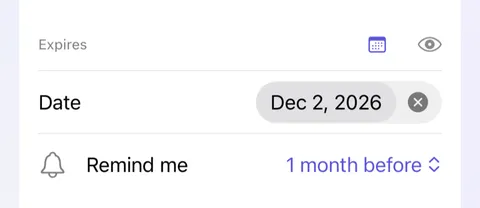
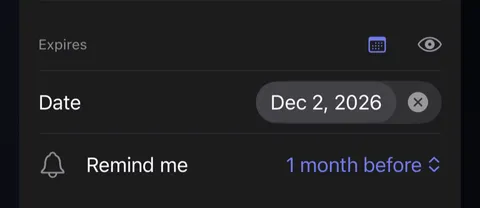
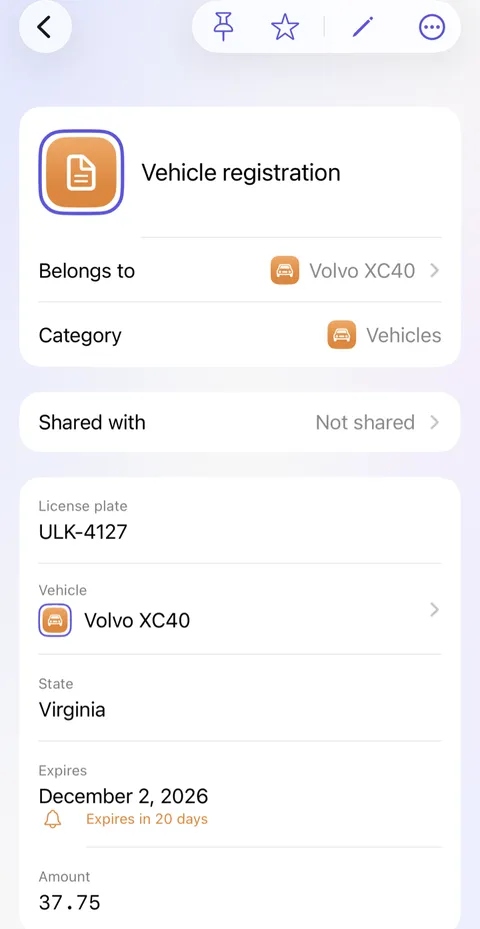
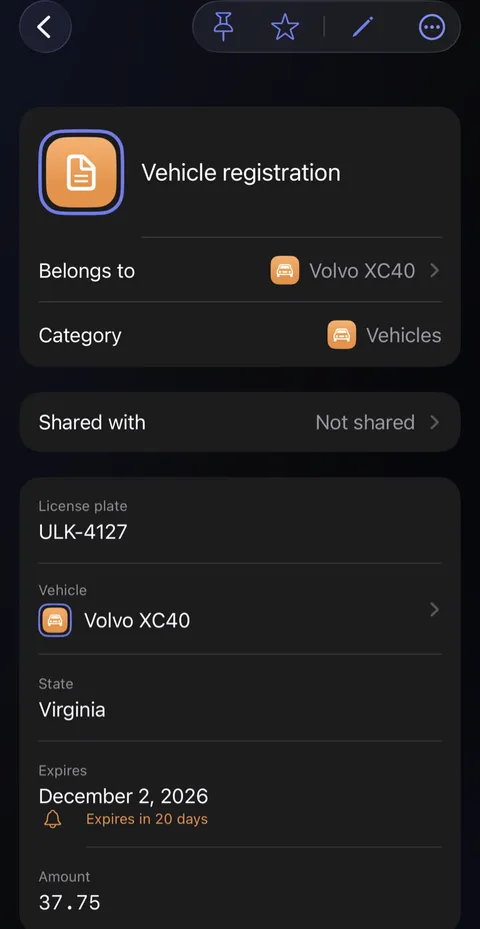
- Tap Save at the top right. The first time, iOS asks whether Didji may send you notifications: tap Allow, or no reminder can arrive. The date now shows how long is left.
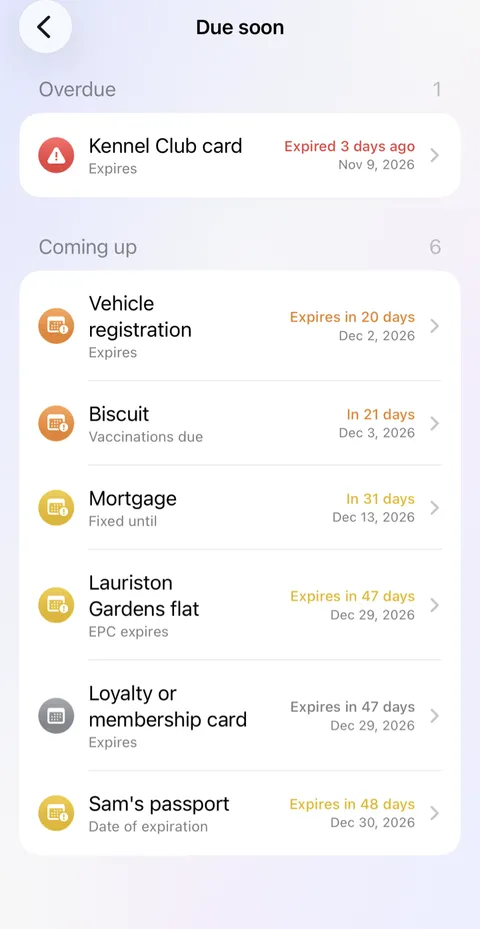
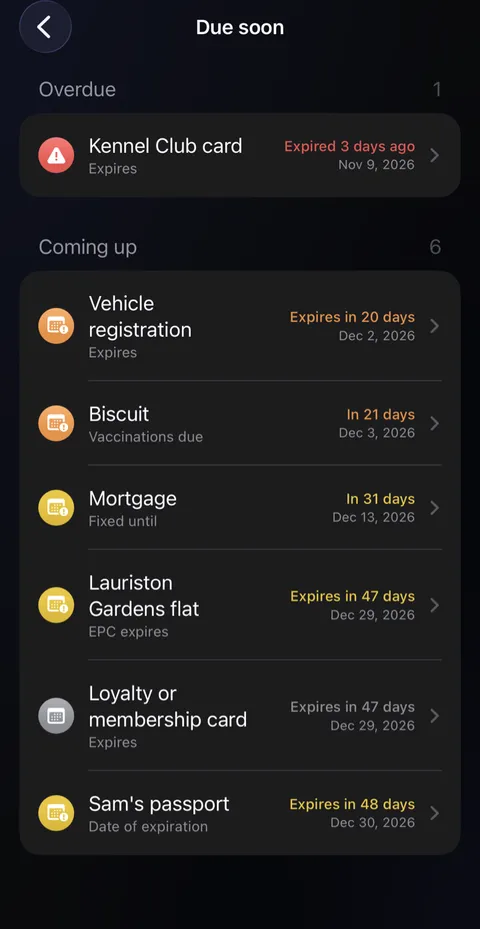
- Everything coming up in the next 60 days is gathered in Due soon, a card on the home screen. Tap it to see the whole list, soonest first.
Good to know
- Reminders arrive at nine in the morning. On your lock screen they say only that something in your vault is due, unless you turn on Show record names in reminders in Settings, under Security.
- Tapping a reminder opens Didji at that record, once you've unlocked.
- Archived records, the records of someone who has died, and the records of something that's no longer yours are never reminded about.
- Renewed something? I've renewed this puts in the new date for you; see Something renewed.
- Want a reminder to do something, like following up on a deposit? Add a date to the record it's about with Add field, name it for what to do, and set Remind me to On the day. Didji reminds you only about dates in your records, and privately; for anything else, there's the Reminders app.
See also
Still stuck?
Write to us at hello@didji.app, and tell us which device you’re using if you can.
Never send a password or your recovery code to anybody, us included. What we can’t do for you.