Help
I can't get in


Don't worry. There's more than one way back in, and I'll walk you through them.
Didji opens with the same Face ID or Touch ID as your phone, with your phone's passcode behind it, unless you've set a Didji passcode. Behind that, everything is locked with a key kept safely in your iCloud Keychain. So getting back in is nearly always about one of those two things, and you can try them in this order.
- On the Vault locked screen, tap the big button at the foot, Unlock with Face ID, and look at your phone again. Glasses, a mask or a dark room can each throw Face ID off.
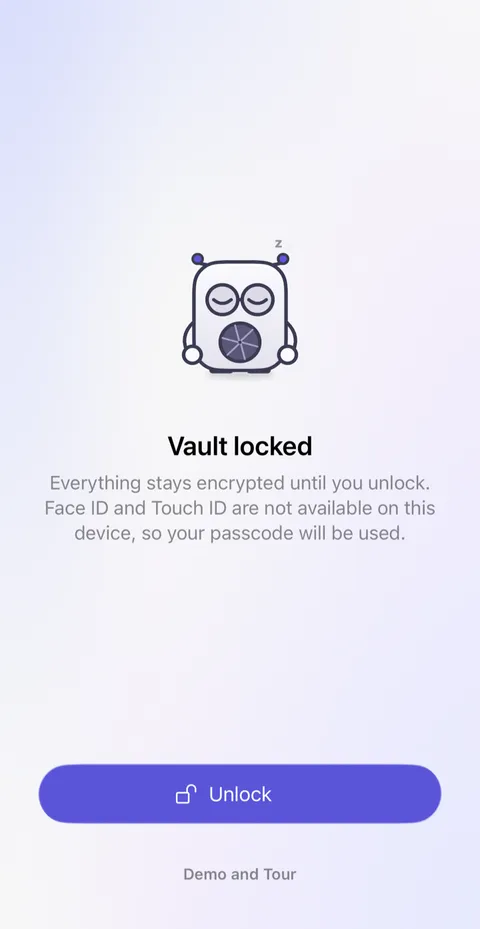
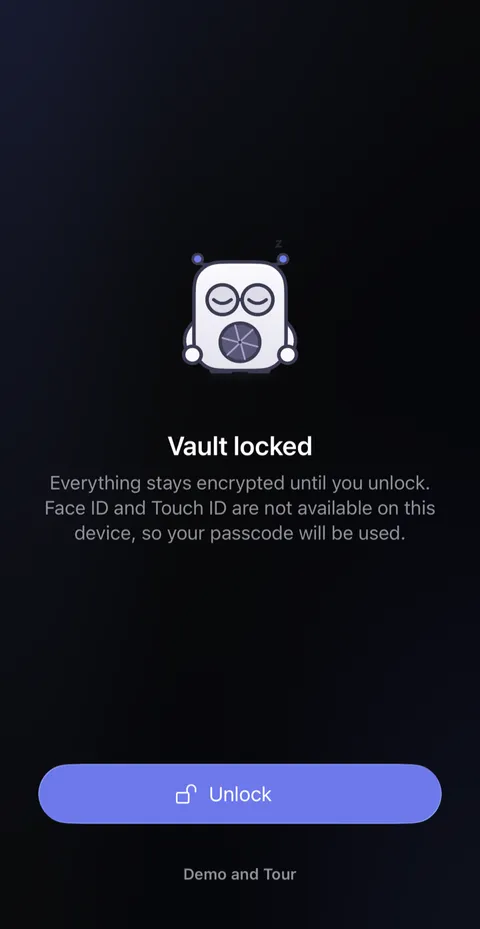
- If Face ID still doesn't know you, iOS offers Use Passcode after a few tries. Type your phone's passcode, the one you use to unlock the phone itself. It opens Didji too.
- If you set a Didji passcode, Didji asks for that instead, in a box marked Didji passcode: your phone's passcode won't open it. Forgotten it? Tap Forgot your Didji passcode? and scan or type the code from your recovery kit; the passcode is removed and Didji opens with Face ID. Didji checks the kit with iCloud, so the phone must be online. Nobody can reset it for you.
- If your phone's passcode won't work either, the trouble is with the phone's own lock rather than with Didji. Apple's help for a forgotten passcode is the place to start, and while you deal with it, Didji still opens on your other iPhone, iPad or Mac.
- On a new or replaced phone, sign in to the same Apple Account and turn on iCloud Keychain. The key arrives by itself. If it doesn't, the code printed on your recovery kit brings it back; see Using my recovery kit. If you set a Didji passcode, Didji waits for your vault to arrive from iCloud and then asks for it once, as it does after Didji is deleted and installed again.
Good to know
- Just above the button, the lock screen says when Didji was last opened, and on which device. Any failed tries since then show in orange.
- Backing out of Face ID never counts as a failed try.
- Wrong phone passcodes count against the whole phone, and iOS may lock it for a while. Please don't guess. Wrong Didji passcodes don't count against the phone: five start a wait, from thirty seconds up to an hour, and nothing is erased.
- We never see your vault or its key, so we can't open it, reset it or send it back to you. That's exactly what keeps it yours.
- Your recovery kit is the way back in that doesn't need a device you still have, so keep it somewhere other than your phone.
See also
Still stuck?
Write to us at hello@didji.app, and tell us which device you’re using if you can.
Never send a password or your recovery code to anybody, us included. What we can’t do for you.