Help
Face ID or Touch ID isn't working


Face ID is your phone's, not mine. If your phone knows you, so do I.
Didji asks iOS to check it's you, the same way your phone does, so anything that helps your phone recognize you helps Didji too. Its only lock of its own is a Didji passcode, and only if you set one.
- On the Vault locked screen, tap Unlock with Face ID at the foot (or Unlock with Touch ID on a phone with a Home button), and try again.
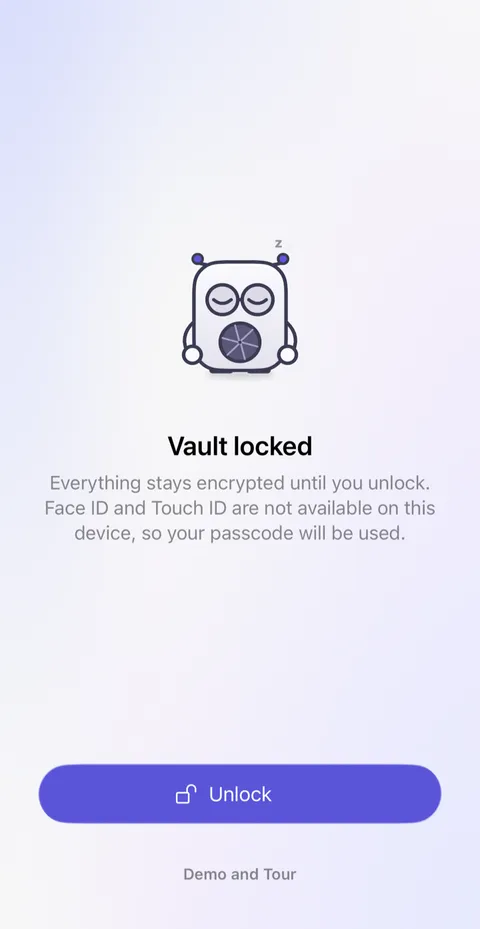
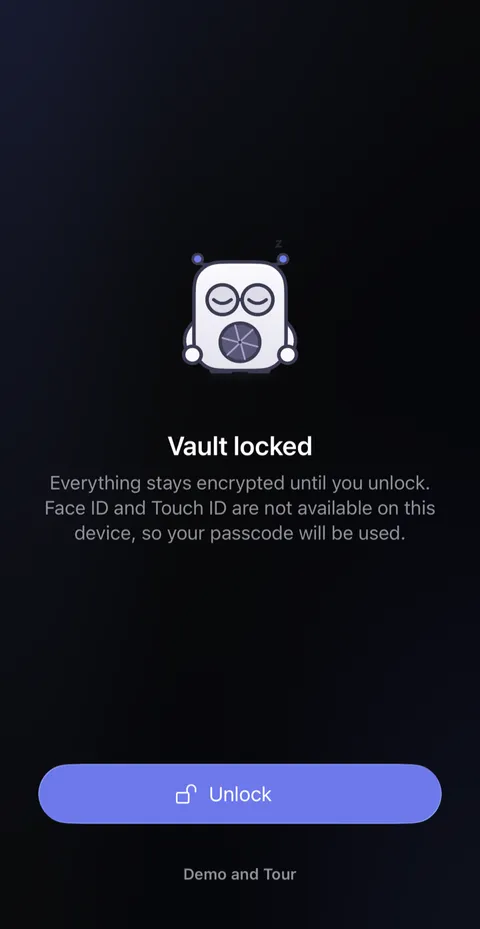
- Still not working? After a few tries, iOS offers Use Passcode. Tap it and type your phone's passcode. Didji opens just the same. If you set a Didji passcode, Didji asks for that instead, in its own box.
- If Face ID keeps failing everywhere, not just in Didji, look in your phone's Settings app under Face ID & Passcode. Setting up an alternative appearance, or turning on Face ID with a mask, often helps.
Good to know
- If Face ID and Touch ID are turned off, or your phone doesn't have them, the lock screen says so and Didji asks for your passcode instead: your phone's, or your Didji passcode if you set one.
- Backing out of Face ID never counts as a failed try.
- Wrong passcodes count against the whole phone, and iOS may lock it for a while. Please don't guess.
See also
Still stuck?
Write to us at hello@didji.app, and tell us which device you’re using if you can.
Never send a password or your recovery code to anybody, us included. What we can’t do for you.