Help
Filling in forms in Safari


In Safari I have a button of my own, in the menu beside the web address.
In Didji: Settings, then Switched on in iOS, then Didji for Safari
Didji for Safari puts any detail you keep in Didji into a box on a website: an address, a passport number, a policy number, a password. You choose the box and the detail, and Didji does the typing. It's turned on once, in Safari's settings.
- Turn it on: in Didji, open Settings and tap Didji for Safari to go to the Settings app. There, tap Apps, then Safari, then Extensions, then Didji, if it hasn't opened there already, and turn on Allow Extension.
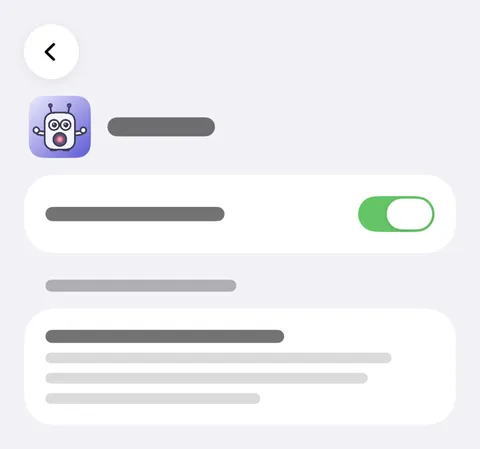
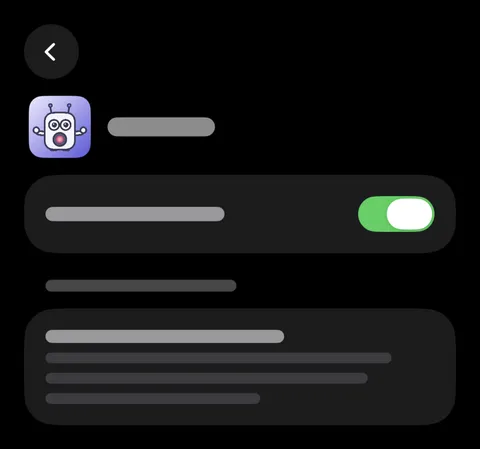
- On a website, tap the box you want to fill.
- Tap the button to the left of the web address, then Didji.
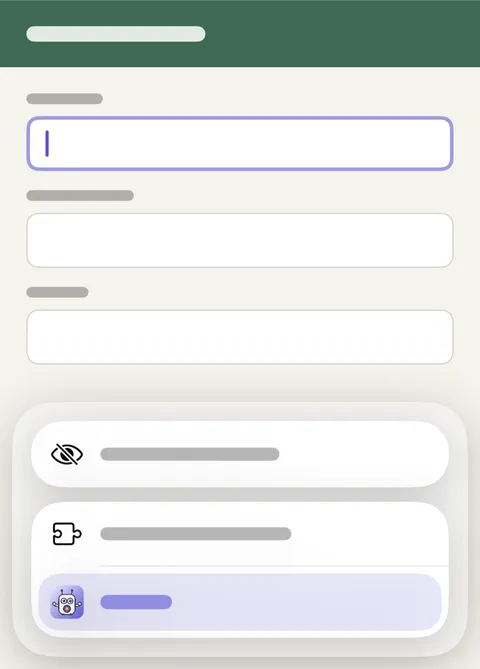
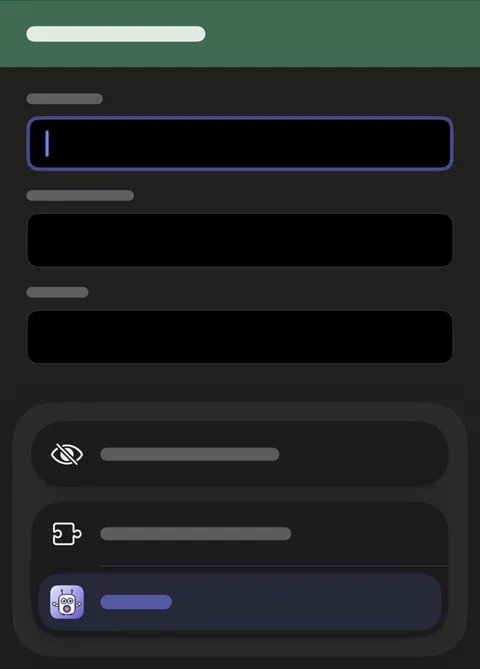
- Unlock with Face ID, then tap the detail you want, and Didji types it into the box. An address or a whole name can go in a part at a time: tap Fill in turn, then each box as Didji names it.
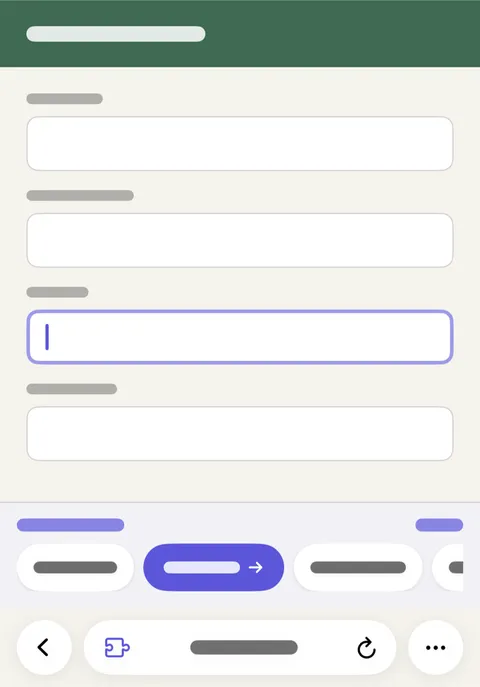
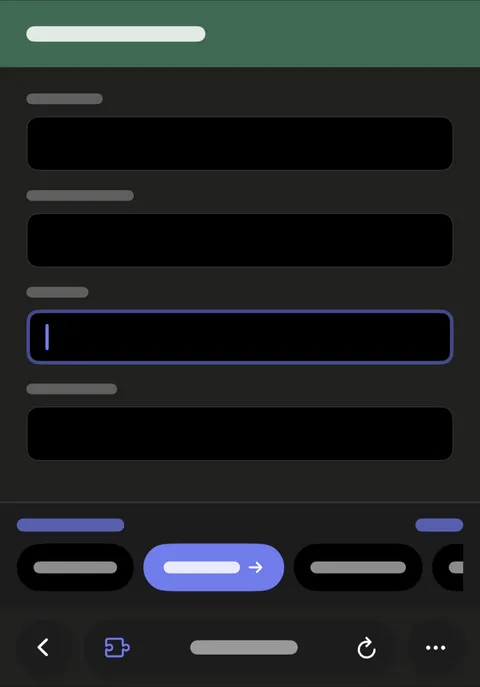
- The rest of the form is a tap away: the Didji bar stays at the foot of the page. Tap a box, then a detail on the bar.
Good to know
- The first time, Safari says Didji can read web pages. It reads only the page you open it on, and only when you do: Why Didji starts from Safari's menu says why that matters.
- One Face ID keeps Didji open in Safari until it has gone unused for five minutes, and never more than fifteen, even if your phone locks meanwhile. Locking Didji closes it in Safari too.
- Payment cards aren't offered in Safari. Apple's own AutoFill fills those.
- Didji won't fill a box you can't see, or one hidden under something else, and says so.
- On a Mac, Didji's button is in Safari's toolbar. Turn it on in Safari: Safari, then Settings, then Extensions.
See also
Still stuck?
Write to us at hello@didji.app, and tell us which device you’re using if you can.
Never send a password or your recovery code to anybody, us included. What we can’t do for you.