Help
How much room Didji takes


Pictures, videos and scans take almost all the room. Your passwords hardly take any.
In Didji: Settings, then Devices & data, then Storage
Everything in Didji is kept in your own iCloud as well as on your devices, so it counts toward your iCloud storage. Storage shows how much room your vault takes, and what takes it. If your iCloud is full, Didji still saves on this device, but new changes can't reach your other devices until there's room.
- Open Settings. Under Devices & data, Storage shows Didji's total, with a bar beneath it in the colors of what takes the room.
- Tap Storage. The bar is split into Videos, Pictures, Documents & scans and Everything else, with each one's size below it.
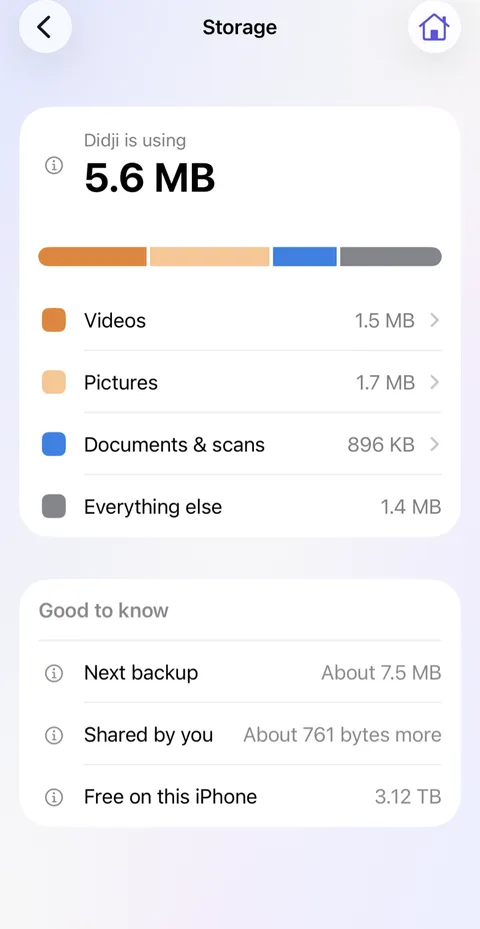
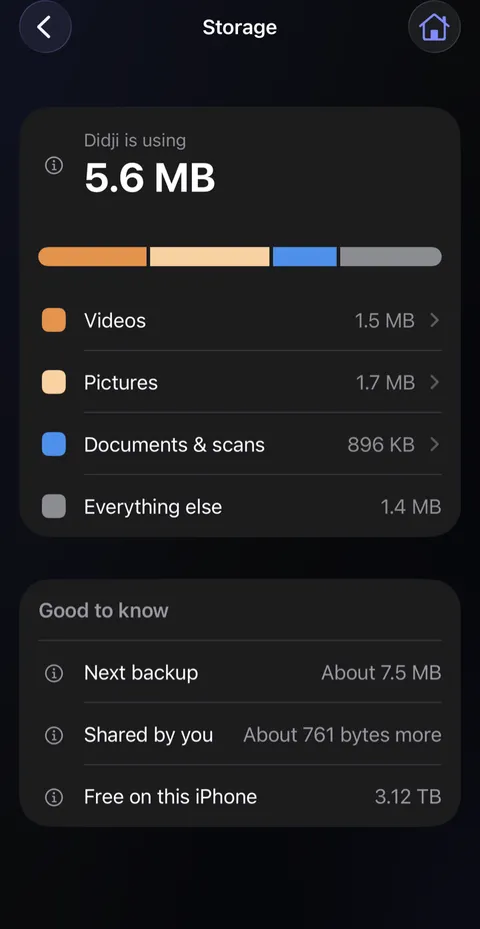
- Tap Videos, Pictures or Documents & scans to see what is in it, biggest first. Tap one to open it where it lives.
- Good to know says roughly how big a backup would be now, and how much room is left on this device.
Good to know
- Nothing on this screen deletes anything. To make room, delete a video or a picture where it lives: Private Photos has no Recently Deleted, so it goes at once. A record with a scan goes to Recently Deleted first, and takes room until that is emptied.
- Records someone shares with you are kept in their iCloud, not yours. What you share is kept again in your iCloud for each person you share it with, which Shared by you shows.
- iPhone Storage, in the Settings app, can show a little more for Didji, as it also counts the app itself and what iOS keeps to sync your devices.
See also
Still stuck?
Write to us at hello@didji.app, and tell us which device you’re using if you can.
Never send a password or your recovery code to anybody, us included. What we can’t do for you.