Help
An import missed things


Each app sends what it chooses to. Here's how to see what was left behind.
Moved from another app and something seems to be missing? Every app decides what it sends, and Didji tells you exactly what came across and what didn't.
- After an import straight from another app, Didji lists what came across and, under Not brought across, what didn't and why.
- Before you start, each app's page in Move to Didji says what it brings across, so you know what to expect.
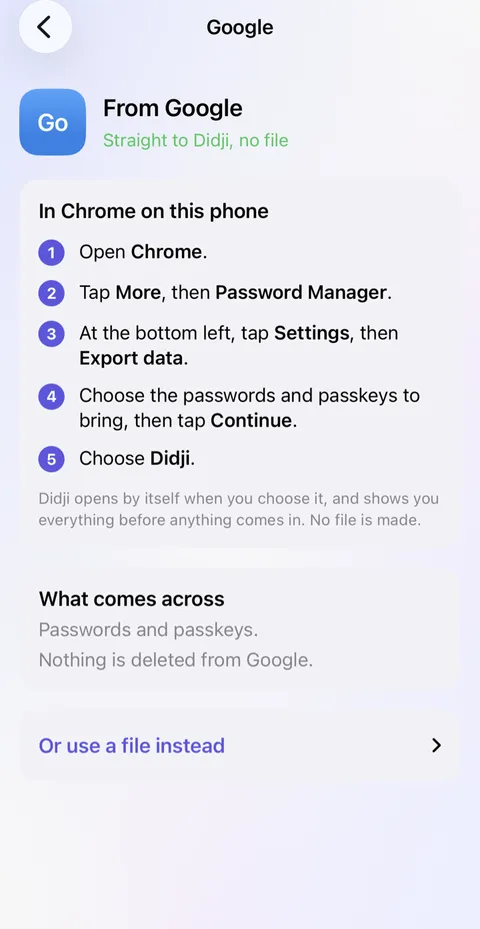
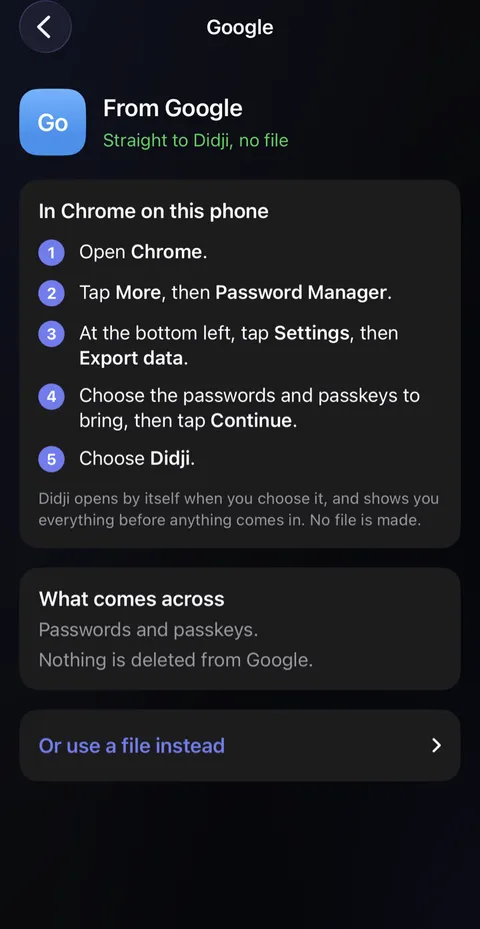
- From a file, Didji reads each login's title, website, username, password, notes and sign-in code, and whether it was a favorite, archived, or in a folder or tag, matching the names of the file's columns. Any other column isn't brought in.
- Anything left behind is still in the other app. Add it to Didji by hand, with a template; see Adding something.
Good to know
- Attachments, such as documents and photos, stay behind with most apps.
- Nothing is deleted from the other app, so you can look there for anything missing.
- An import never makes a second copy of something already in Didji. From a file, a login already here with a different password is kept beside it as a second record, and Didji says so: one of the two is probably out of date.
See also
Still stuck?
Write to us at hello@didji.app, and tell us which device you’re using if you can.
Never send a password or your recovery code to anybody, us included. What we can’t do for you.