Help
Moving to Didji from another app


Tell me where your passwords are now, and I'll show you exactly what to tap. It's easier than it sounds.
In Didji: on the home screen, then , then Move from another app…
Moving from another password app doesn't have to mean typing everything in again. Didji has a page for each of the usual apps, with the exact buttons to press in that app, and most of them send everything straight across.
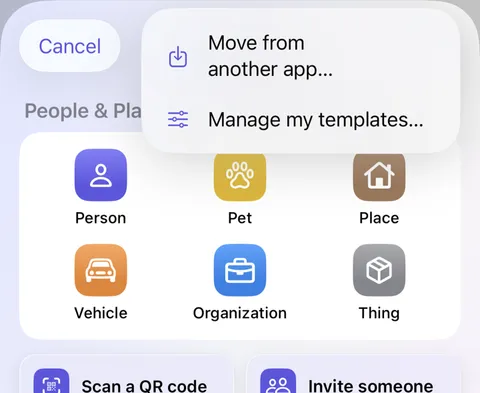
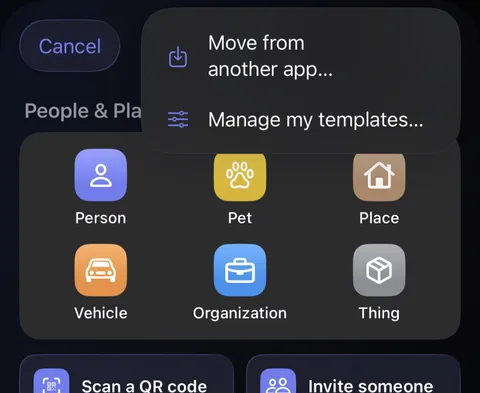
- On the home screen, tap the round at the bottom right. On the New sheet, tap at the top right, then Move from another app…. (It's also in Settings, under Devices & data, then Move to Didji.)
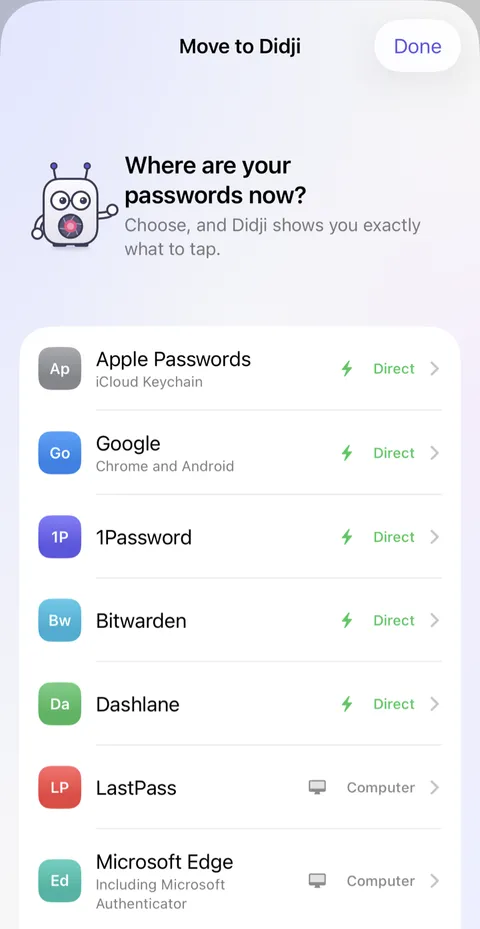
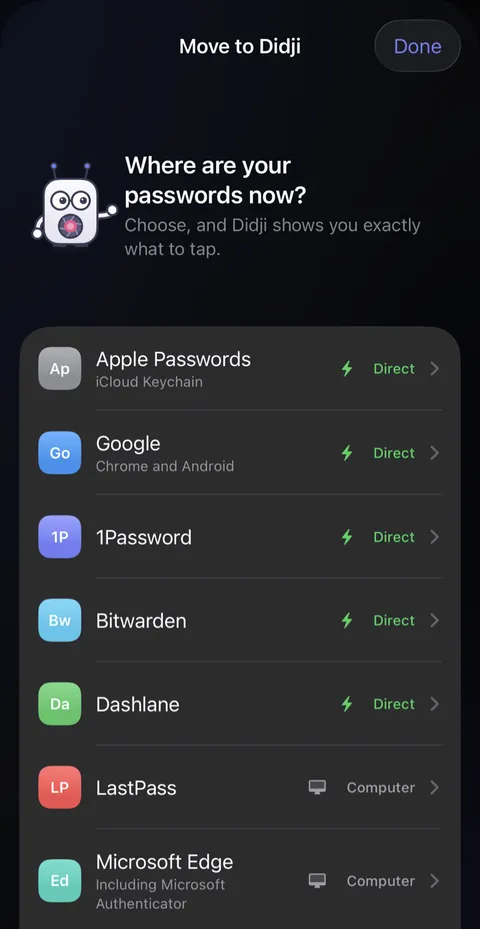
- Move to Didji opens and asks where your passwords are now. Apps marked Direct with a green bolt send straight across; apps marked Computer need one.
- Tap your app. Its page lists the steps to follow in that app, numbered, with the exact names of its buttons.
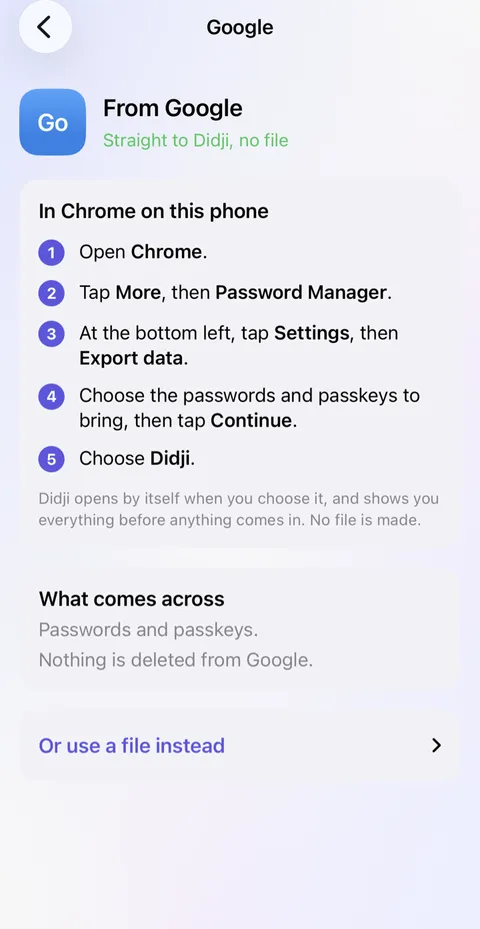
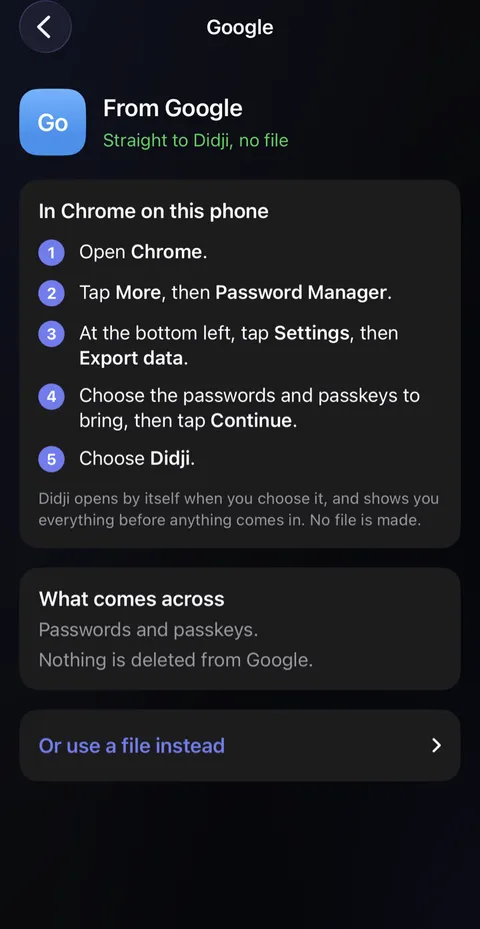
- Follow them. When the other app hands over, Didji opens by itself and shows you everything before anything comes in.
Moving to Didji
A short cartoon film in the Taylors’ kitchen. A letter arrives saying Sam’s password app subscription renews soon, and she imagines a mountain of boxes marked passwords, passkeys and codes. She opens Didji on her phone, unlocks it with Face ID, and Didji shows six logins ready to come across, then she taps Import. Login cards and the boxes fly from her old app into Didji, the old app shrinks away, and the renewal letter goes in the trash. The film ends on Didji’s icon and "Bring your passwords across. Pay once. Say goodbye to subscriptions!"
What’s said
- Another year, another renewal.
- Moving sounds like hard work.
- Her passwords come across in one go.
- Bring your passwords across. Pay once. Say goodbye to subscriptions!
Good to know
- Apple Passwords, Google, 1Password, Bitwarden and Dashlane send straight across, with no file.
- LastPass, Microsoft Edge and Firefox need a computer, and send a file. Didji offers to delete it once it's in.
- Nothing is deleted from the other app, so you can check everything arrived before you leave it.
- What came across belongs to you until you say otherwise. If some are someone else's, Whose are these? on the last page opens a list to check off theirs.
- If something you expected is missing, see An import missed things.
Next: Filling in passwords for you
See also
Still stuck?
Write to us at hello@didji.app, and tell us which device you’re using if you can.
Never send a password or your recovery code to anybody, us included. What we can’t do for you.