Help
Exposure Check


I look over your passwords and tell you which ones want attention, worst first. No telling off, just a list.
In Didji: Settings, then Tools, then Exposure Check
Exposure Check looks at every password in your vault and shows which ones could put an account at risk, so you know where to start. It runs on your phone; nothing is sent anywhere unless you switch on the breach check.
- On the home screen, tap the cog at the top left, then Exposure Check under Tools. Or tap its card at the top of the home screen when it has something to say.
- At the top, Didji says how many accounts are in good shape, with a bar showing the rest. Do this next suggests the single most useful thing to fix first.
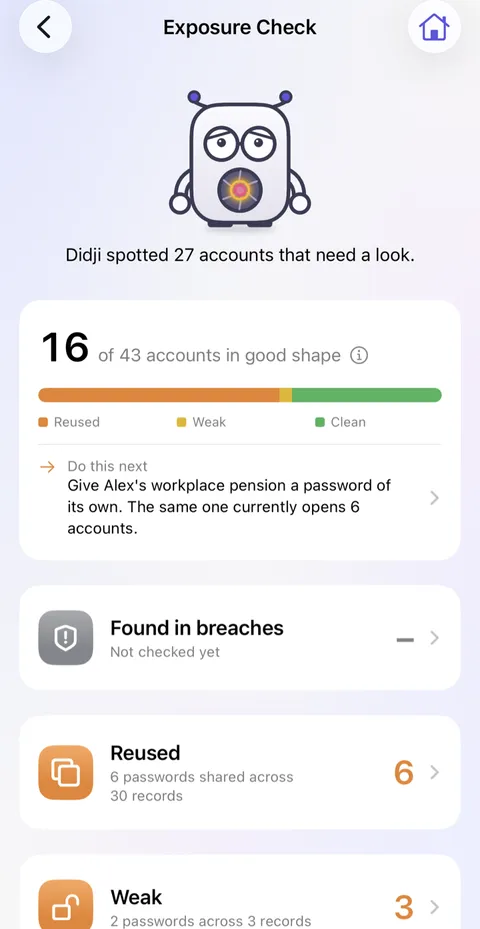
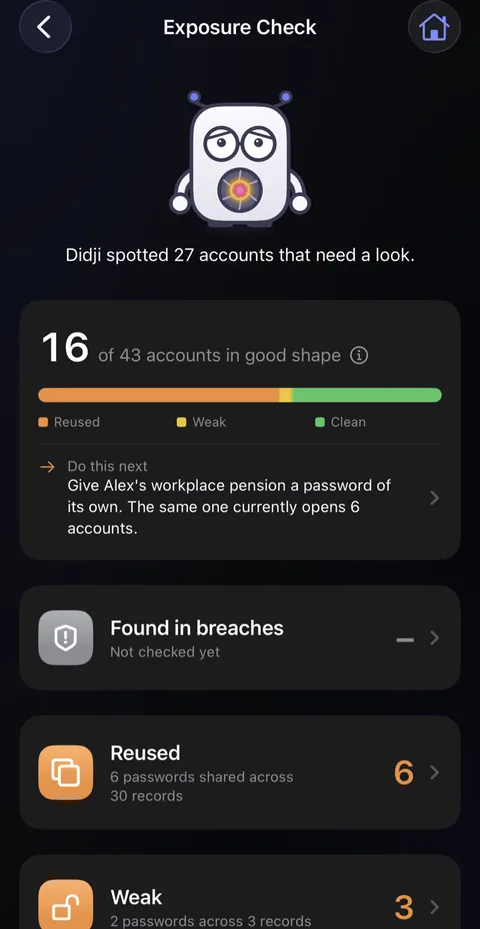
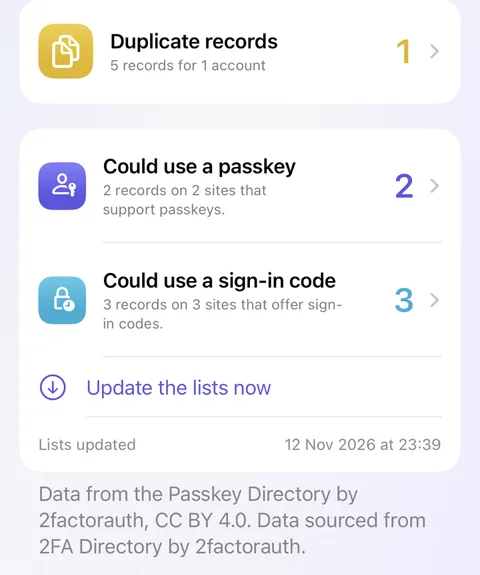
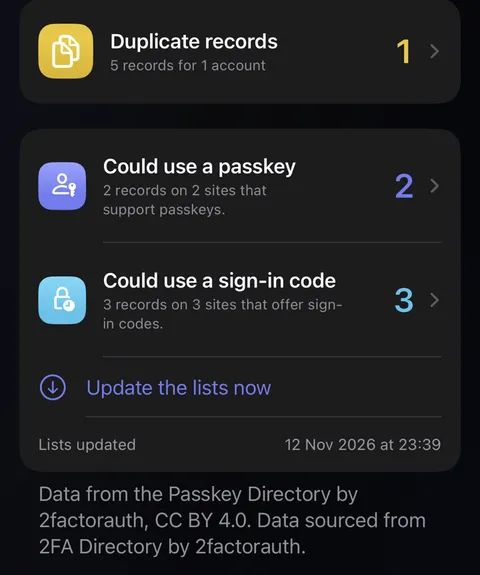
- Below are the cards: Found in breaches, Reused, Weak, Duplicate records and Unchanged for a long time, Not secure when a login's website address starts http://, and Could use a passkey and Could use a sign-in code when that check is on. Tap one to see what it means and which records it found. On Duplicate records, Tidy up all of these combines only records for one account that hold the same password and agree on everything else: each row names the record that stays and the ones that go, any row can be switched off, and the spares wait in Recently Deleted for 30 days.
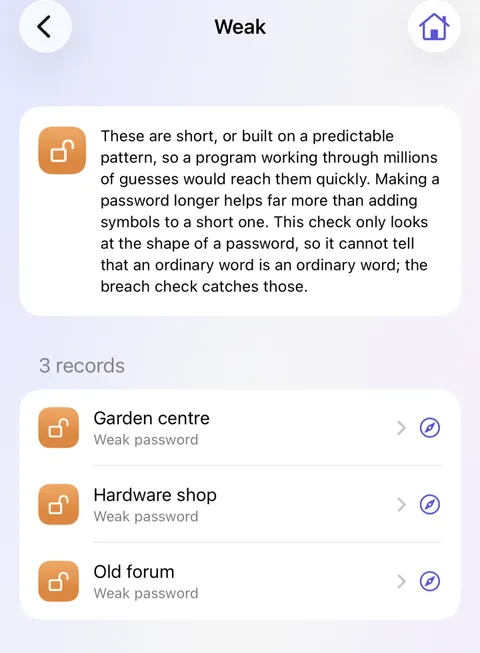
- Tap a record to open it, then change its password on the website and in Didji. The Password Generator makes a strong one; see Making a strong password.
Good to know
- Found in breaches works once Check for leaked passwords is on, under Privacy in Settings. It sends only a short scrambled fragment of each password, never the password itself.
- Archived records are left out.
- A finding you're content with can be ignored, and shown again later.
- Not secure lists logins whose address starts http://, where what you type can be seen on public Wi-Fi. Use https changes just that, and History can put the old address back. It and the two suggestions, Could use a passkey and Could use a sign-in code, never count against your accounts.
- After the free trial, Found in breaches and the two suggestions carry on, and the other cards, Not secure among them, wait for Didji to be bought; see After the trial, if you haven't paid.
See also
Still stuck?
Write to us at hello@didji.app, and tell us which device you’re using if you can.
Never send a password or your recovery code to anybody, us included. What we can’t do for you.