Help
Moving house, step by step


Moving is a lot to keep in your head. Hand it to me a box at a time, and I'll remember where everything went.
In Didji: The home screen: People & Places, then Life events, then Moving house
Your move takes you from the first box you pack to the last one you unpack, in three stages: Pack, Moving day and Settle in. Every box gets a number, a label and a list of what's in it, so on the day you know what's where, and afterwards your new home's rooms already know what's in them. You can stop at any point and carry on later; nothing is lost in between.
- Start the move. Open People & Places, tap Life events, then Moving house. Or open the place you're leaving, tap Something's changed, then Moving from here.
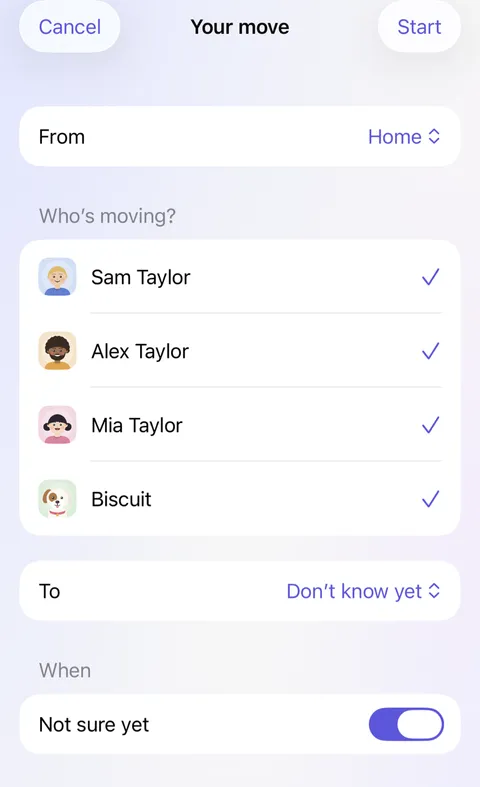
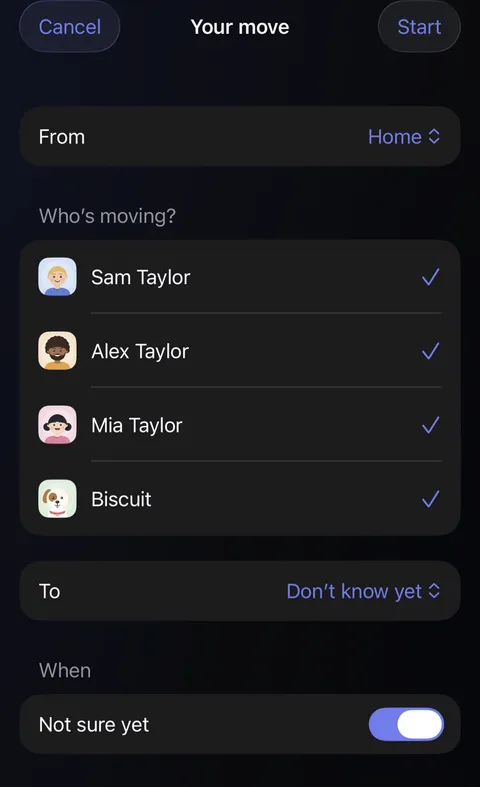
- Say who's moving and where to. From is the place you're leaving. Under Who's moving?, everyone who lives there is ticked; untick anyone who's staying. Choose To if you know where you're going, or leave it as Don't know yet and choose it later. Set the day under When, or leave Not sure yet on, and tap Start.
- Give the new place its rooms. On the move's page, once you've said where you're going, tap Same rooms as your old place. The new place gets the same rooms, so every box has a room to go to.
- Start a box. With Pack chosen at the top of the move's page, tap the room you're packing: a room under Not started yet, or New box on a room you've started. The box gets the next number and opens. Close it with nothing in it and it's gone again.
- Fill it. Type each thing under Type what you're packing: it drops into the box, ready for the next. Or tap Choose to tick what the room already has, such as a guitar. Press Return on an empty line when you've finished typing. Tap anything in the box to change how many, choose its room, or take it out. Goes to is the room the box belongs in at the new place, chosen for you where the rooms match. Switch on Fragile if it needs care, or Open first for the box you'll want that first night: the kettle, the mugs, the tea. Packing something for another room? Tap it in the box and choose its Room: it goes to its own room when you unpack, and the label says so.
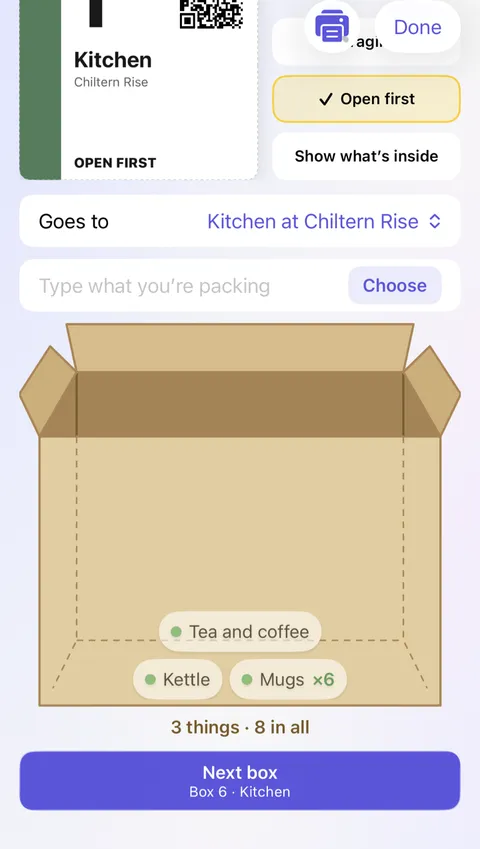
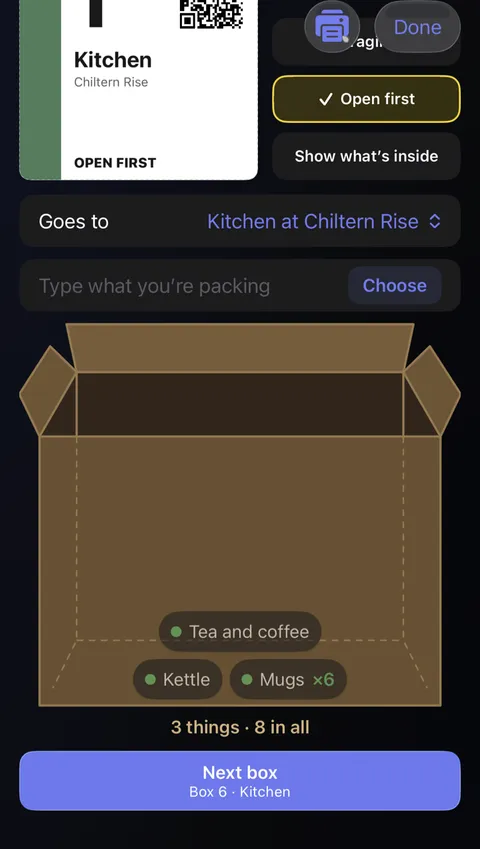
- Pack the next one. Tap Next box under the box to close it and start another going to the same room. Things too big for a box, such as a sofa, a bike or a pram, travel Not in a box: tap Add a thing at the end of Your boxes, then choose the room under Packed in. Tap a room's tile to see everything packed from it, or a box in Your boxes to open it; touch and hold a box to delete it. For odds and ends, tap New box on Mixed: its label says to open it in the hallway and lists the rooms inside.
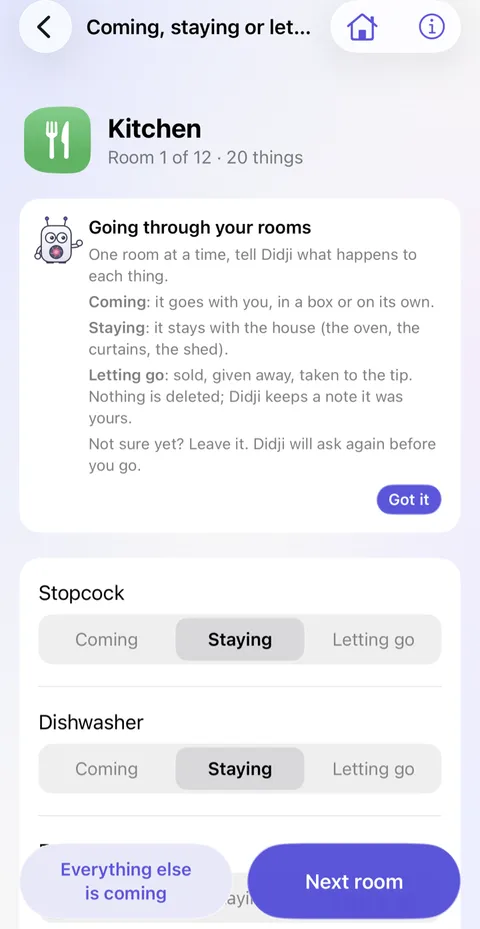
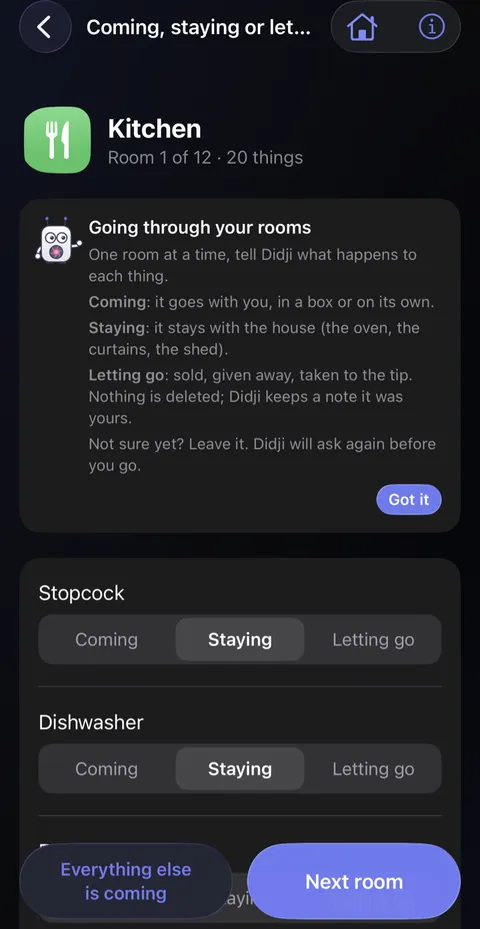
- Decide what's coming. Under Decide, tap Coming, staying or letting go and go through your rooms one at a time. Coming goes with you, Staying stays with the house (the oven, the curtains), and Letting go is sold, given away or taken to the tip. Everything else is coming answers the rest of a room in one tap. Not sure about something? Leave it, and Didji asks again before you go.
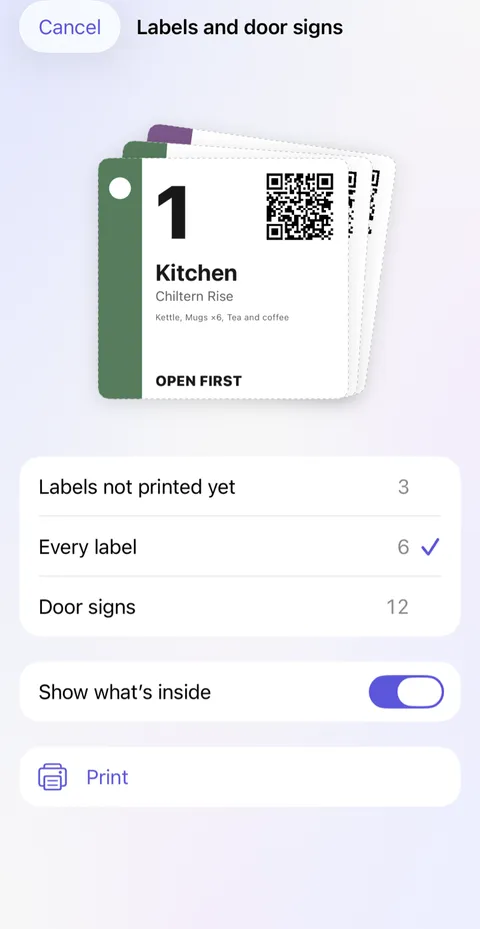
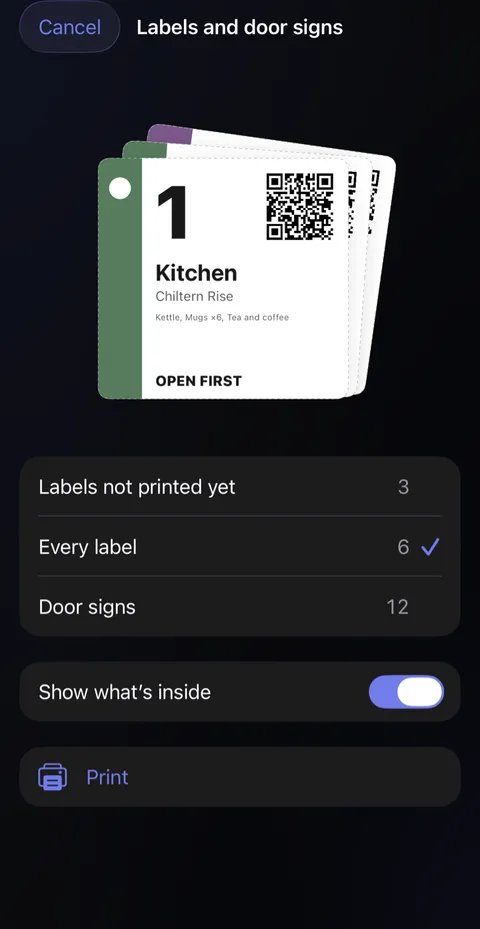
- Print the box labels. Under Label, tap Labels and door signs, choose Labels not printed yet or Every label, and tap Print. Each label shows the box's number, the room it's going to, and a code for the phone's camera, with Fragile or Open first where you chose them. Switch on Show what's inside to list the contents too. The coloured band and its shape belong to the room, so anyone can match a box to its room at a glance, without reading a word.
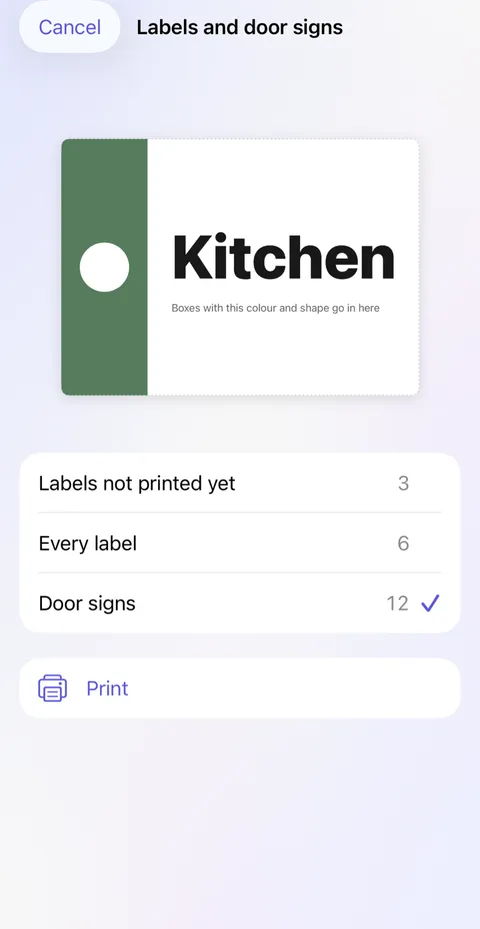
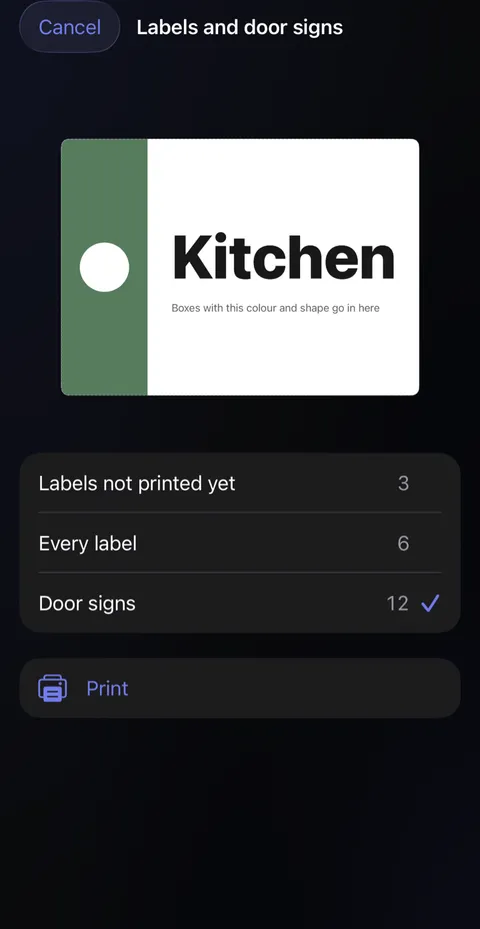
- Print the door signs. Choose Door signs and tap Print: one sign for each room at the new place, in the same colour and shape as its boxes' labels. Put them up on the day, before the boxes come in, so whoever carries them knows where each one goes.
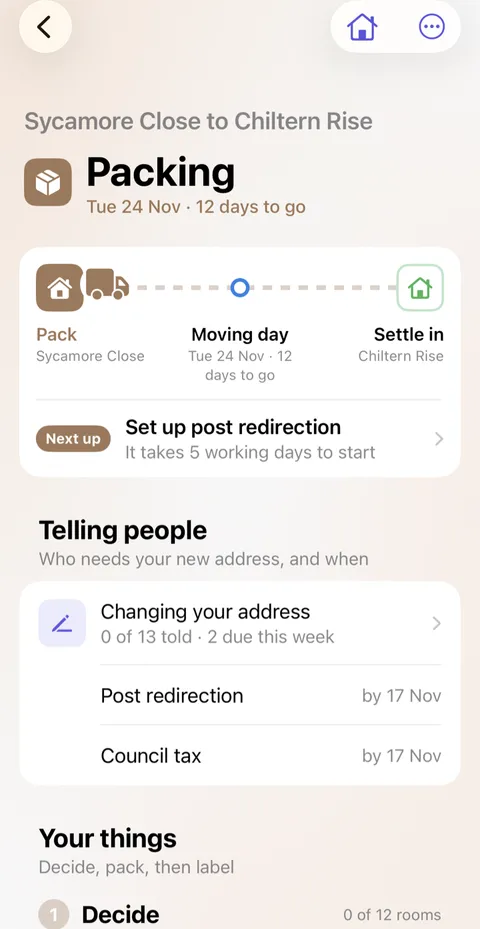
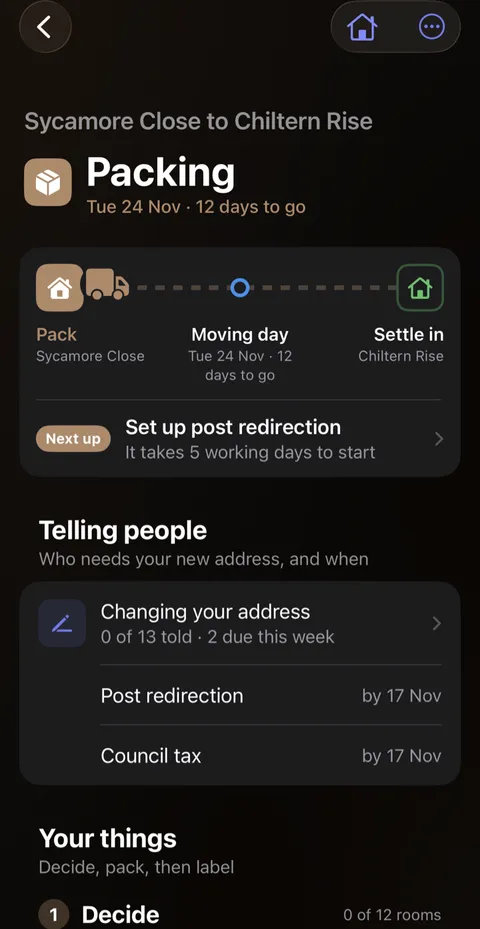
- Tell people your new address. Under Telling people, tap Your address in your records (once you've started, it says Changing your address, with how many you've told and the next two to do). The list goes in order of when, Before you go, On the day and Once you're in, each with the day it's due by, counted from your moving day. Didji can't tell anyone you've moved, so let each one know yourself. For a record holding your old address (your bank, your doctor, a website), tap I've changed it once you've told them, and Didji changes it in Didji too. The list also has the usual ones Didji keeps no record for, such as redirecting your post or registering at your new address: the ones before you go come from the country you're leaving, and the ones once you're in from the country you're moving to. Tap the circle once you've told them, Official page to go there, or Doesn't apply. Your family's own records come last. The list waits on the home screen until you're done.
- On the day. Tap Moving day at the top of the move's page. Telling people shows anyone due on the day. Under Load, tap Scan as they come in and point the camera at each label as its box is carried in: Didji ticks it off and puts it in its room. Or tap a box's number and choose where it is now.
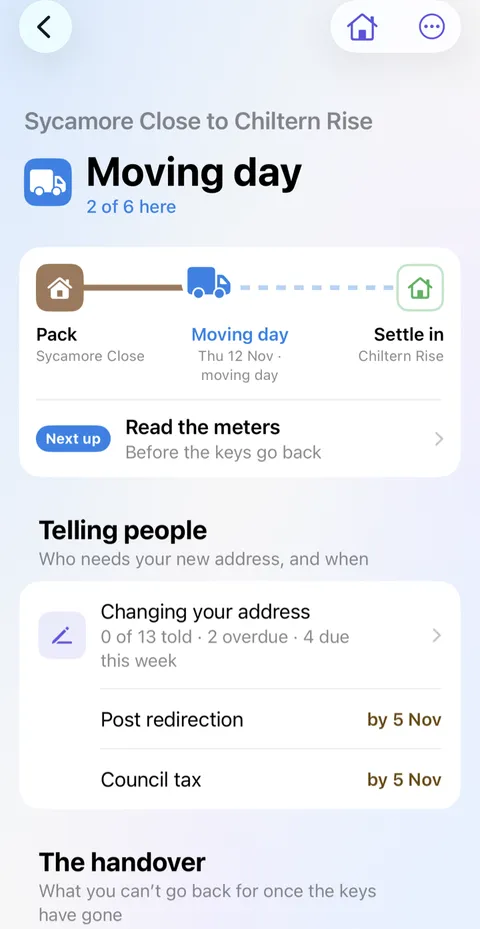
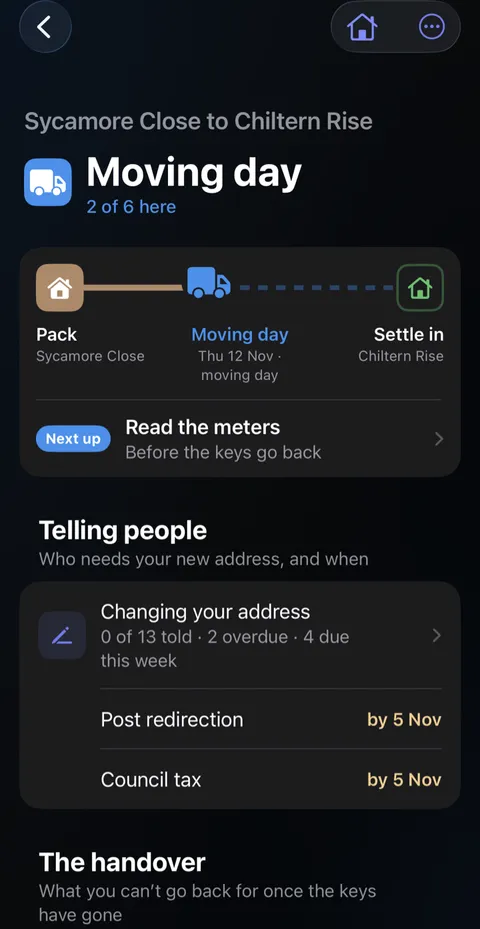
- The handover. Under The handover, Before you leave walks you round the old place a screen at a time: a photo of each meter with its reading, a last look round each room (with where things get left behind), the keys and who they went to, and a note for the next people. When you arrive does the same at the new place: the meters (with Start a Utility account where you have none), where the stopcock, fuse box, gas valve and boiler are, each room as you found it, the keys and who else has a copy, any codes (kept hidden) and the manuals left behind. Skip is always there, and a walk left half-way opens where you stopped. It all becomes ordinary records of the place: a Meter reading for each meter, one record of each walk with its photos, and each shut-off as a thing in its room, so a search for the stopcock finds where it is.
- The old place is empty. Under Check, when everything's out, tap the button saying the old place is empty. Didji first asks about anything you haven't decided, then lists anything that hasn't arrived.
- Settle in: unpack. On the Settle in stage, Unpack lists each room at the new place with how many of its boxes are unpacked. Tap a room, then Unpacked on a box to put everything in it into its room at the new place, or Keep boxed for the box you'll get to one day. Anything packed for another room goes to that room instead.
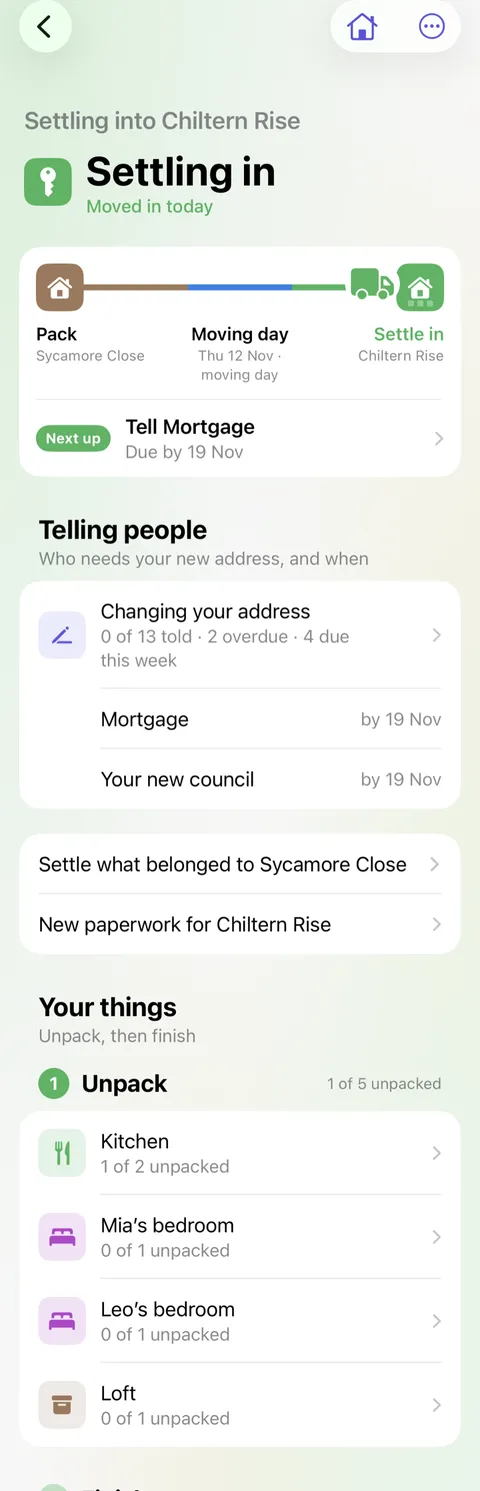
- Settle the old place, start the new one. Tap Settle what belonged to your old place, and choose for each record (the council tax, the home insurance, the broadband) whether it moves with you, stays as a record of the old place, or is archived. Then tap New paperwork for your new place to add what it needs.
- Finish. When everything's in, tap Finish the move under Finish. Didji says who's moving and who's staying before anything changes. You can also finish from the menu at any time: any box or thing not marked in yet is marked in at the new place, and Didji names them first. If everyone who lives at your home moves, the new place becomes Home and the old one is kept as somewhere you've moved out of; the move goes on the timeline either way.
The house move
A short cartoon film of moving day. Sam wonders who needs to know the new address, and Alex holds up a box wondering which one has the kettle in it. Sam opens Didji on her phone: the move’s list of who to tell, some already ticked, and each room’s boxes with what is in them. Letters fly to a bank, a surgery and a school, and at the new house Alex finds the kettle. The film ends on Didji’s icon and name.
What’s said
- Moving house. Who needs to know?
- And which box is the kettle in?
- Didji lists who to tell.
- And what’s in every box.
- The vault that knows you’ve moved house.
Good to know
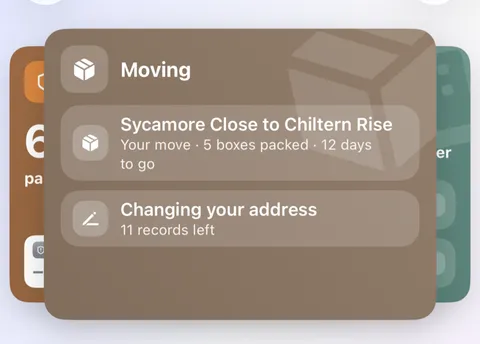
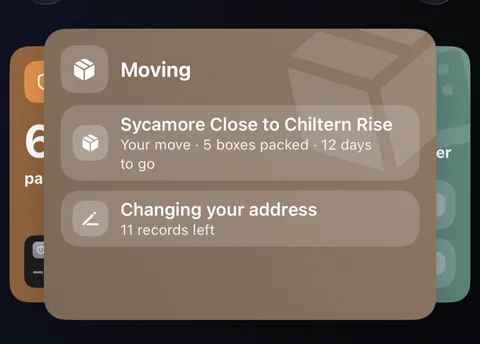
- While a move is under way, it waits in the Moving card at the top of the home screen, with your address change and the old place's list beneath it, and folds away with the other cards.
- Next up, at the foot of the road, says the one most useful thing to do next, and why, starting with anyone you're due to tell within the week; tap it to go straight there. The menu at the top of the move's page changes the day, where you're going or who's moving.
- What you let go of is kept as a note that it was yours. Take out puts something back in its room, but a line typed into a box has no room of its own, so it's removed. Call off this move removes its boxes, and anything added by name alone, such as a sofa, but leaves everything that was in the boxes where it is.
- Got more than one of something? Type 6 mugs, then tap Make it Mugs ×6. When it goes in a box, Didji asks how many; the rest stay in the room to pack later.
- You can print this article to keep beside you on the day: tap at the top right.
See also
Still stuck?
Write to us at hello@didji.app, and tell us which device you’re using if you can.
Never send a password or your recovery code to anybody, us included. What we can’t do for you.