Help
Making my own template


Lay a record out the way you like it once, and I'll offer that layout to you whenever you want it.
The built-in templates cover the usual things, but your life will have its own: a boiler service, a club membership, a kind of account nobody else has. Make one record the way you like it, and save its layout as your own template.
- Open a record laid out the way you want, with the fields in the right order.
- Tap at the top right, then Save as template.
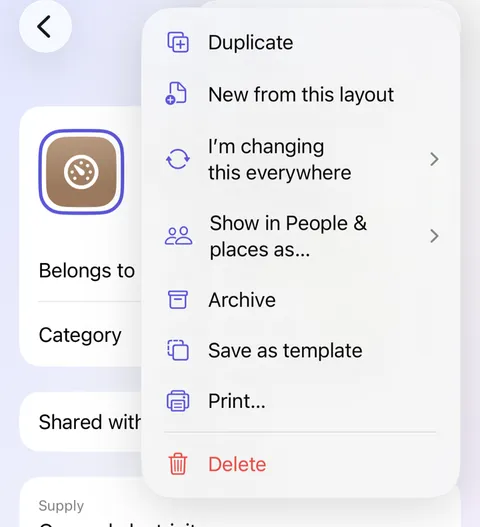
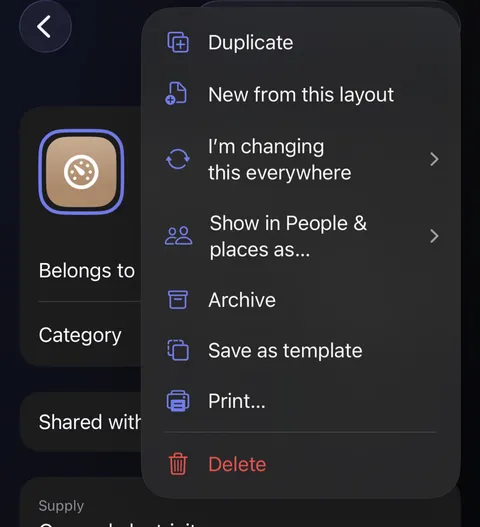
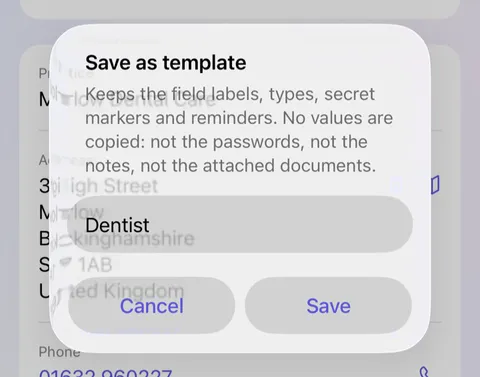
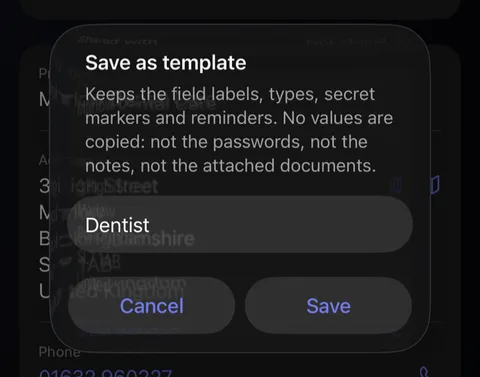
- A box asks for a name. It starts as the record's title; change it to say what kind of thing this is, such as "Appointment", and tap Save.
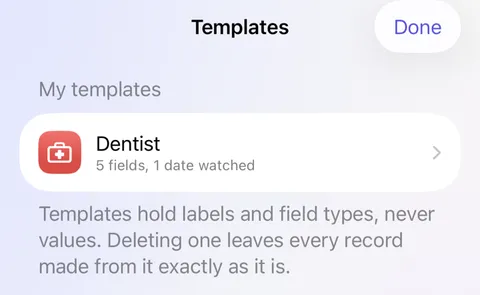
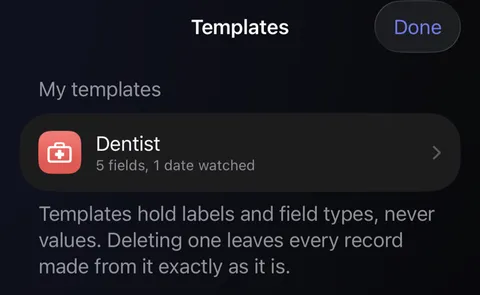
- Your template now waits on the New sheet, ready for next time. To rename, change or delete it, tap on the New sheet, then Manage my templates….
Good to know
- Only the layout is kept: the field names, their types, which are hidden and which dates remind you. No values are copied, not passwords, not notes, not documents.
- New from this layout, in the same menu, makes one new record with the same fields without saving a template.
- Deleting a template leaves every record made from it exactly as it is.
- Touch and hold a template, here or on the New sheet, and choose Print blank form to put it on paper for somebody to fill in by hand.
See also
Still stuck?
Write to us at hello@didji.app, and tell us which device you’re using if you can.
Never send a password or your recovery code to anybody, us included. What we can’t do for you.