Help
Finding things


Give me a word (a name, a website, a number off a letter) and I'll look through everything you've kept, scans included.
In Didji: The home screen: Search vault, the long box at the bottom
Search looks through the whole vault at once: titles, notes, the names of boxes you've filled in, everything you've typed that isn't hidden, and who each record belongs to. It reads inside your scans and PDFs too, so a word printed on a letter you scanned can be found as well.
- On the home screen, tap Search vault, the long box at the bottom, beside the round . The keyboard comes up, and the box rises to sit just above it.
- Start typing. The list above narrows as you type, to the records that match, still grouped by category.
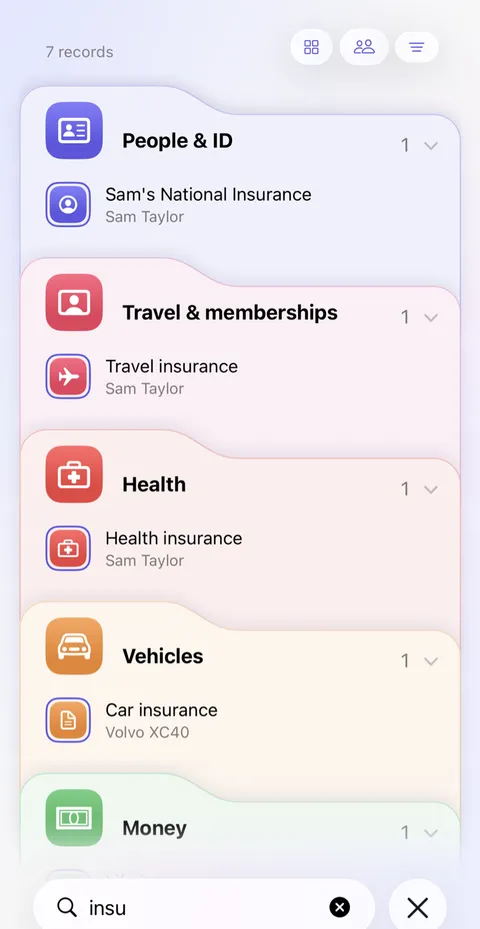
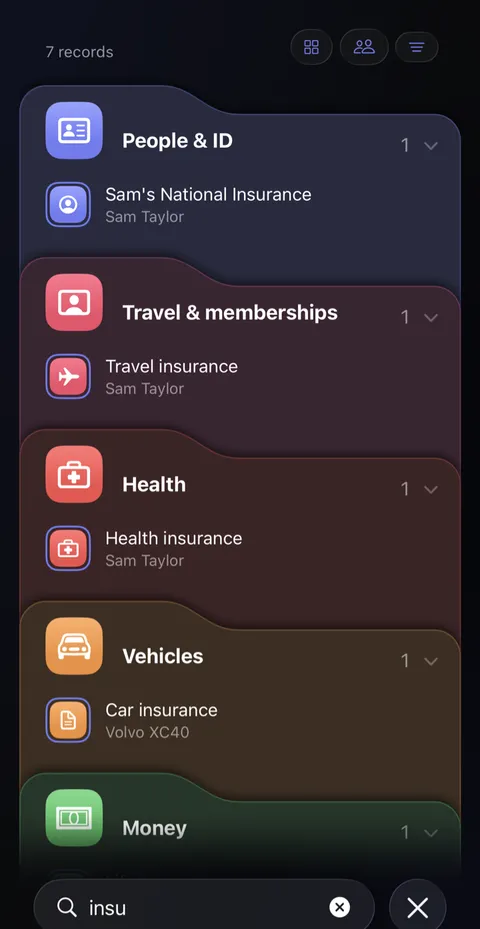
- Words found inside a document appear further down, under Found in documents, with a few words either side of the match. Tap one to open that document.
- When you've finished, tap the round beside the box. The search closes and the whole vault is back.
Good to know
- Hidden values, like passwords, are never searched. Search for the record's name or its website instead.
- Archived records are found too. Records in Recently Deleted aren't.
- Words in documents need at least three letters. They're read on this phone and never sent anywhere.
- To narrow the list without typing, use the three small round buttons above it: by category, by who it belongs to, and for the rest, such as your tags and the three Recent filters, each one list in its own order: Recently added (what came into Didji in the last 30 days), Recently used (what you've opened, copied from or filled on this device lately) and Most used.
- Touch and hold a record on the home screen, then tap Pin to top. Swipe a record to the right for Favourite, or Reuse, which starts a new record with the same boxes and none of the values. Pin a person or a pet and they become a card at the top of the home screen, beside any pinned payment card, with their picture, who they are, and the day and month of their birthday, never the year. Turn it over with a long press, for Call, Message and Email and a button to their page. Tap the pin in its top corner for Unpin from top. Pinned people and pets take none of the Pinned card's three rows.
See also
Still stuck?
Write to us at hello@didji.app, and tell us which device you’re using if you can.
Never send a password or your recovery code to anybody, us included. What we can’t do for you.